


 Author: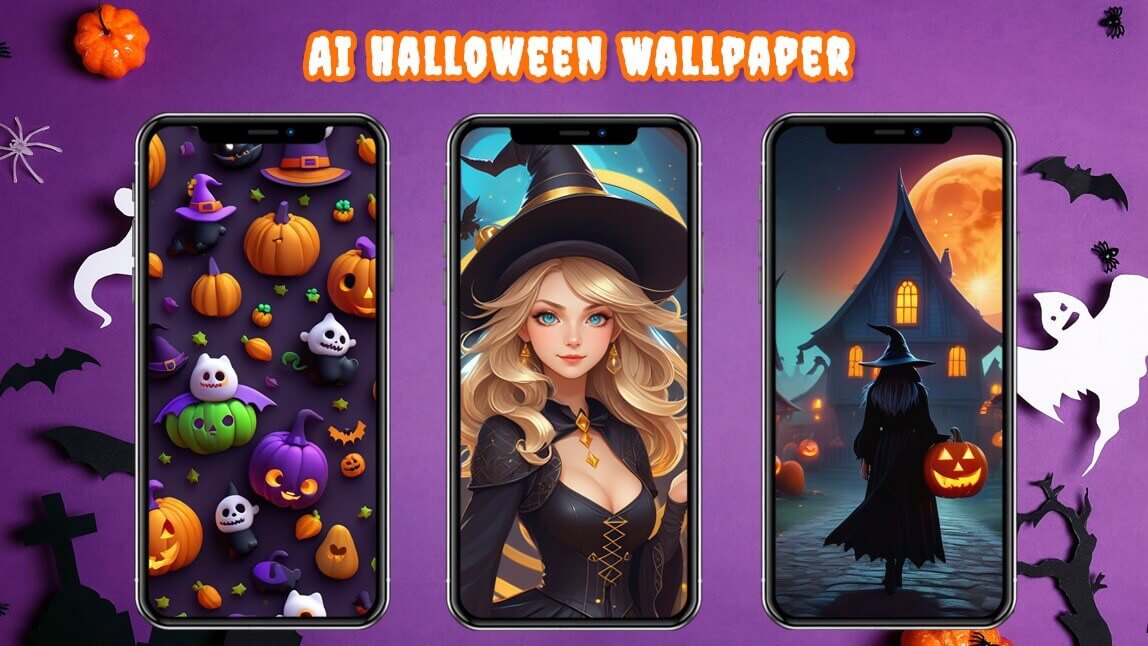
Halloween 2026 is just around the corner, and it's time to start thinking about decorating your phone with some spooky wallpapers. In this blog post, we'll introduce you the best Halloween wallpaper generator and discuss some of the best Halloween wallpaper ideas. So, grab your phone, and let's get started!


🧪 How I tested this: For this Halloween 2026 update, I made a set of lock-screen and home-screen wallpapers in YouCam AI Pro, working through each idea below — cute, spooky, scary, happy and cool. I tried different prompts, styles and image ratios, then set the results on my own phone to see how they looked behind the clock and app icons. Some wallpapers that looked great in the preview felt too busy once icons were on top, and that changed how I write prompts now. Here's what worked and what I'd do differently.
Best AI Halloween Wallpaper Generator for iPhone & Android: YouCam AI Pro
YouCam AI Pro is an AI-powered app that allows you to turn your text into images. You can easily create your very own Halloween wallpaper with the core features below:
- Text to Image AI Generator
- Various AI-Generated Image Styles
- Halloween Background Generator
- 7 Image Ratio Options
Generate Halloween Wallpaper from Text

You can generate unique Halloween wallpapers by typing in your favorite Halloween phrases or quotes to generate Halloween wallpapers. YouCam AI Pro will then generate a Halloween-themed wallpaper with your text This feature allows you to create personalized and unique wallpapers for your phone.
🧪 My test notes: Short, visual prompts worked better for me than long quotes. Describing the scene ("a glowing jack-o'-lantern on a misty porch at night") gave cleaner wallpapers than asking for a full sentence of text in the image, which the AI doesn't always spell perfectly.
Various AI Art Styles for Halloween Wallpapers
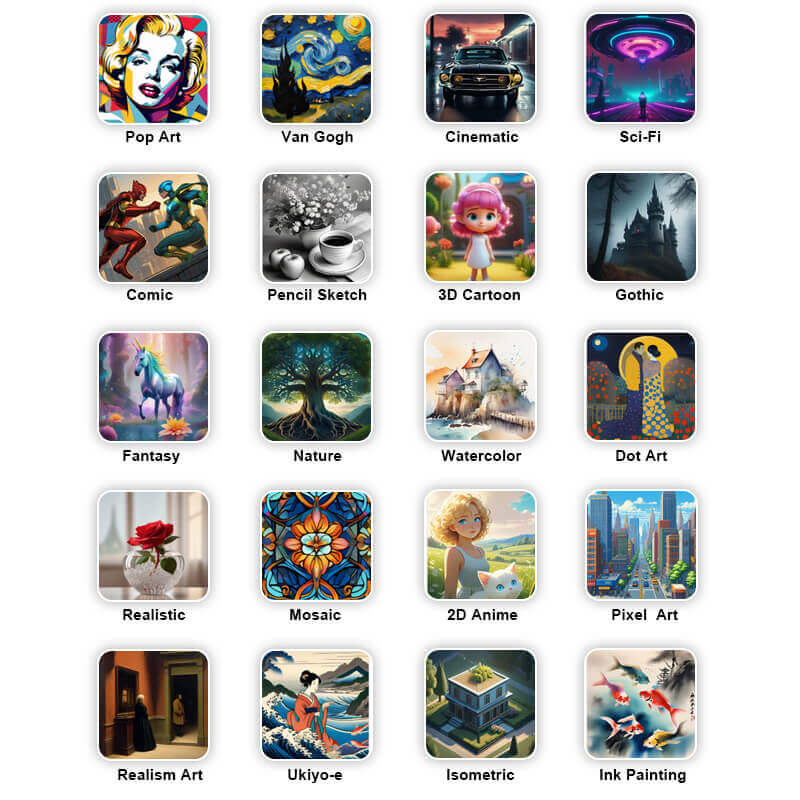
YouCam AI Pro has various AI-generated image styles that you can choose from. These styles include cartoon, sketch, oil painting, watercolor, and more. Each image style has its own unique characteristics, and you can choose the one that suits your Halloween wallpaper idea. For example, you can generate a cute Halloween wallpaper with a cartoon style or a spooky one with a sketch style.
Horror Styles for Best Halloween Wallpaper
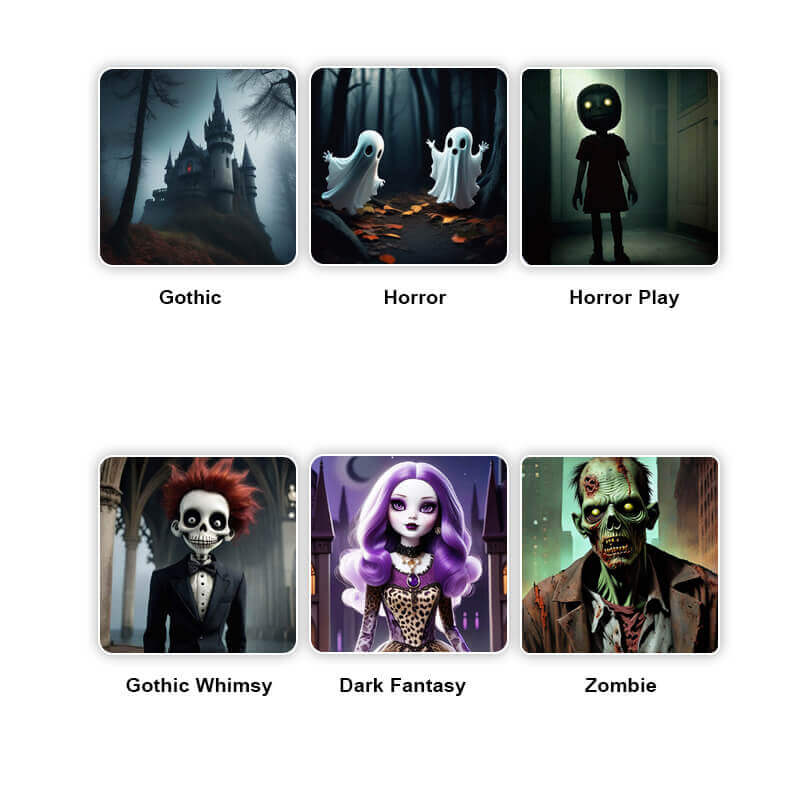
YouCam AI Pro offers 6 different scary art styles, each designed to give your images a unique and terrifying twist.
Best AI Halloween Background for iPhone & Android
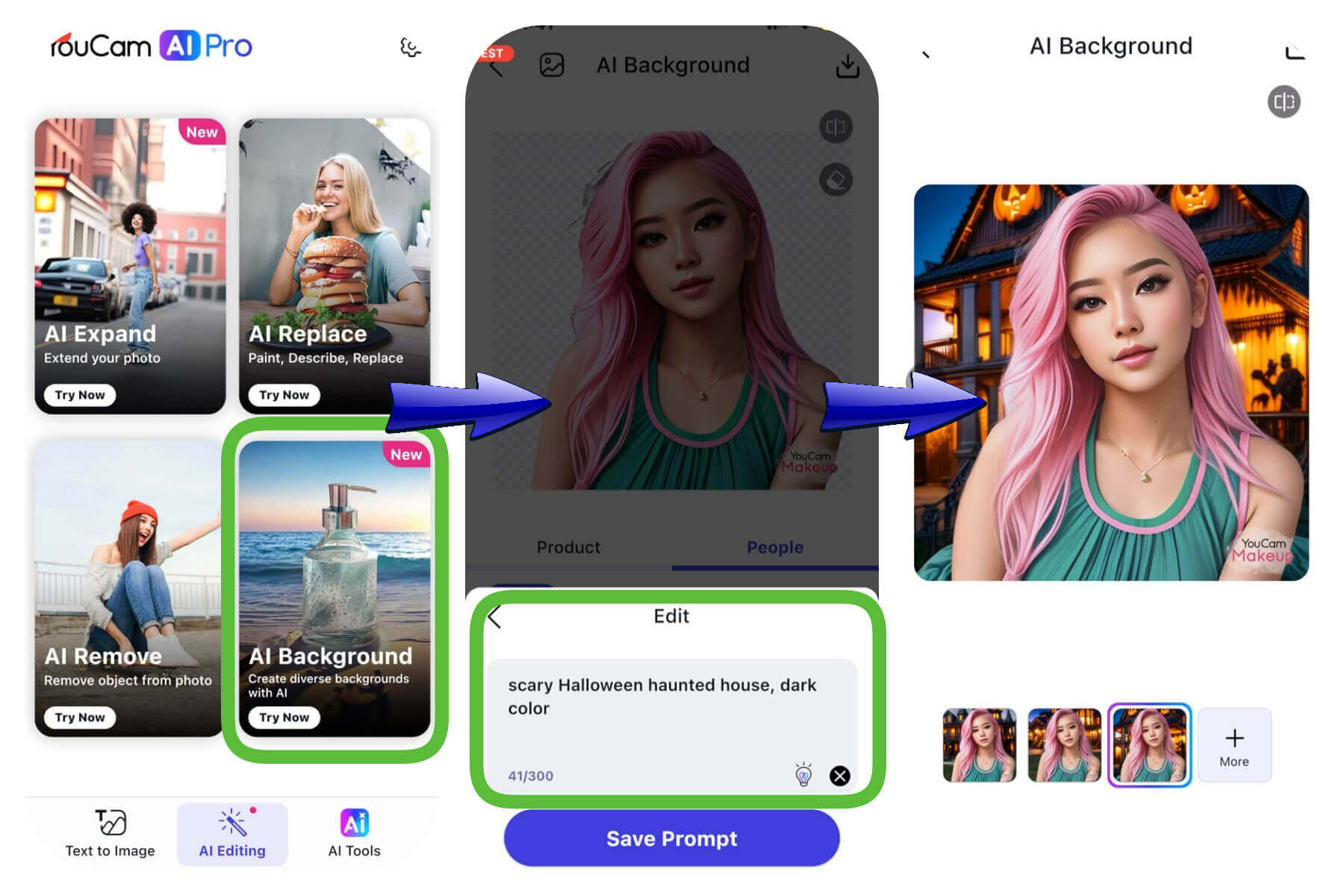
For a spooky touch this Halloween, try YouCam AI Pro for the best AI-generated backgrounds on iPhone and Android. From haunted houses to creepy forests, YouCam AI Pro offers stunning text to image to simply create your ideal Halloween background by text input, to make your phone stand out.
7 Image Ratio Options for Halloween Wallpaper
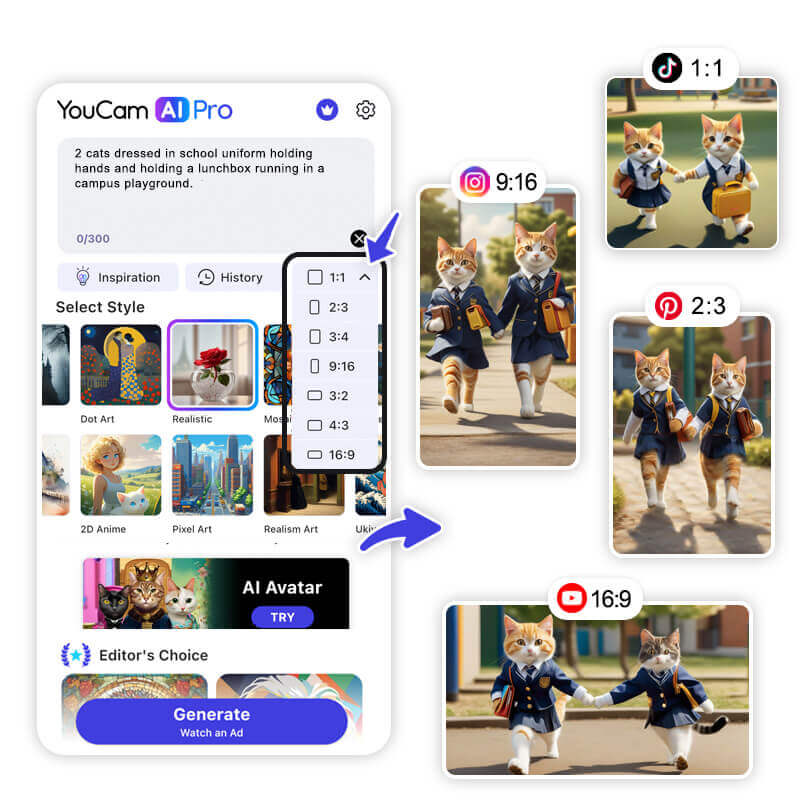
YouCam AI Pro offers 7 image ratio options that you can choose from when generating your Halloween wallpaper. These options range from square to widescreen, and each one provides a different perspective for your wallpaper. You can choose the ratio that best fits your phone's screen or your desired layout. This feature allows you to customize your wallpapers to fit your phone perfectly.

🧪 My test notes: The ratio made a bigger difference than I expected. Square images looked great in the app but got cropped awkwardly on my lock screen, so I now always pick the tallest portrait option before generating instead of cropping afterward.
Best AI Halloween Wallpaper Ideas for iPhone & Android with YouCam AI Pro
- Cute Halloween Wallpaper
- Spooky Halloween Wallpaper
- Scary Halloween Wallpaper
- Happy Halloween Wallpaper
- Cool Halloween Wallpaper
Cute Halloween Wallpaper

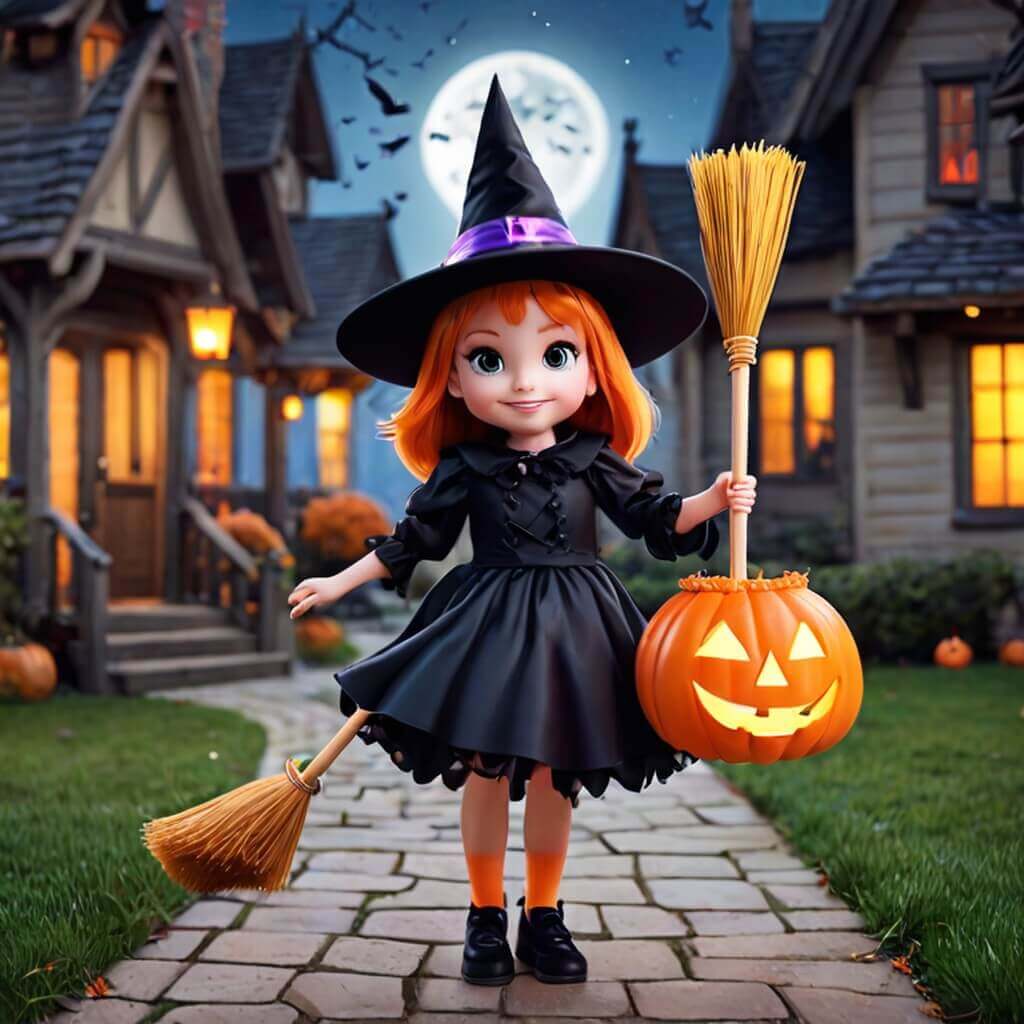
If you're looking for a cute Halloween wallpaper idea, you can generate an image with your favorite Halloween-themed pattern using YouCam AI Pro's text-to-image generator. You can mention a pumpkin, a ghost, or a bat in your text and choose a 3D Cartoon or Anime image style to create a cute wallpaper.
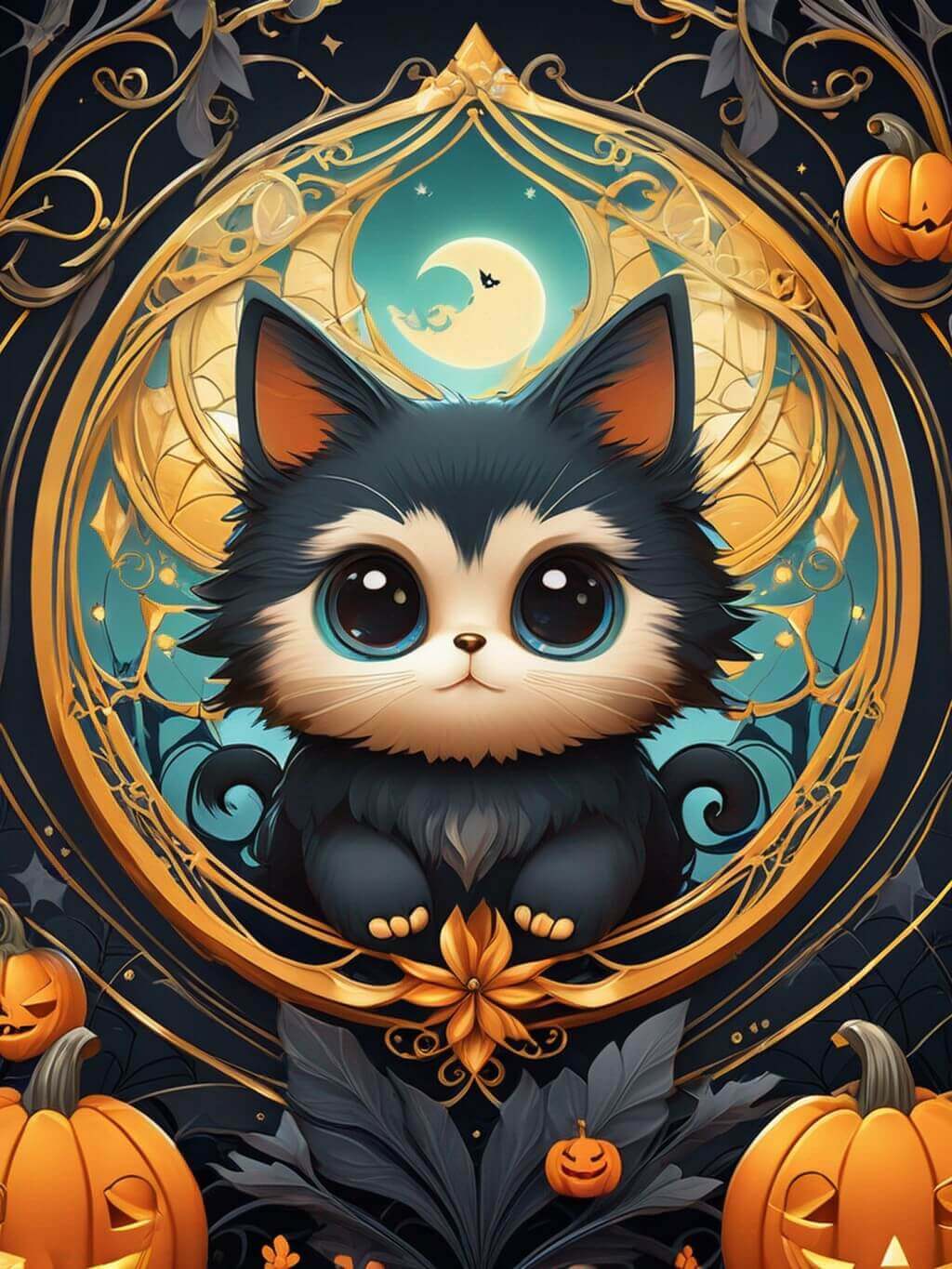
🧪 My test notes: Cute wallpapers were the easiest win. 3D Cartoon gave me soft, rounded ghosts and pumpkins that stayed readable behind app icons, and adding "pastel" or "simple background" to the prompt kept the home screen from feeling cluttered.
Spooky Halloween Wallpaper

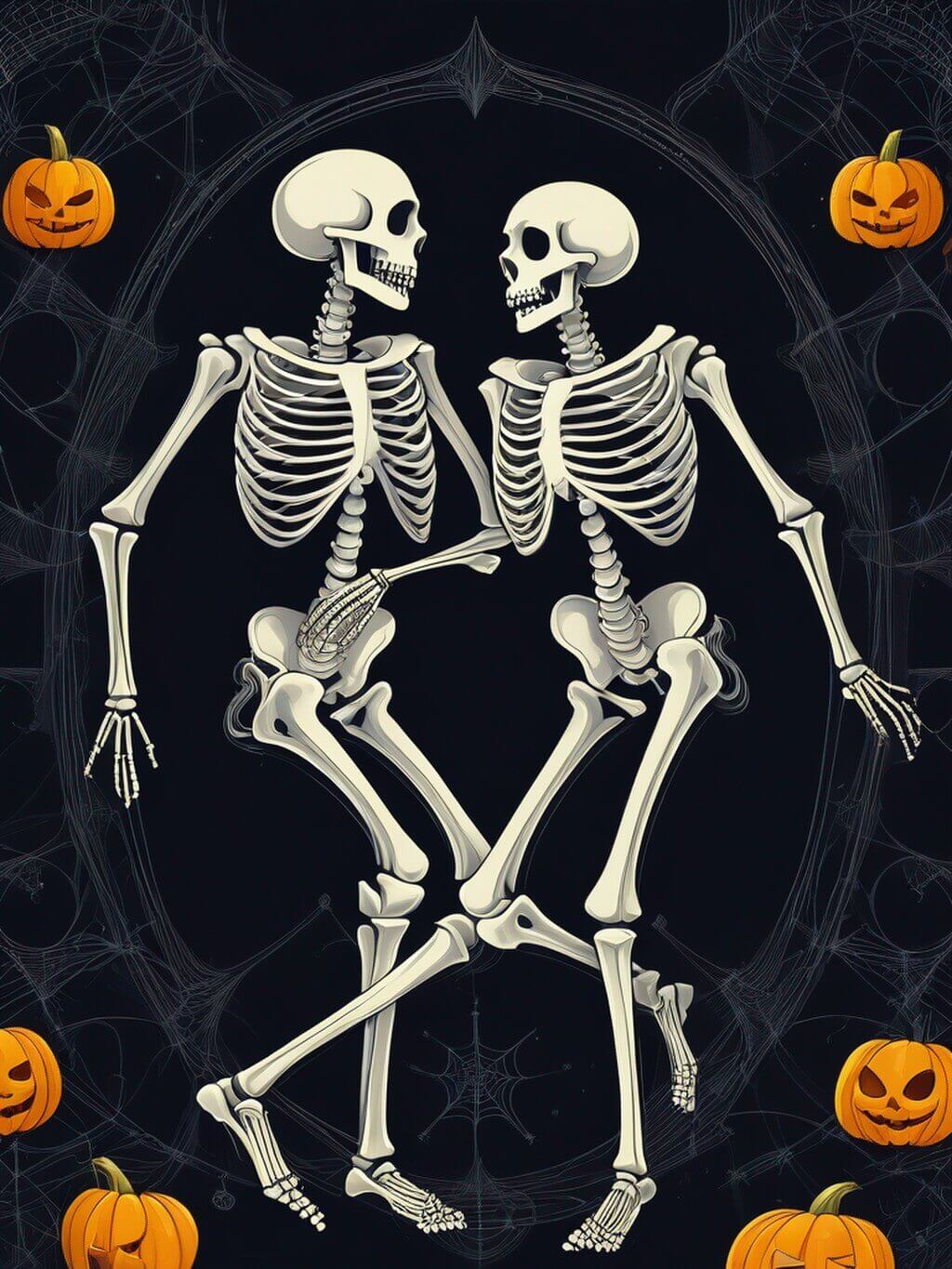
For a spooky Halloween wallpaper, you can generate an image with the text "Boo" or "Trick or Treat" using YouCam AI Pro's text-to-image generator. You can choose a dark image style such as Cinematic, Sci-fi, and more to create a spooky atmosphere. You can also add some bats or ghosts to your wallpaper to make it even spookier.
Scary Halloween Wallpaper

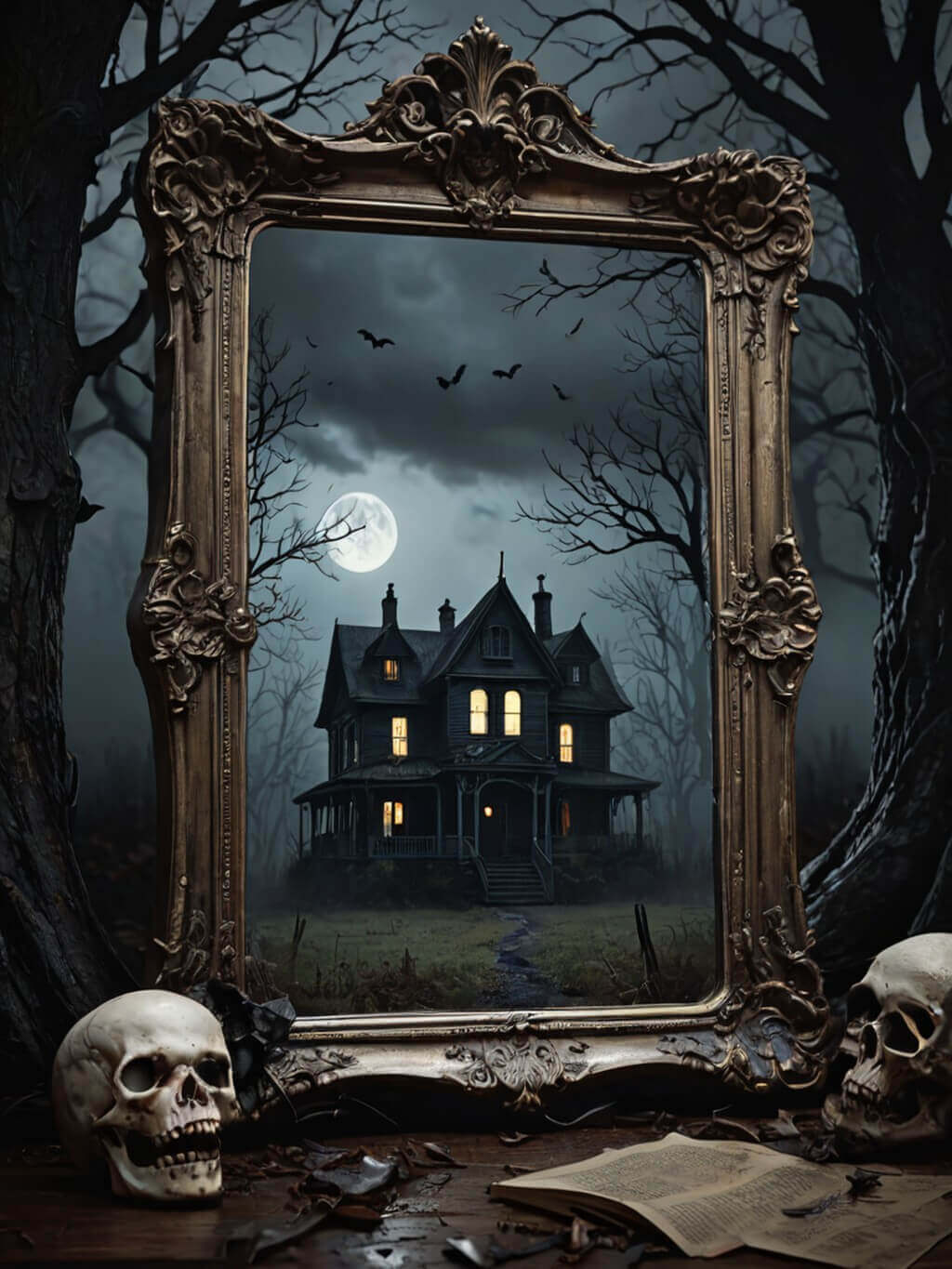
If you want to go all out with a scary Halloween wallpaper, you can generate an image with a scary phrase or quote using YouCam AI Pro's text-to-image generator. You can choose a dark image style such as Gothic and add some blood or scary images such as skulls or witches to your wallpaper to create a scary effect.
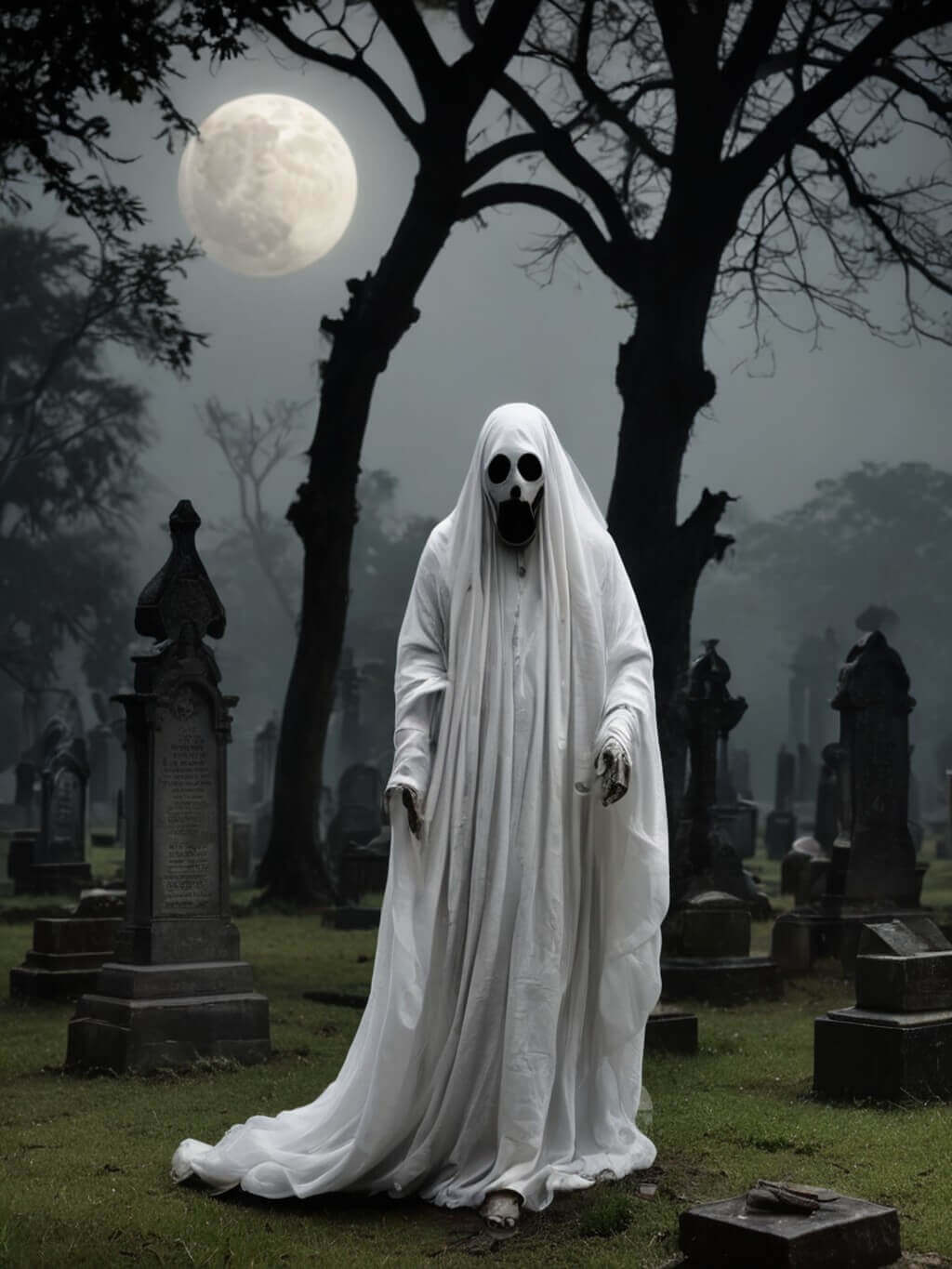
🧪 My test notes: The Gothic results were striking, but very dark, detailed scenes made my icons and notifications harder to read. For a scary home screen I'd keep the scene dark but add a clear focal point, like a single skull or a witch silhouette against the moon.
Happy Halloween Wallpaper
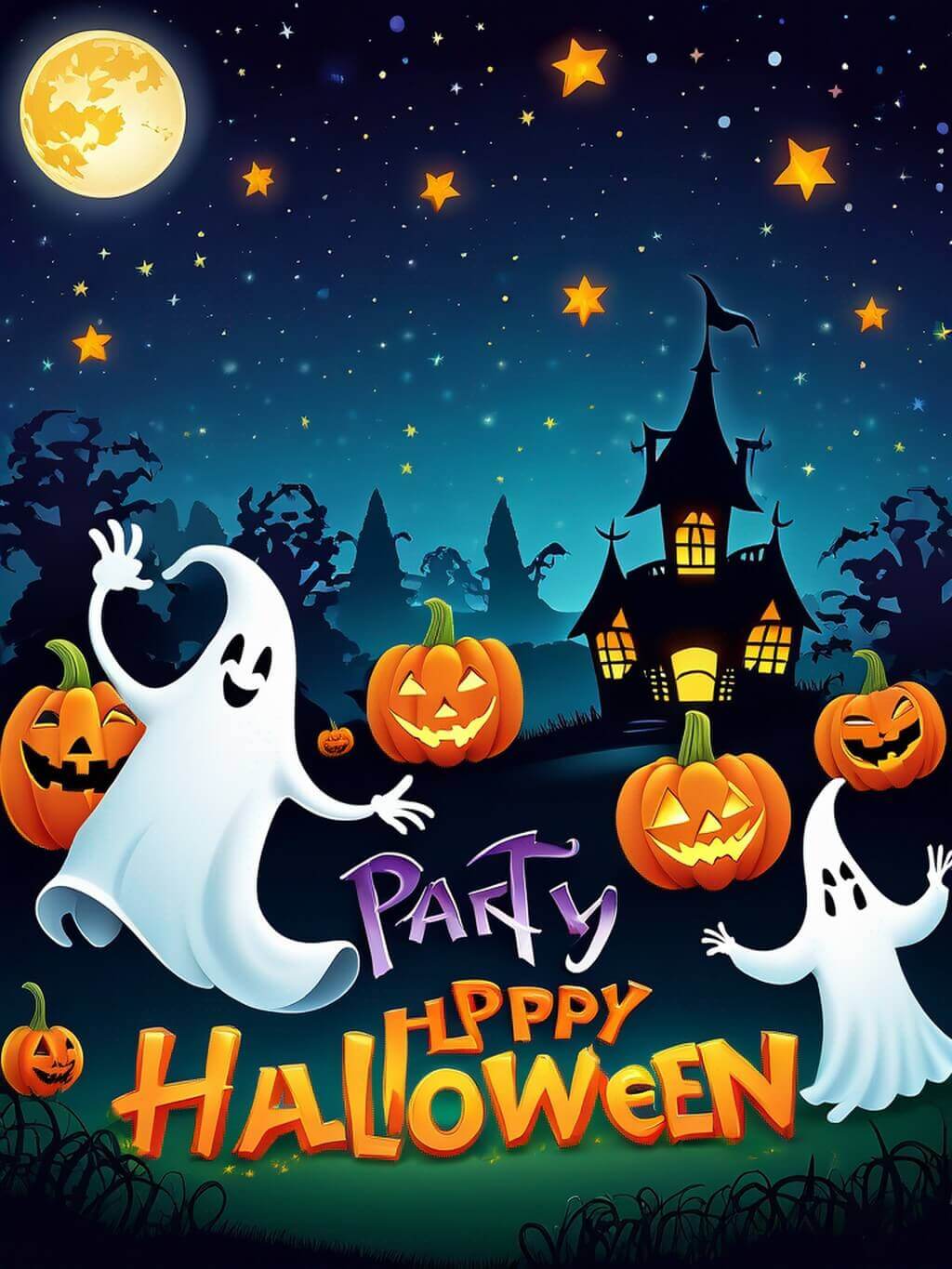
Use the text-to-image feature to design a spooky scene with glowing jack-o’-lanterns, eerie moonlight, and fluttering bats. Just describe your vision, and YouCam AI Pro brings it to life, adding a magical touch to your screen. Embrace the Halloween spirit with a personalized wallpaper!
Cool Halloween Wallpaper
Transform your phone with the coolest Halloween wallpapers using YouCam AI Pro! Create stylish and eerie backgrounds featuring sleek haunted houses, chic pumpkins, and trendy ghostly figures. Just upload your images, apply the cool Halloween style, and give your phone a fashionable spooky makeover.


🧪 My test notes: For a cool, stylish look, prompts built around one color accent — like orange glow on a black haunted house — felt more modern than busy full-color scenes. I'd generate a matching lock-screen and home-screen pair from the same prompt so they feel like a set.
How to Make Halloween Wallpaper with iPhone & Android
Generating spooktakular Halloween wallpaper with the most advanced AI photo generator can be super easy. Follow these easy steps to turn text into eye-catching images:
- Step 1: Download the YouCam AI Pro
- Step 2: Enter Your Prompt to Generate AI Pictures
- Step 3: Select AI Styles for Your AI Image
- Step 4: Save and Share Your AI Picture
Download the AI Halloween Wallpaper Generator
The first step is to download and install the YouCam AI Pro. The tool is available for download on iOS & Android.
Enter Your Prompt to Generate Halloween Wallpaper

After installing, open the app, and enter the text prompt relevant to your design. You can input a word, phrase, or even a sentence to see how the AI image generator interprets your ideas.
🧪 My test notes: My best prompts followed a simple pattern: subject, setting, mood, and where the subject sits in the frame. Adding "subject in the lower half, empty sky at the top" left space for the clock on my lock screen.
Select AI Styles for Your Halloween Wallpaper

Once you finish your text prompt, browse through the AI styles, and select the AI style you want for your image.
Save and Share Your Halloween Wallpapers

After selecting your desired AI style, save your AI image, and share it on social media platforms, and personal websites, or use them for whatever purpose you want.
🧪 My test notes: Before setting a wallpaper, I previewed it on my lock screen and adjusted it so nothing important sat under the clock. If I did this again, I'd make a few variations of my favorite prompt and rotate them through October.
Download YouCam AI Pro: Best Halloween Wallpaper Generator for iPhone & Android
YouCam AI Pro is the best Halloween wallpaper generator for iPhone in 2026. With its text-to-image generator, various AI-generated image styles, 7 image ratio options, and unlimited generation feature, you can create personalized and unique Halloween wallpapers for your phone. Whether you're looking for a cute, spooky, or scary Halloween wallpaper idea, YouCam AI Pro has got you covered. Happy Halloween!
More Halloween Image Ideas
- Halloween Art: Best Text to Image Generator for Halloween
- Disney Villain Filter: What I'd Look Like as a Disney Villain
- AI Haunted House: Create Spooky Designs This Halloween
Halloween Wallpaper Options Compared: Which Option Is Best?
Here's how the ways to get a Halloween wallpaper compare, based on what I found while testing.
| Option | Best For | My Verdict |
|---|---|---|
| YouCam AI Pro (text to image) | A one-of-a-kind wallpaper from your own idea | My pick: you describe the scene, choose a style and ratio, and get a wallpaper nobody else has. |
| YouCam Halloween Wallpaper and Backgrounds (online) | Creating wallpapers in a desktop browser | Useful when you'd rather design on a bigger screen before sending it to your phone. |
| Downloading free stock wallpapers | Grabbing something quickly | Fast, but the same images are widely used and may not fit your screen ratio. |
| Designing one by hand in an editor | Full creative control | Most flexible, but it takes the most time and design skill. |
Verdict: If you want a Halloween wallpaper that's personal and sized for your phone, generating it with YouCam AI Pro was the fastest route to something unique. Pick your ratio first, keep the prompt visual, and leave room for the clock.
Pro Tips for Better Results
- Choose the ratio first: Select a tall portrait ratio that matches your phone before generating so you don't lose details to cropping.
- Plan for the clock and icons: Ask for the main subject in the lower half and a simple sky or background at the top for the lock-screen clock.
- Keep text short: If you want words in the image, stick to one short word like "Boo"; describe the scene instead of long quotes.
- Use one color accent: Orange on black, or purple on deep navy, reads cleaner behind app icons than a rainbow of colors.
- Make a matching set: Generate a lock-screen and home-screen pair from the same prompt with small changes so they feel coordinated.
- Preview before you commit: Set the wallpaper and check it with notifications and widgets on; regenerate if anything important is hidden.
New for Halloween 2026: Match Your Wallpaper to This Year's Costume Trends
This season's most-talked-about costume ideas are pulled straight from pop culture, including Nikki's party look from Obsession, which is already all over TikTok, plus Miranda Priestly from The Devil Wears Prada. Use your costume as a wallpaper theme — describe the character's colors and vibe in a Halloween setting to create a lock screen that matches your look. (Source: Yahoo Shopping, September 28, 2026)
What Real Users Say
Here's what people who use YouCam AI Pro have said in App Store reviews — the good and the areas for improvement.
"Overall I am very happy with the program." — Jeffrey Jerry jungle Jim, ★★★★★ (App Store review)
"I haven't discovered yet whether my original artwork can be more part of the results rather than getting random totally unpredictable styles and colors nowhere near what I used as source file." — Lars in ATX, ★★★★★ (App Store review)
Want your whole phone to match? Pair your new wallpaper with a spooky profile picture from the Halloween PFP Maker, or create desktop and tablet backgrounds with the AI Wallpaper Generator.
Halloween Wallpaper FAQs
What is the Best Halloween Wallpaper Generator for iPhone & Android in 2026?
The best Halloween wallpaper generator for both iPhone and Android in 2026 is "YouCam AI Pro. It offers text to image AI feature to generate Halloween wallpapers from the text you entered.
Can I create my own Halloween wallpapers with AI image generator?
Yes, you can create your own Halloween wallpapers with AI image generator. YouCam AI Pro allows you to simply enter the prompts for your ideal Halloween wallpaper and the AI will generate the wallpaper by the text you entered.
Create Cute Halloween Wallpaper with the Best AI Wallpaper Generator for iPhone & Android



 English


