


 Author:
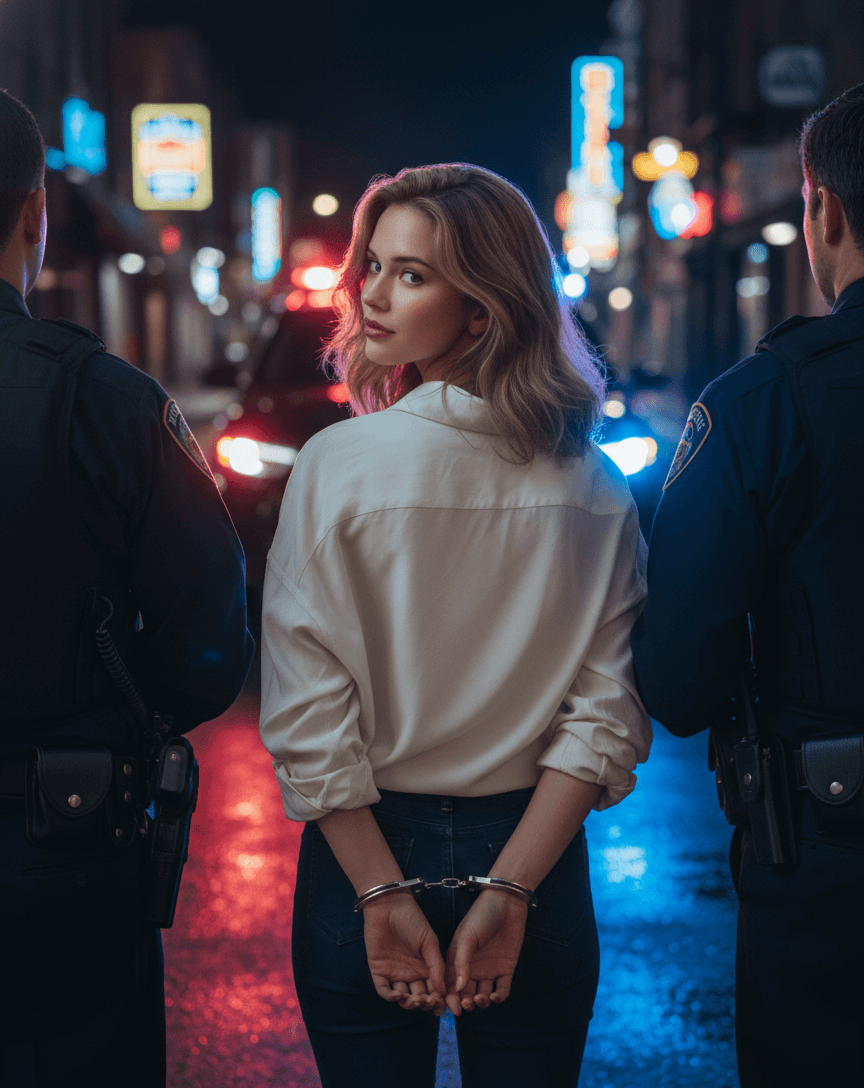
You can create a realistic AI crime photo using a reference image and a cinematic arrest prompt. Use strong lighting instructions, define the police interaction clearly, and control facial exposure to avoid dark or distorted results. Below you’ll find copy-and-paste prompts plus pro tips to get a movie-level outcome.
Disclaimer: AI-generated crime photos are fictional and created for entertainment, artistic, or creative purposes only. They do not depict real events or legal situations and should not be used to mislead, impersonate law enforcement, or falsely represent any individual. Always use AI-generated images responsibly and in accordance with applicable laws and platform policies.
What Is an AI Crime Photo?
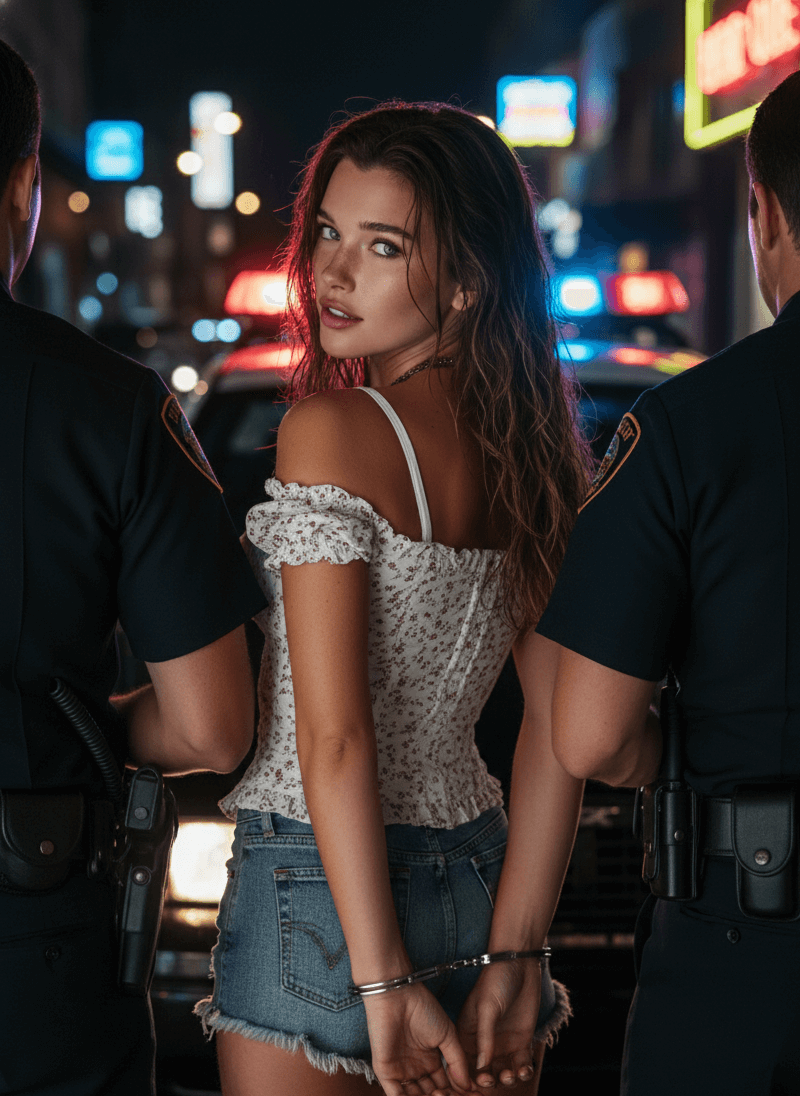
An AI crime photo is a cinematic image generated using artificial intelligence that recreates a dramatic police arrest, mugshot, or crime scene atmosphere. Instead of editing manually in Photoshop, AI models can transform your uploaded photo into:
- A night arrest scene with flashing police lights
- A mugshot with dramatic shadows
- A crime thriller movie still
- A cinematic police scene with handcuffs
These images are popular for social media content, storytelling, marketing visuals, and creative photo experiments.
How to Create AI Crime Photo
Step 1: Download YouCam Perfect

Step 2: Go to AI Agent
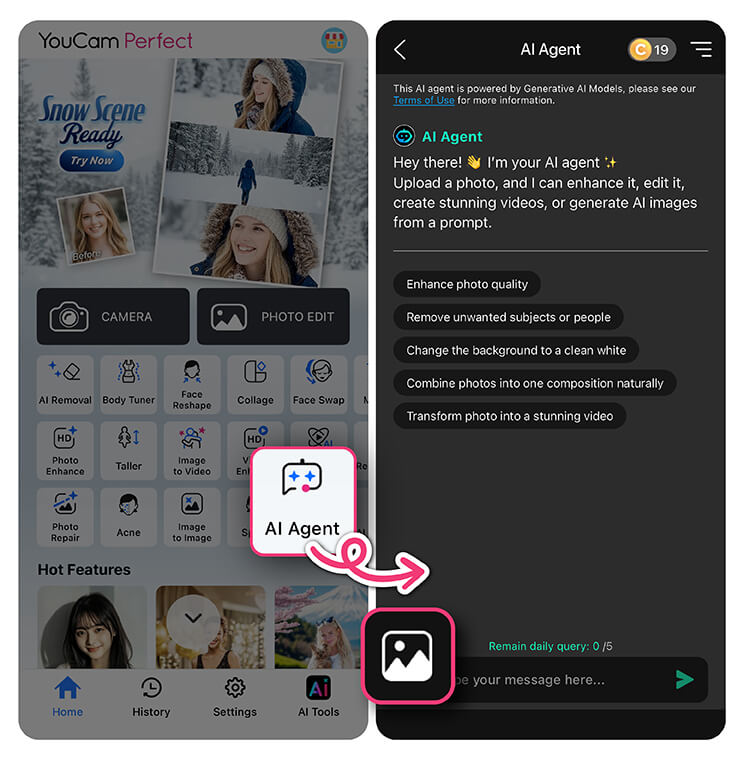
Open the app and tap 'AI Agent' on the menu.
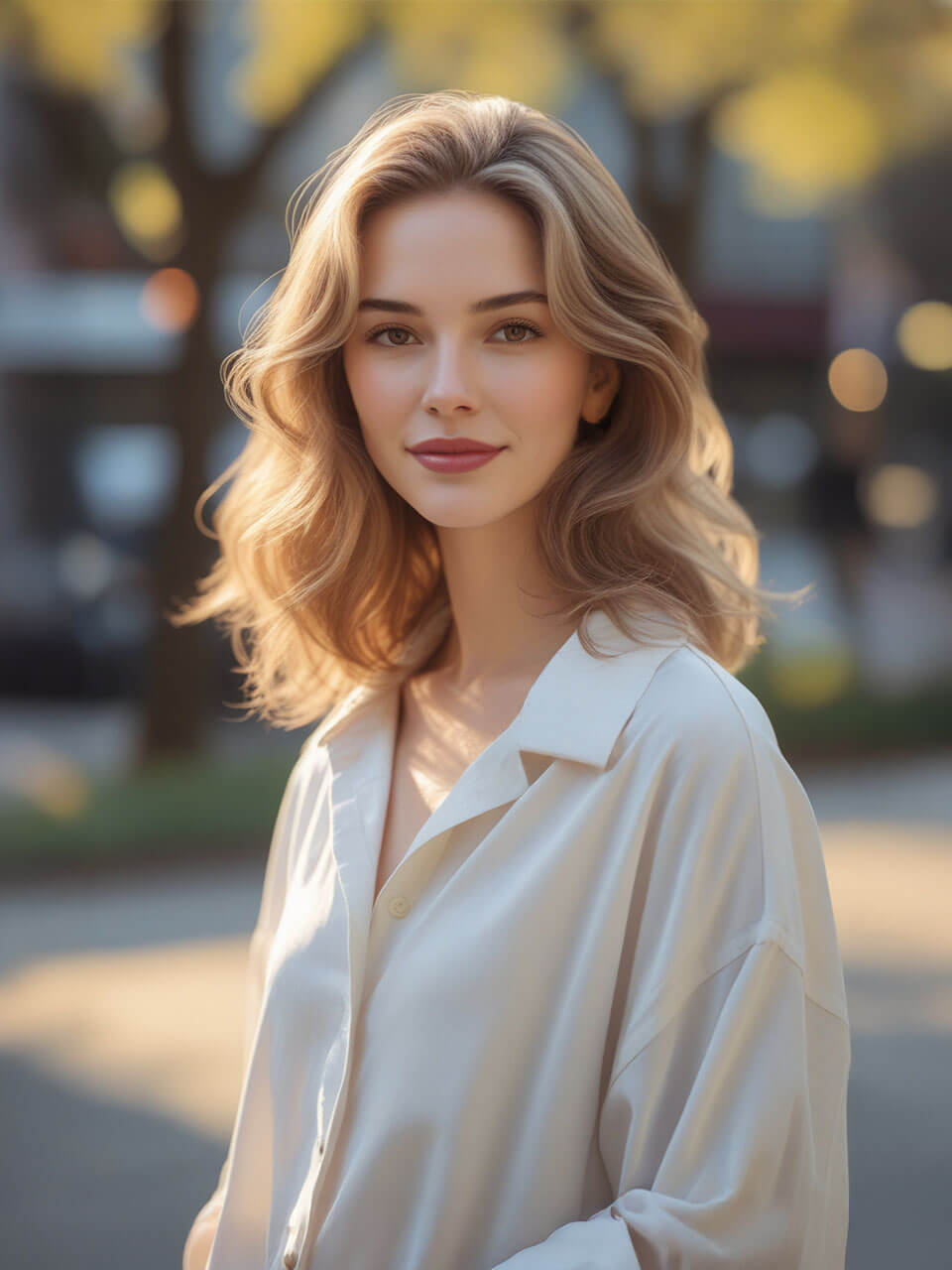
Step 3: Upload Your Photo
Select a photo that you want to turn to the ai crime photo.
Step 4: Enter a Prompt
Enter this prompt:
Use the uploaded photo as the main character reference. Keep the character’s exact facial features, identity, hairstyle, body shape, and original outfit exactly the same. Do not change clothing. Preserve the character strictly with realistic blending. Cinematic night arrest scene, ultra photorealistic. The character is standing between two police officers, hands handcuffed behind the back. Each police officer is firmly holding and hooking one of the character’s arms. Rear angle shot. The character turns the head back toward the camera with a confident, seductive, slightly defiant expression. Police car with flashing red and blue lights in the background, wet street reflecting neon lights, dramatic high contrast lighting. A soft cinematic key light illuminating the character’s face clearly, face brighter than the background, subtle glow on skin, sharp eye detail, catchlight in the eyes, studio-like facial lighting while maintaining night atmosphere. Shallow depth of field, 85mm lens, Hollywood crime thriller atmosphere, strong cinematic color grading, realistic shadows, detailed skin texture, intense main character energy, movie still quality.
Step 5: Generate a Result
Send to the chat and AI agent will turn your photo into a crime photo.
Create AI Crime Photo Now
You can easily create a cinematic AI crime photo using the YouCam Perfect AI Agent.
The AI Agent understands natural language instructions, so you don’t need technical prompt skills to get high quality results.
It also preserves your facial features accurately while applying lighting, atmosphere, and cinematic effects, making it one of the easiest ways for beginners to create professional looking AI crime photos in seconds.
About the Editors
The PERFECT Corp. Editorial Team
We are a team of experts on photo and video editing apps. Our goal is to deliver engaging content on everything from stunning selfie edits to eye-catching video effects. We cover the latest trends and share niche tips to help you master digital creation.
Discover more about us:



 English


