


 Author: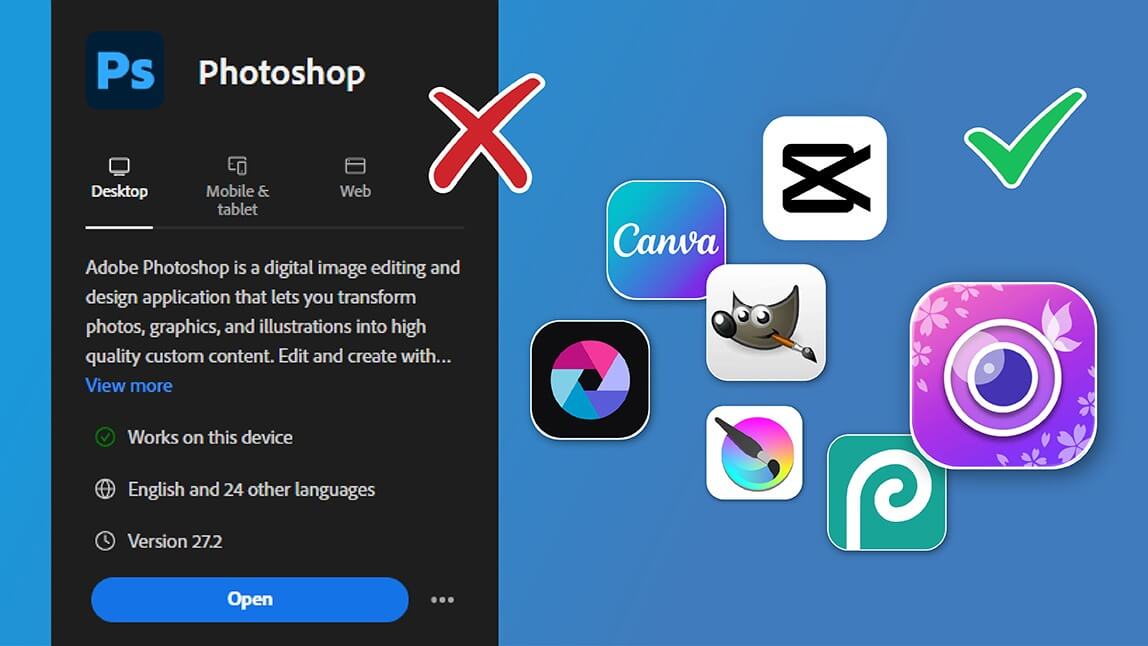
Adobe Photoshop has long been the industry standard for photo editing—but for many users today, it feels overpriced, overly complex, and unnecessary. If you’ve ever searched for a Photoshop free alternative, you’re clearly not alone.
In this guide, we’ll explore the best Photoshop alternatives in 2025, including free apps like Photoshop, and help you choose the best Photoshop alternative based on your needs.
Why Are People Moving Away from Photoshop?
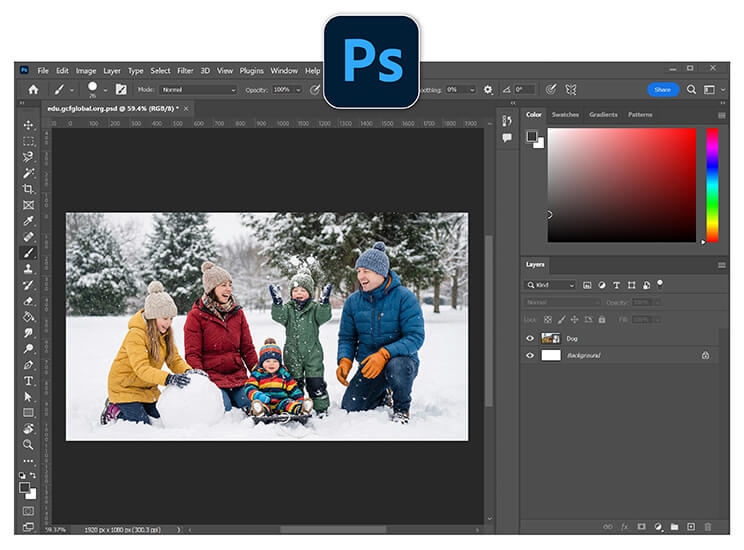
If your goals include cleaning up a portrait, removing an awkward background, enhancing photo quality, or creating content for social media, Photoshop can feel like overkill. Many people download it with good intentions and then quietly close it five minutes later.
A good Photoshop free alternative should focus on speed, accessibility, and creative confidence. It should meet you where you are, whether that is editing a travel photo, a profile picture, or a product shot for your small brand.
Which Is The Best Photoshop Alternative?
1. YouCam Perfect: Best Photoshop Alternative
Best for: AI photo editing, retouching, object removal, background changes
Platforms: iOS, Android, Web
Price: Free with optional premium features
If you’re looking for the best Photoshop alternative overall, YouCam Perfect clearly stands out. It delivers Photoshop-level results without technical complexity, making it perfect for beginners and professionals alike.
Unlike traditional photo editors, YouCam Perfect uses AI agents to automatically detect faces, backgrounds, and objects—eliminating the need for layers, masks, or manual selections.
Key Features
- AI Agent
- AI Object Removal (remove people, clutter, or distractions)
- AI Background Replacement
- Skin smoothing & face retouching
- Body tuning & portrait enhancement
How to Edit Photos with YouCam Perfect
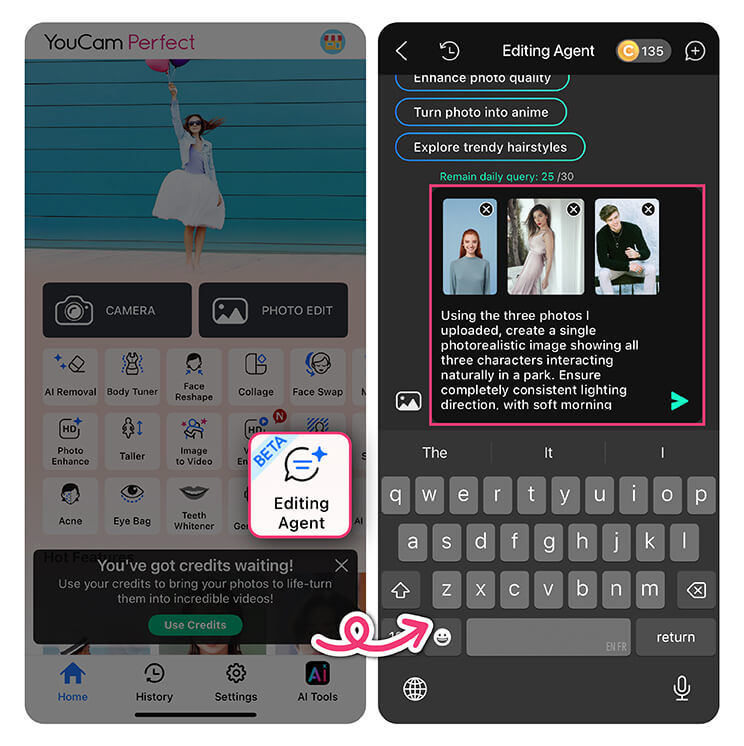
If you are curious how the Photoshop free alternative actually works, here is a simple walkthrough. No technical background required.
1. Open the AI Agent and upload your photo
Once inside the app, open the AI Agent feature.
2. Enter Your Prompt
Instead of choosing tools manually, type what you want to do. You might say, “Enhance this photo,” or “Remove the background and make it cleaner.”
3. Generate and Save
When you are done, save the image and share it wherever you like.
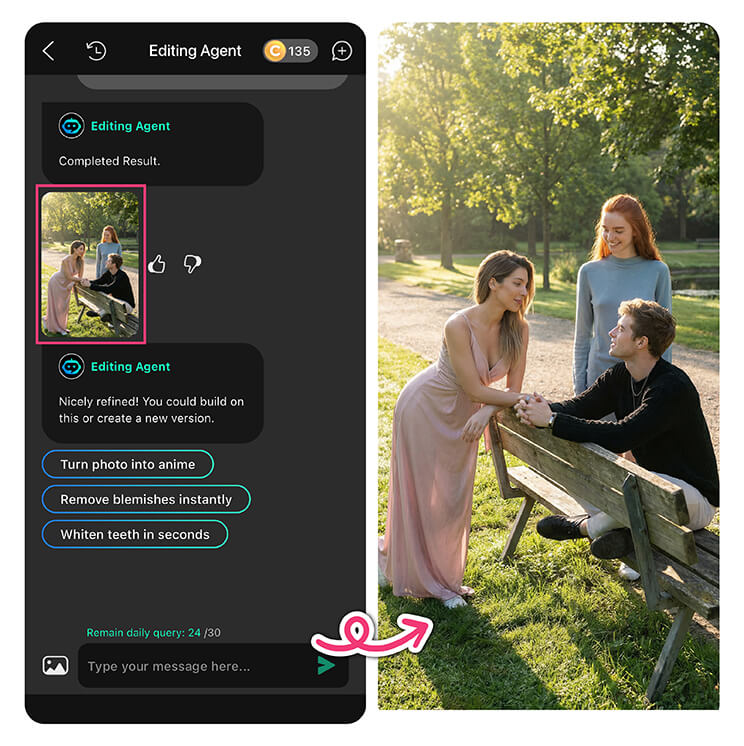
My Thoughts on YouCam Perfect
"I’ve tried quite a few photo editors over the years, and YouCam Perfect honestly surprised me in a good way. It feels like a Photoshop alternative that doesn’t make you work for it.
What I like most is how simple everything is. I didn’t have to learn layers, masks, or complicated tools. I just opened the AI Agent, typed what I wanted — like “clean up the background” or “retouch this photo” — and the app did the rest.
The results also look natural, which matters to me. Skin retouching doesn’t feel overdone, object removal is clean, and background changes blend in nicely without looking fake. It’s the kind of editing that makes photos look better without screaming “this was edited.”
Overall, YouCam Perfect feels perfect (pun intended) for everyday editing — social posts, profile pictures, or quick touch-ups. If you want polished results without spending time learning Photoshop, this app makes photo editing feel easy and kind of fun."
2. GIMP: Photoshop Alternative for Desktop
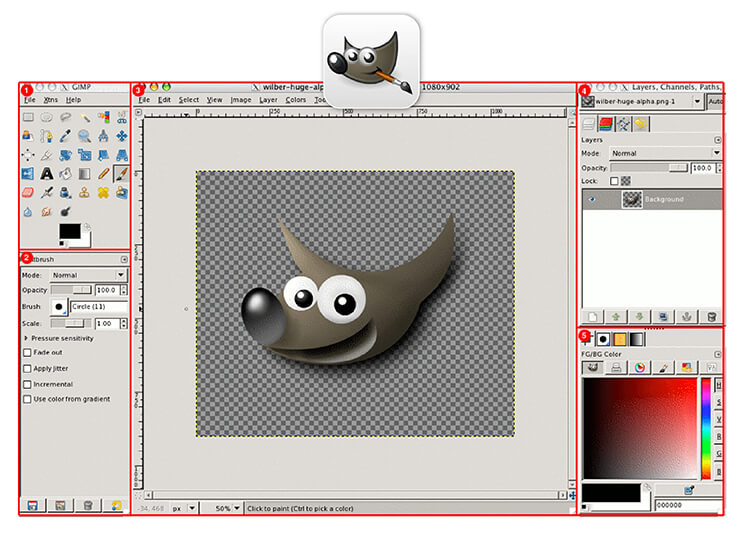
Platforms: Windows, macOS, Linux
Price: Completely free
GIMP (GNU Image Manipulation Program) is one of the most well-known Photoshop alternatives and a popular choice among advanced users.
3. Canva: Photoshop Alternative for Marketing Design
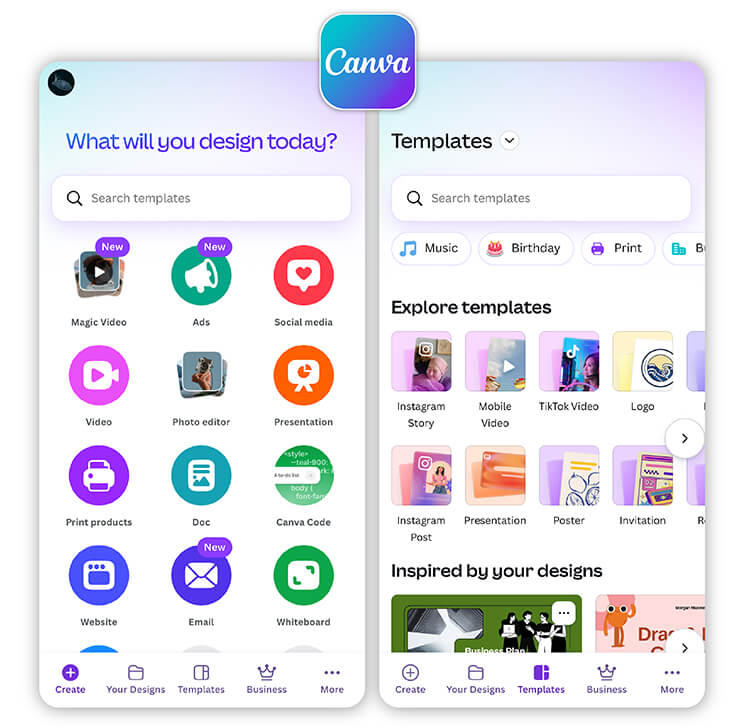
Platforms: Web, iOS, Android
Price: Free with optional Pro version
Canva is not a traditional photo editor, but it’s a powerful Photoshop alternative for creating social media graphics, thumbnails, and promotional designs.
4. Pixlr: Photoshop Alternative for Quick Edit
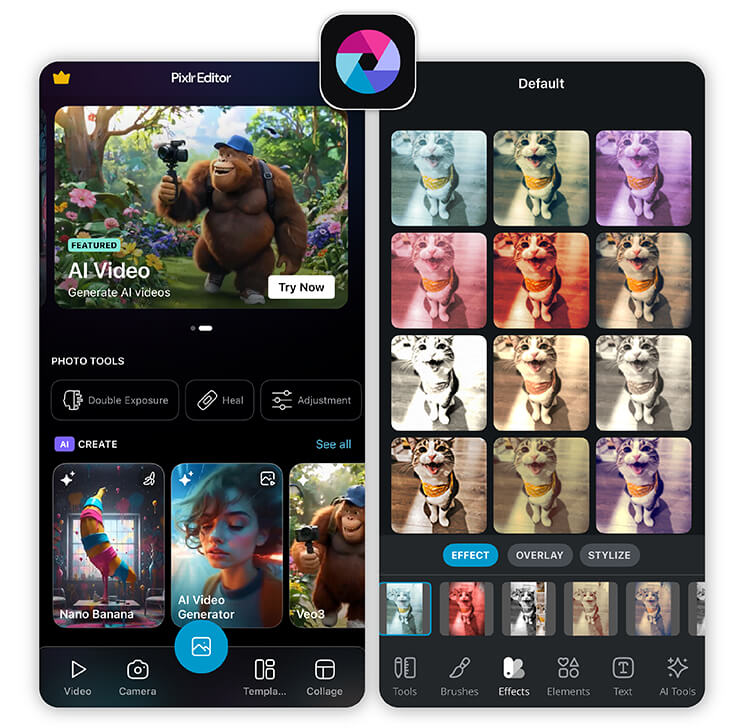
Platforms: Web, iOS, Android
Price: Free with ads
Pixlr offers a Photoshop-like experience directly in your browser, making it a convenient Photoshop free alternative for on-the-go editing.
5. Krita: Photoshop Alternative for Digital Artists
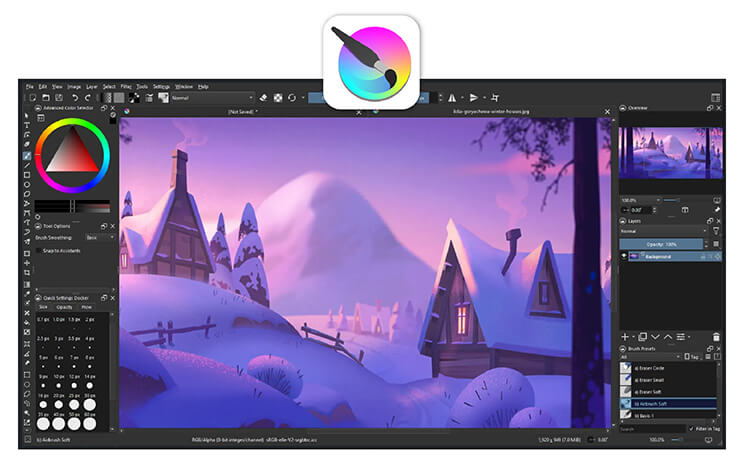
Platforms: Windows, macOS, Linux
Price: Free
Krita is designed primarily for digital artists rather than photographers, but it’s still a strong Photoshop alternative for creative work.
6. Photopea: Photoshop Alternative for Photoshop-Style
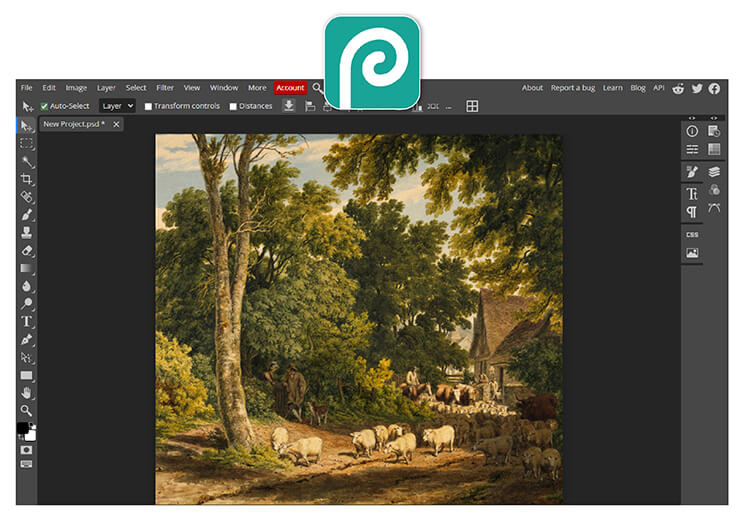
Platforms: Web
Price: Free with ads
Photopea is one of the closest Photoshop free alternatives in terms of layout and workflow. It runs entirely in your browser and supports PSD files, making it perfect for quick professional edits.
Photoshop Is No Longer Your Only Option
You don’t need expensive software or advanced skills to create stunning visuals anymore. With today’s Photoshop alternatives, especially YouCam Perfect, anyone can achieve professional-quality results in just a few taps.
Free Photoshop Alternative FAQs
Why are people ditching Adobe?

Many users are leaving Adobe due to high subscription costs, complex interfaces, and steep learning curves. People increasingly prefer faster, simpler editing tools that deliver quality results without long-term commitments or technical expertise.
What is the closest free alternative to Photoshop?
The closest free alternative to Photoshop is YouCam Perfect, thanks to its easy photo editing, background removal, and AI-powered tools. Other options include GIMP and Photopea, but YouCam Perfect stands out for speed, simplicity, and mobile-friendly editing.
What is the No. 1 free editing app?
YouCam Perfect is often considered the No. 1 free editing app for everyday users. It offers powerful photo editing features, intuitive controls, and smart tools that deliver professional-looking results without a learning curve.
Can we get Photoshop for free?
Photoshop is not fully free. Adobe offers limited free trials, but continued use requires a paid subscription. This is why many users turn to free Photoshop alternatives for photo editing without ongoing costs.



 English


