


 Author:
 To create a custom Valentine's Day photo card, download YouCam Perfect to select a romantic template, upload your favorite couple photo, and add a personalized message in seconds.
Valentine's Day is just around the corner, and there's no better way to show your love and affection than by giving a customized photo card. With a Valentine's card maker app like YouCam Perfect, you can easily create a heartfelt and unique card that will leave a lasting impression on your loved ones.
From Valentine card picture ideas to adding creative elements and heartfelt messages, we'll show you how to create a card that truly reflects your love. Read on to make this Valentine's Day unforgettable with your loved ones!
YouCam Perfect: Best App to Create Your Own Valentine's Day Picture Cards
With 600+ filters (including Valentine filters), 20+ photo frames incorporating cute love hearts, and 60+ love-themed collages and template designs, YouCam Perfect is the best user-friendly Valentine's card maker.
Start adding heartfelt messages with the app’s Valentine’s Day templates and create your own stunning cards for the occasion!

Valentine’s Day Picture Card Designs and Ideas
- 1. Happy Valentine’s Day Photo Card
- 2. Be My Valentine Card Design
- 3. Couple Scrapbook Picture Card
- 4. V-Day Love Note Templates
- 5. Love Letter Photo Card Template
- 6. Forever Love Card Design
- 7. You’re My Only One Photo Card
- 8. Love Is in the Air Card
- 9. Cute Valentine Cutouts Template
- 10. Love is Everywhere Picture Card
- 11. Love is All You Need Card Template
- 12. Love Yourself Template
- 13. Digital Valentine’s Picture Frame
1. Happy Valentine’s Day Photo Card

Create a polaroid-style Valentine's Day card with your favorite couple photo. This minimalistic design doubles as a classy screensaver and matching wallpaper for you and your loved one.
2. Be My Valentine Card Design
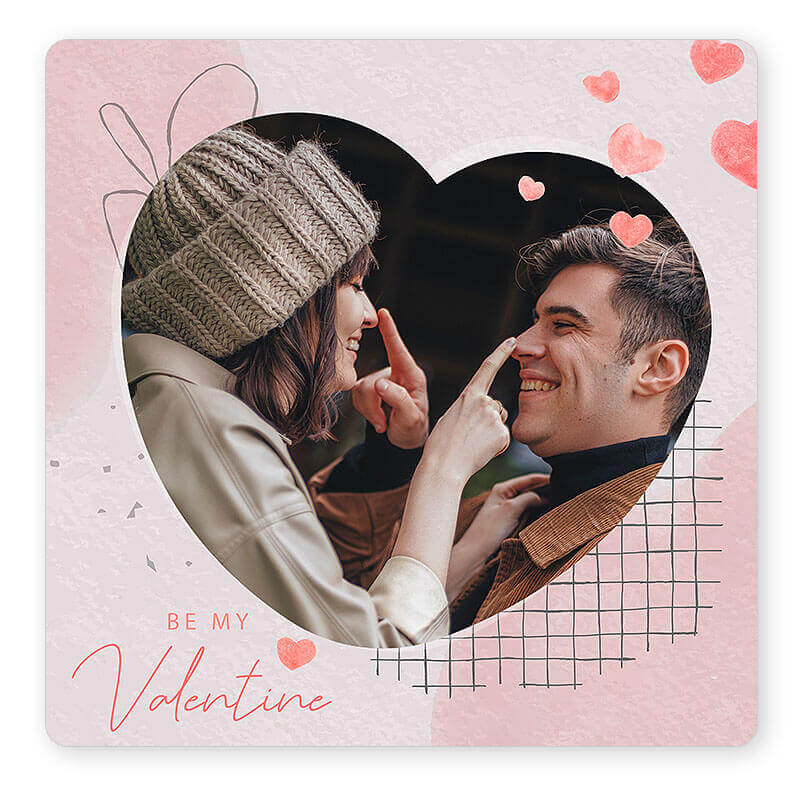
Create a romantic gesture with a custom printable Valentine's Day card featuring red and pink roses and heart-shaped frames.
3. Couple Scrapbook Picture Card
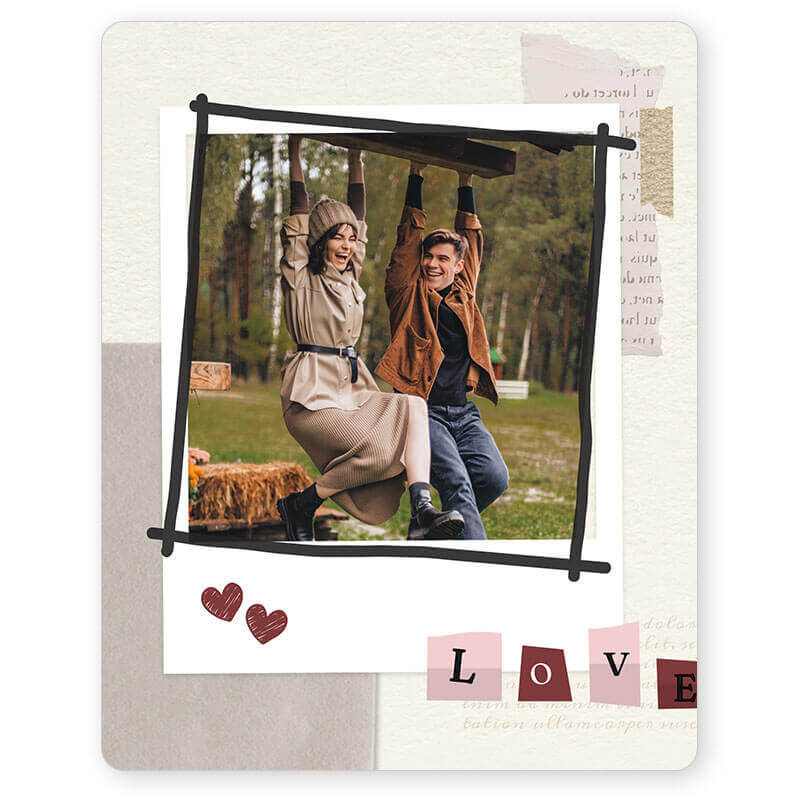
Preserve your favorite moments by using Valentine scrapbook templates so that you can look back for years to come and share them on future Valentine Days.
4. V-Day Love Note Templates
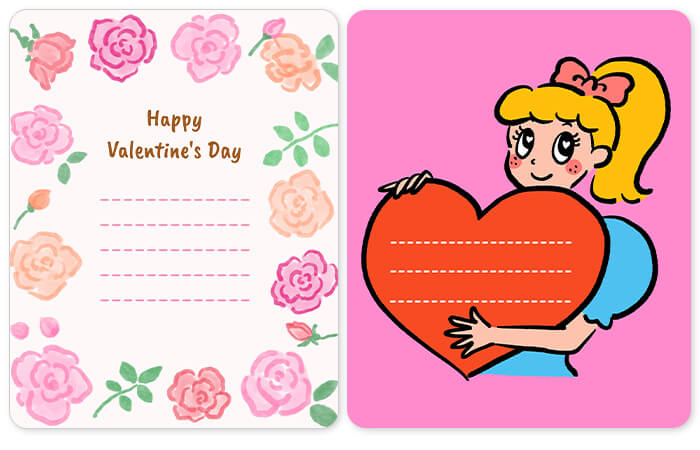
5. Love Letter Photo Card Template
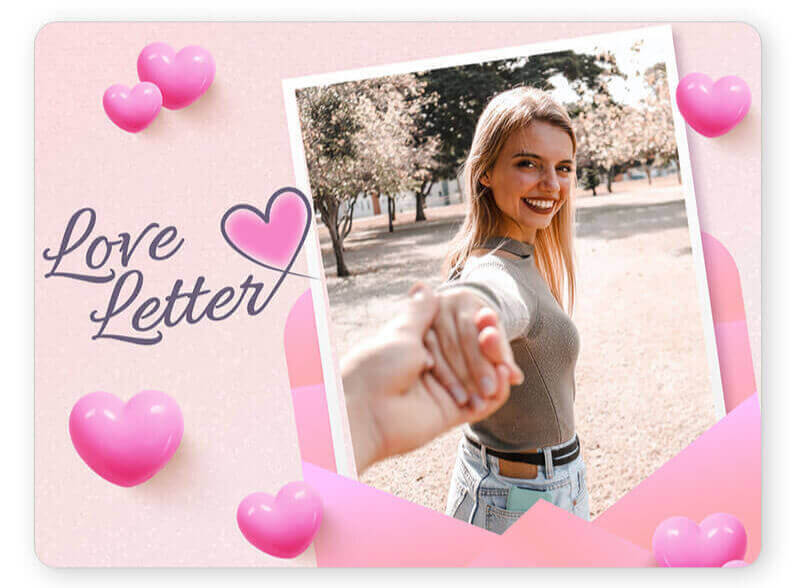
6. Forever Love Card Design
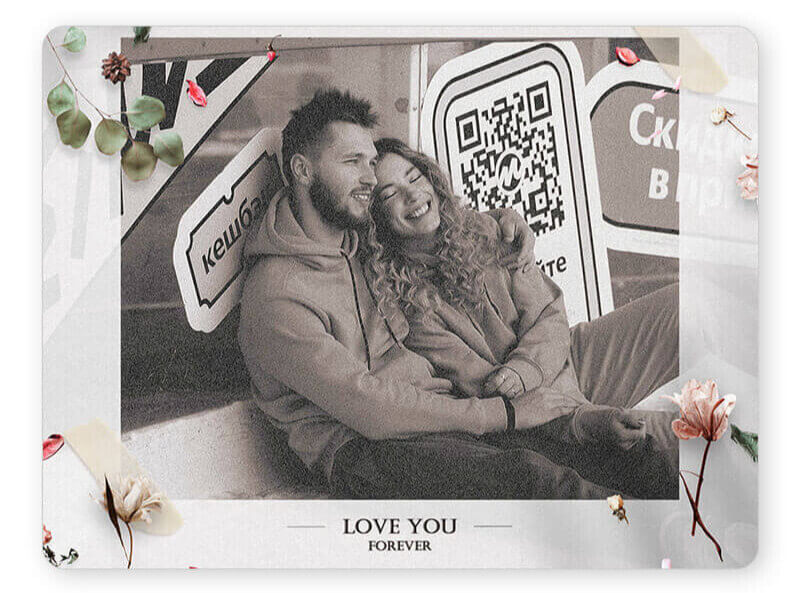
If your love is eternal, this elegant template says it all with delicate flowers, hearts, and sparkling accents. It’s the perfect photo card to frame and cherish forever.
7. You’re My Only One Photo Card

Let your special someone know they’re the only one for you with this template. Its romantic decorations and overlapping hearts send the perfect romantic message.
8. Love is in the Air Card
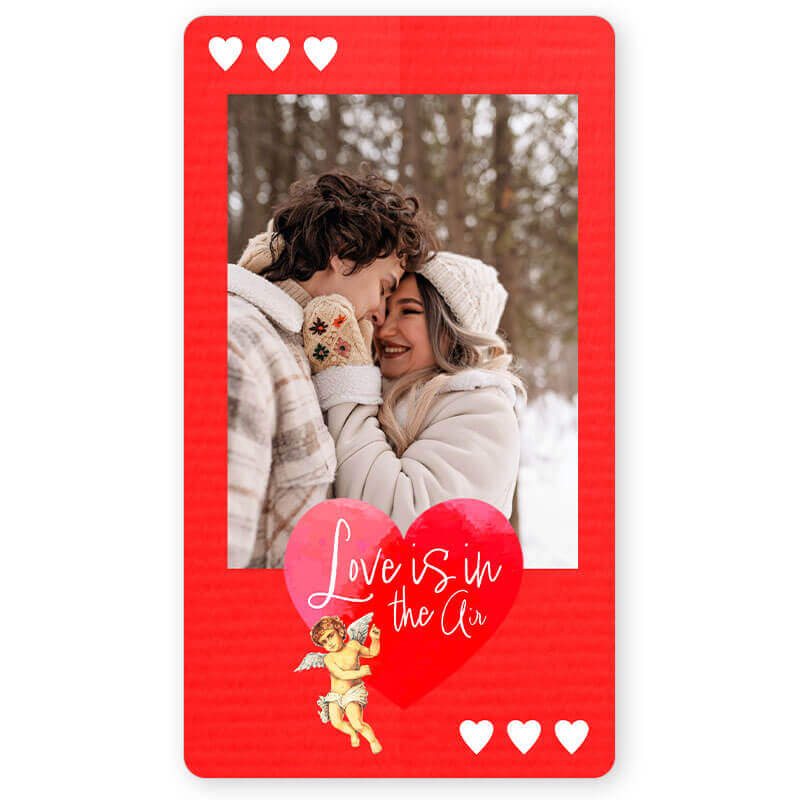
Get in the romance mood this Valentine’s Day by sending a confetti heart, classy roses, or a simple red, heart-themed e-card to your favorite person.
9. Cute Valentine Cutouts Template
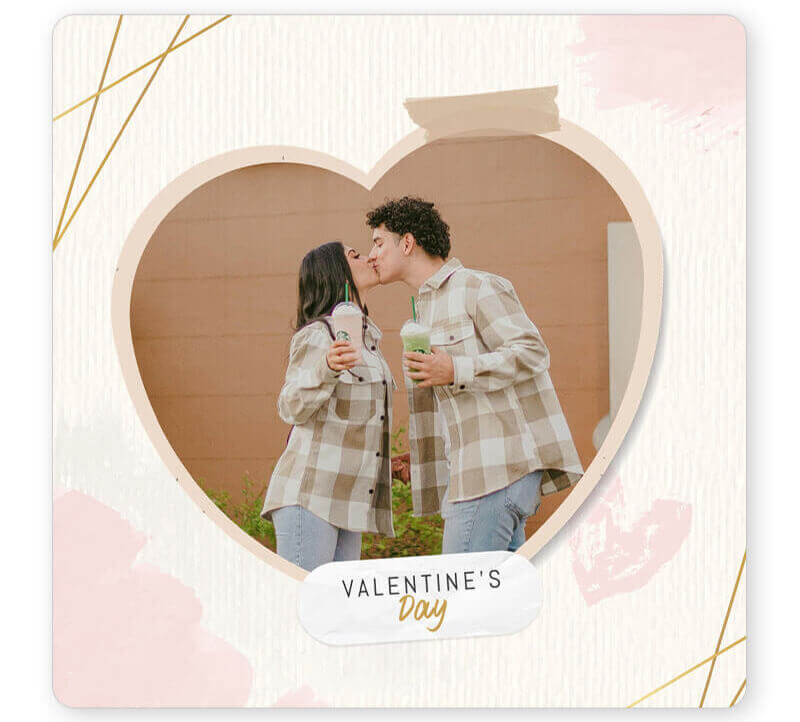
Create the perfect mood board look with this template by adding a photo of you and your Valentine. It’s a simple yet charming holiday card that’s perfect for your Pinterest board.
10. Love is Everywhere Picture Card

Can't decide which Valentines card picture to choose? This template is perfect with two photo spots and pink hearts on a striped background. It's also great for celebrating Galentine’s with group photos!
11. Love is All You Need Card Template
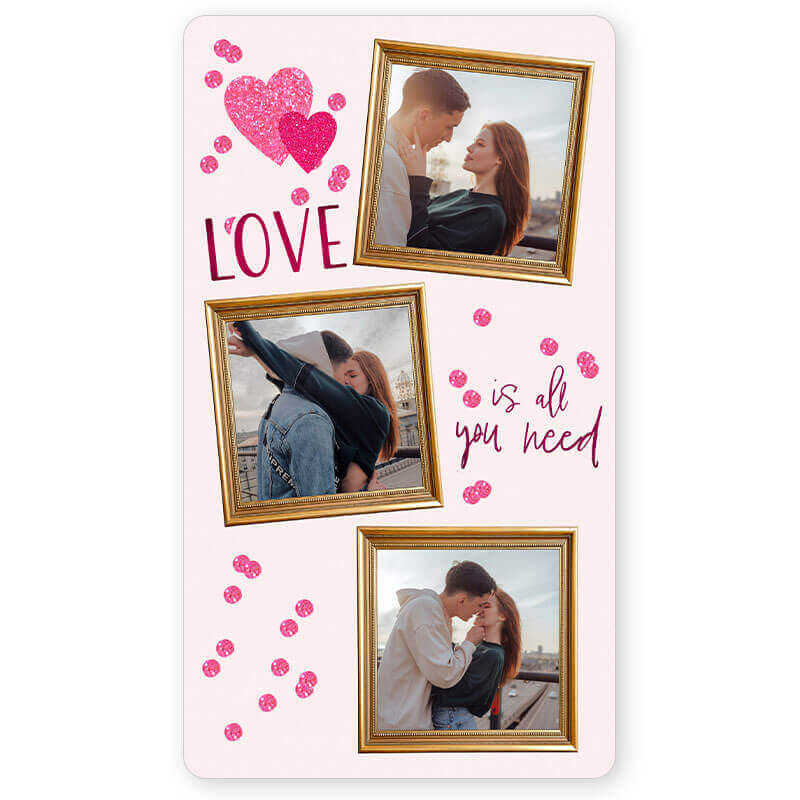
12. Love Yourself Template
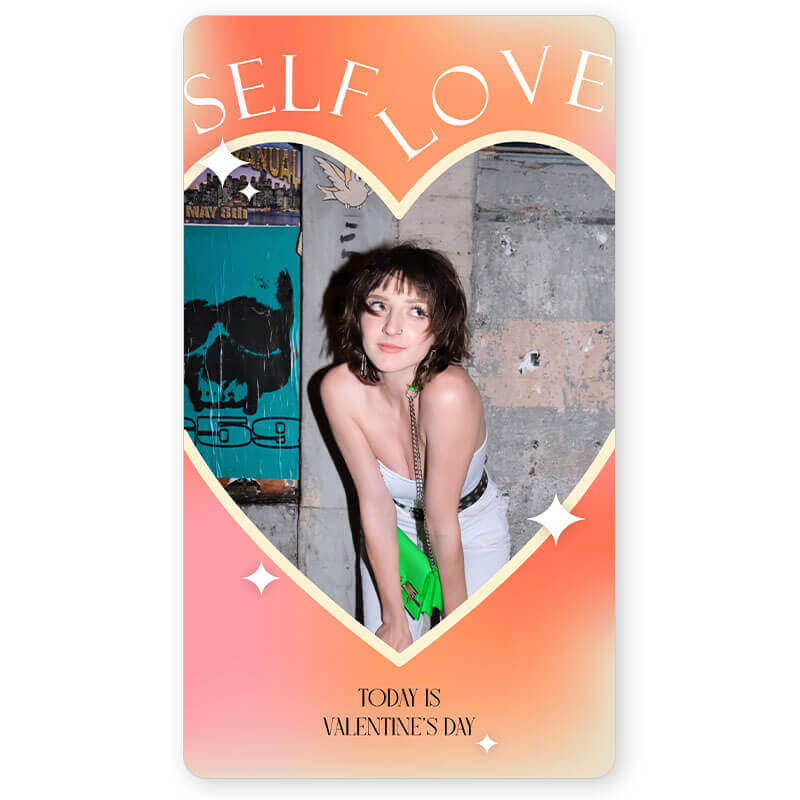
Valentine’s Day is for singles, too! Send yourself a Valentine’s Day e-card or create a phone background to give yourself some love this holiday with bright pink and orange templates from YouCam Perfect.
13. Digital Valentine’s Picture Frame
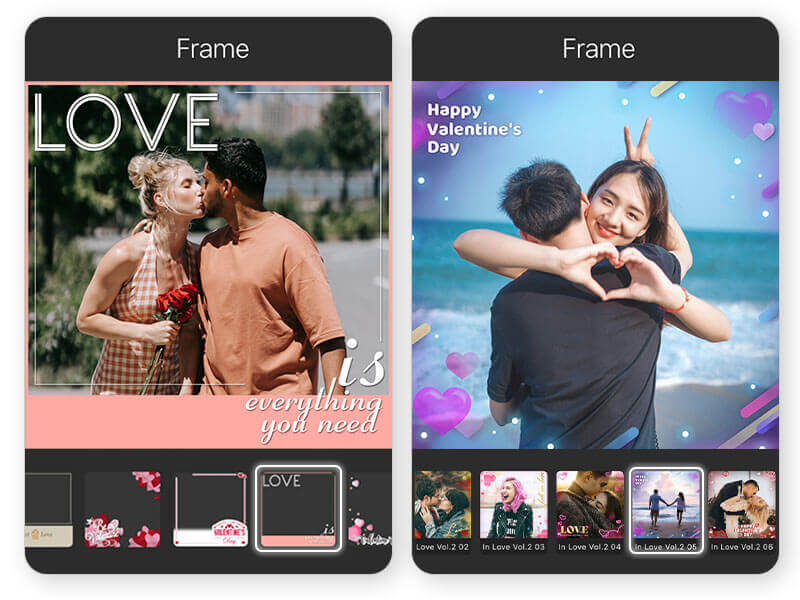
Finish your card with a frame to give it some extra flair with these steps:
- Tap Photo Edit and upload a photo
- Find Frames
- Tap the Store icon and select the Love category
- Scroll to find the perfect Valentine’s Day frame
- Press the design you prefer and start customizing
How to Make a Valentine’s Day Card
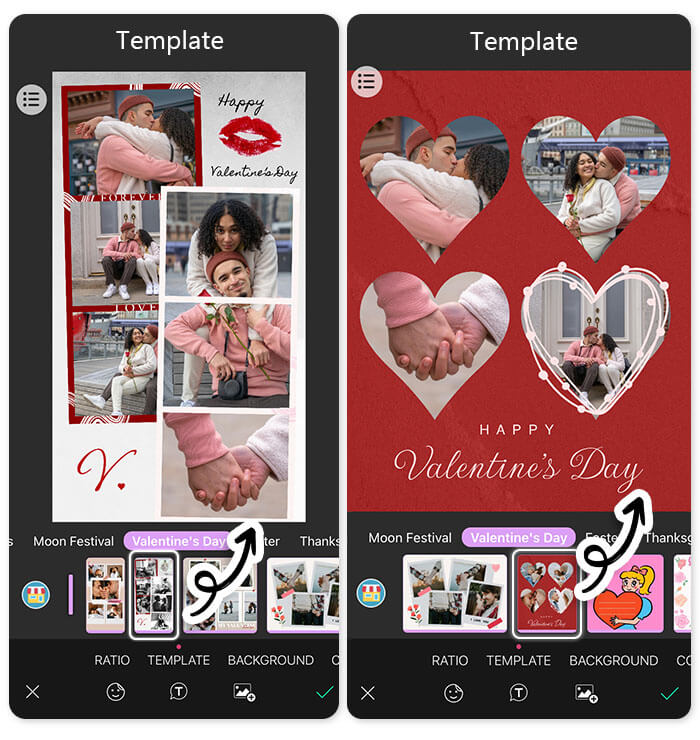
- Step 1. Download YouCam Perfect for free from the App Store or Google Play.
- Step 2. Tap the Store button on the app's homepage
- Step 3. Locate Template and find the Valentine's Day category
- Step 4. Scroll for card designs with hearts, flowers, V-Day colors, and more
- Step 5. Personalize your card using Text (300+ fonts available) to write your message
- Step 6. Save your Valentines picture card and send it to your loved ones
Best Valentine’s Day Cards Maker Apps
| App | Best For | AI Tools | Templates | Platforms | Rating |
|---|---|---|---|---|---|
| YouCam Perfect | AI Valentine’s cards, photo-based designs | ✔ | ✔ | iOS / Android | 4.8 / 4.4 |
| PicCollage | DIY collages and social-ready cards | ✘ | ✔ | iOS / Android | 4.7 / 4.7 |
| Canva | Professional templates & design variety | △ | ✔✔ | iOS / Android | 3.4 / 4.8 |
1. YouCam Perfect
Available on: iOS and Android
Rating: 4.8/4.4
YouCam Perfect has an impressive collection of Valentine’s Day cards to celebrate all kinds of love! You can use its many other tools and features, like text, animation, stickers, filters, and more to edit your snaps and create the perfect message.
2. PicCollage
Available on: iOS and Android
Rating: 4.7/4.7
PicCollage has a blank canvas if you want to create your own from scratch, or you can choose from pre-designed cards. It even gives you templates made to fit social media.
3. Canva
Available on: iOS and Android
Rating: 3.4/4.8
Canva has tons of templates, designs, and decorations for you to put in a Valentine’s Day card. You’ll have plenty of choices for personalizing your e-card.
About the Editors

The PERFECT Corp. Editorial Team
We are a team of experts on photo and video editing apps. Our goal is to deliver engaging content on everything from stunning selfie edits to eye-catching video effects. We cover the latest trends and share niche tips to help you master digital creation.
Discover more about us:
Valentine's Photo Cards FAQ
What is a short sweet Valentine's quote?

We recommend recalling meaningful phrases your significant other has said to show how much you cherish their words. Another idea is to include quotes from people your loved one admires or enjoys. You can also add song lyrics that hold special meaning to both of you as a couple.
How to make a Valentine card step by step?
Use these steps to make a Valentine card:
- Step 1. Download Valentine's card maker for free from the App Store or Google Play
- Step 2. Tap the Store button on the app's homepage
- Step 3. Locate Template and find the Valentine's Day category
- Step 4. Scroll for card designs with hearts, flowers, V-Day colors, and more
- Step 5. Personalize your card using Text (300+ fonts available) to write your message
- Step 6. Save your Valentines picture card and send it to your loved ones!
How to Create a Valentine's greeting card with a picture?
YouCam Perfect has 30+ aesthetic templates, 30+ photo collages, and various sticker packs that incorporate love hearts or short heartfelt text so that you can easily express your love. Here’s how to create a Valentine's greeting card:
- Download the app for free from the App Store or Google Play
- Tap the Store button on the app's home page
- Find Template and locate the Valentine's Day category
- Press on the design you prefer and start customizing
- Press the image section to add your couple picture
- Press the pre-made design to make adjustments
- Press the "add" mark for Add Photo, Text, and Stickers features
- Save and share it with your loved ones when finished



 English


