

Cast a Cat as Your Lead Dancer
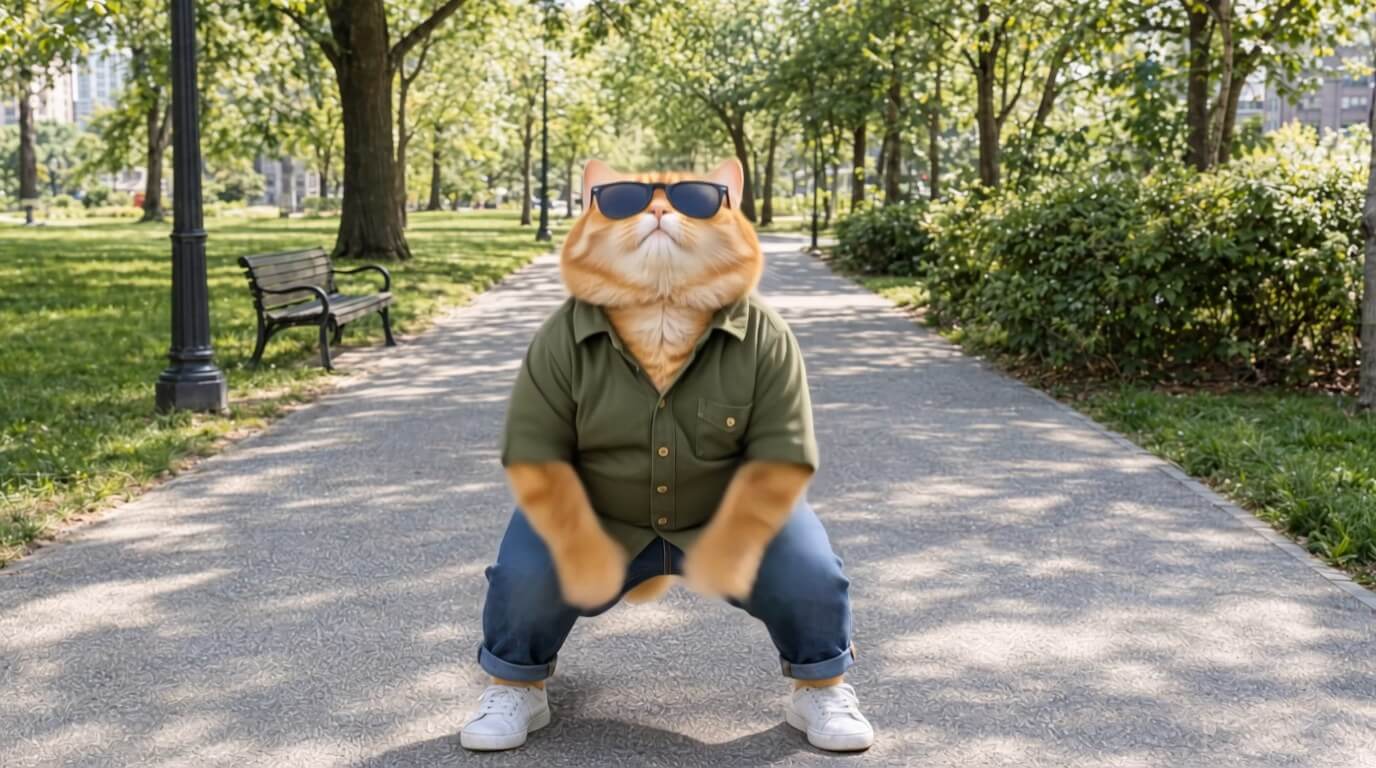
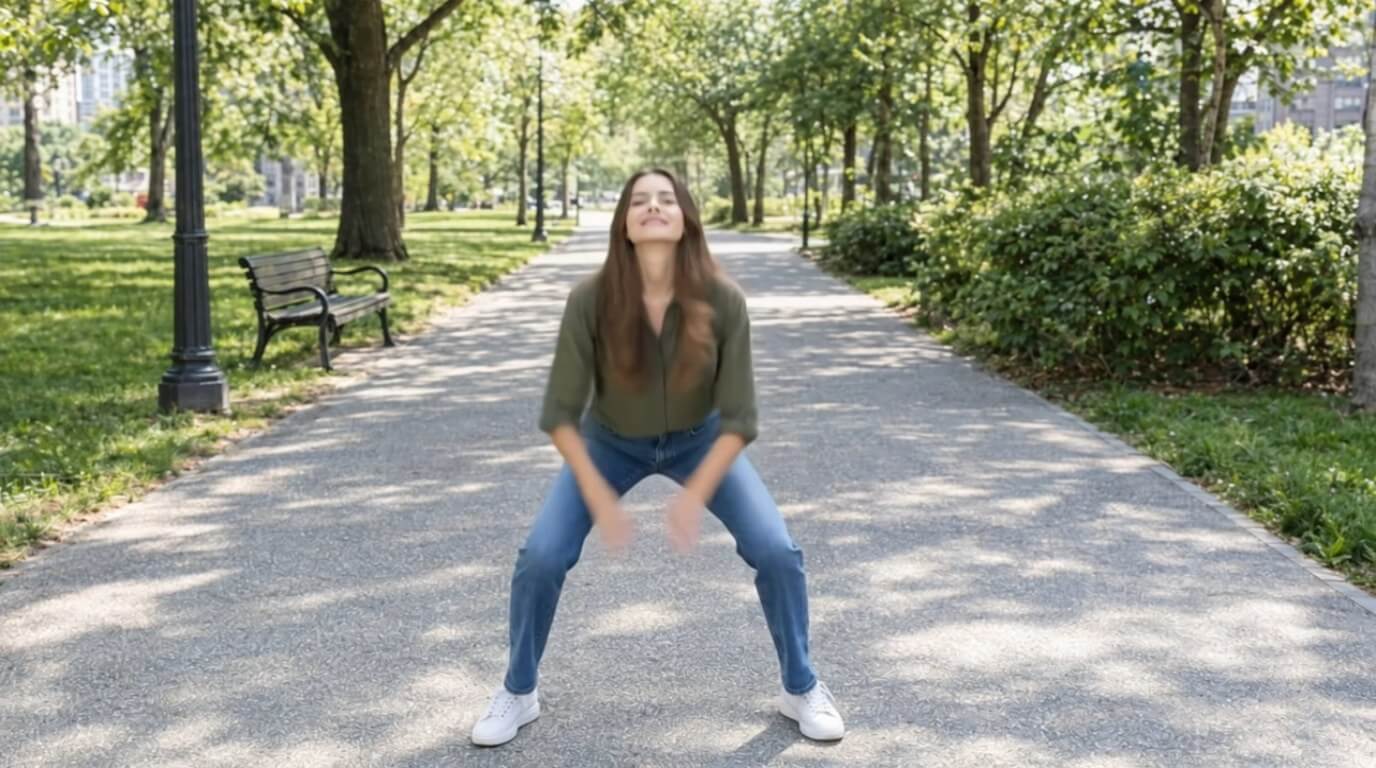
Same park, same dance, but your lead is now a cat in sunglasses. Every step, spin and arm wave follows the original video.


Upload a video and a character photo, and YouCam Video drops your new star into the scene with the same moves. Cats in sunglasses, caped heroes, dogs with attitude: you pick the cast.

One real dance, three unforgettable stars. Watch a cat, a dog and a superhero take over the moves of the original.
Same park, same dance, but your lead is now a cat in sunglasses. Every step, spin and arm wave follows the original video.

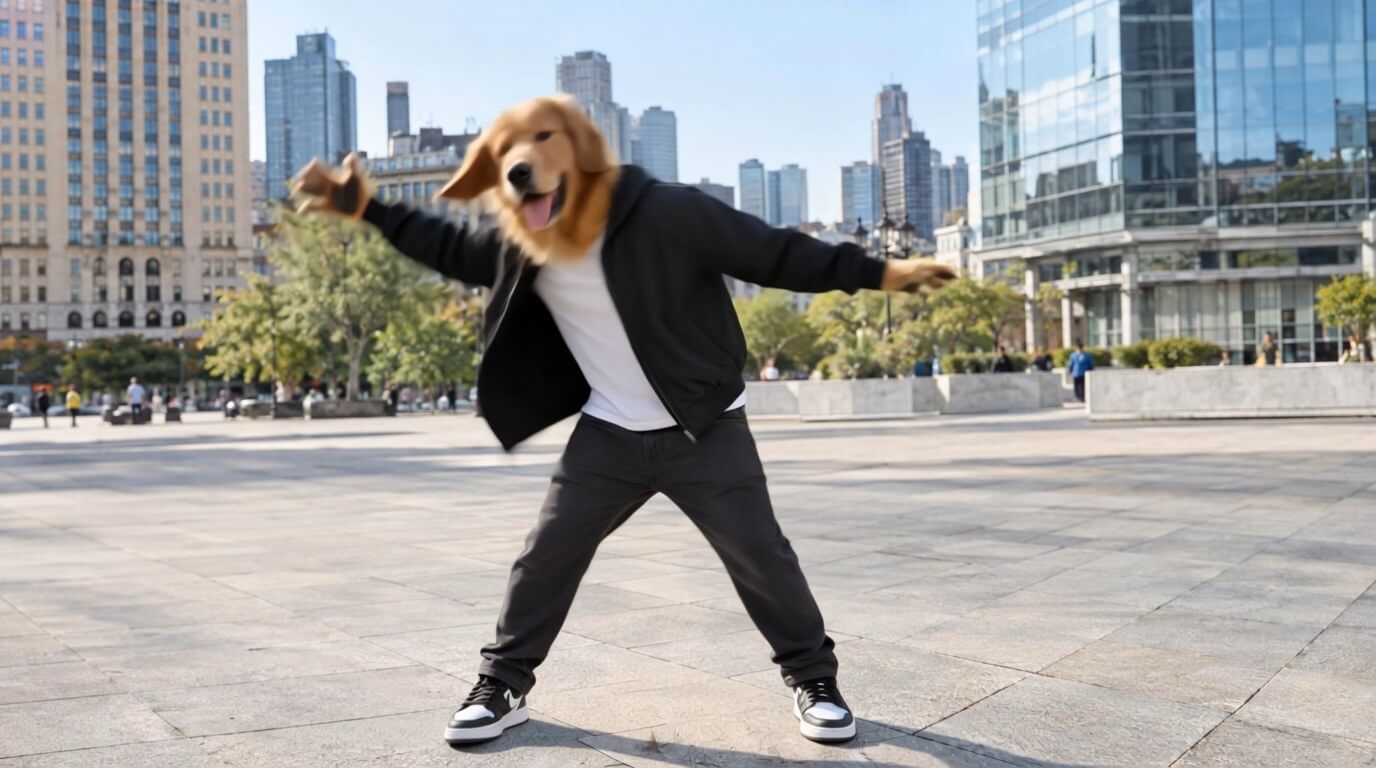
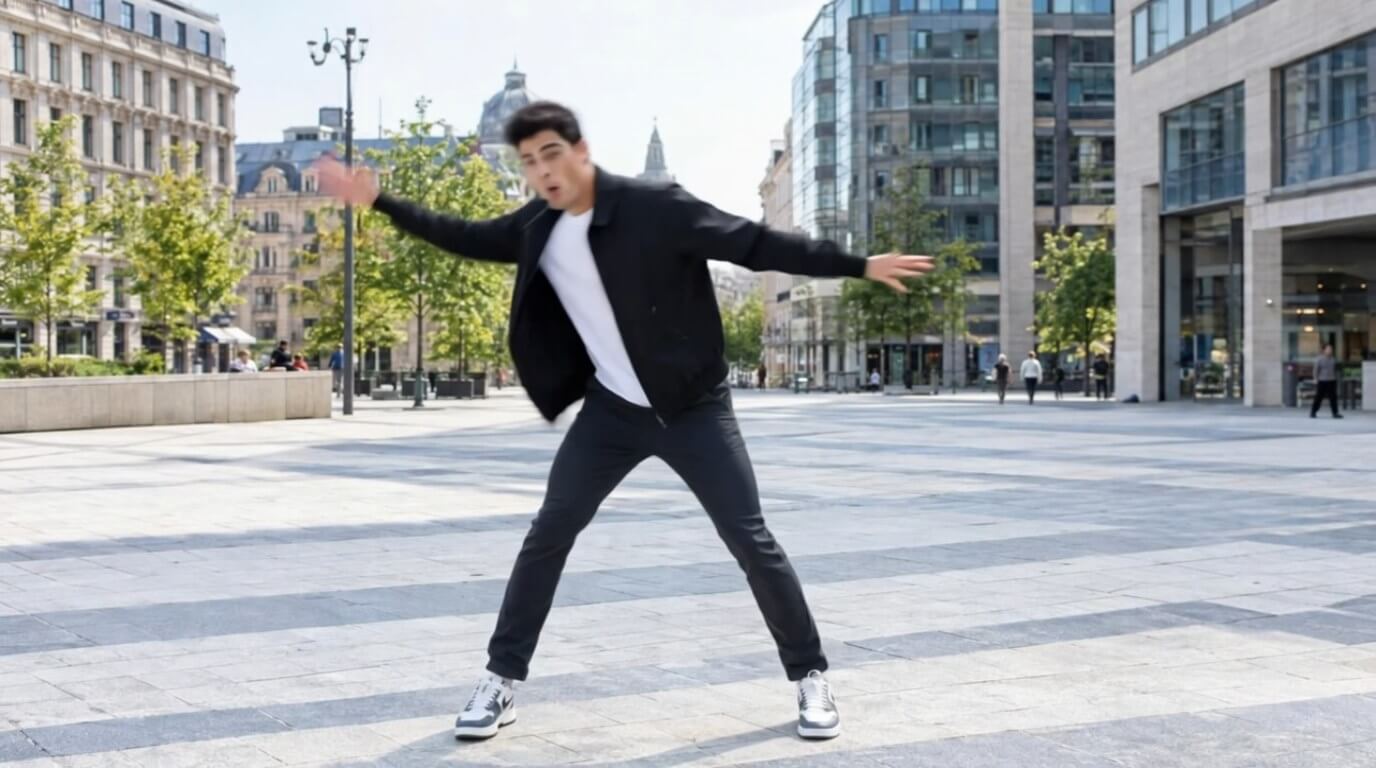
A golden retriever in a jacket owns the city plaza. Swap a normal clip into something your friends will replay and share.
Give your clip a movie moment. A caped superhero takes over the boardwalk with the exact moves of the original dancer.
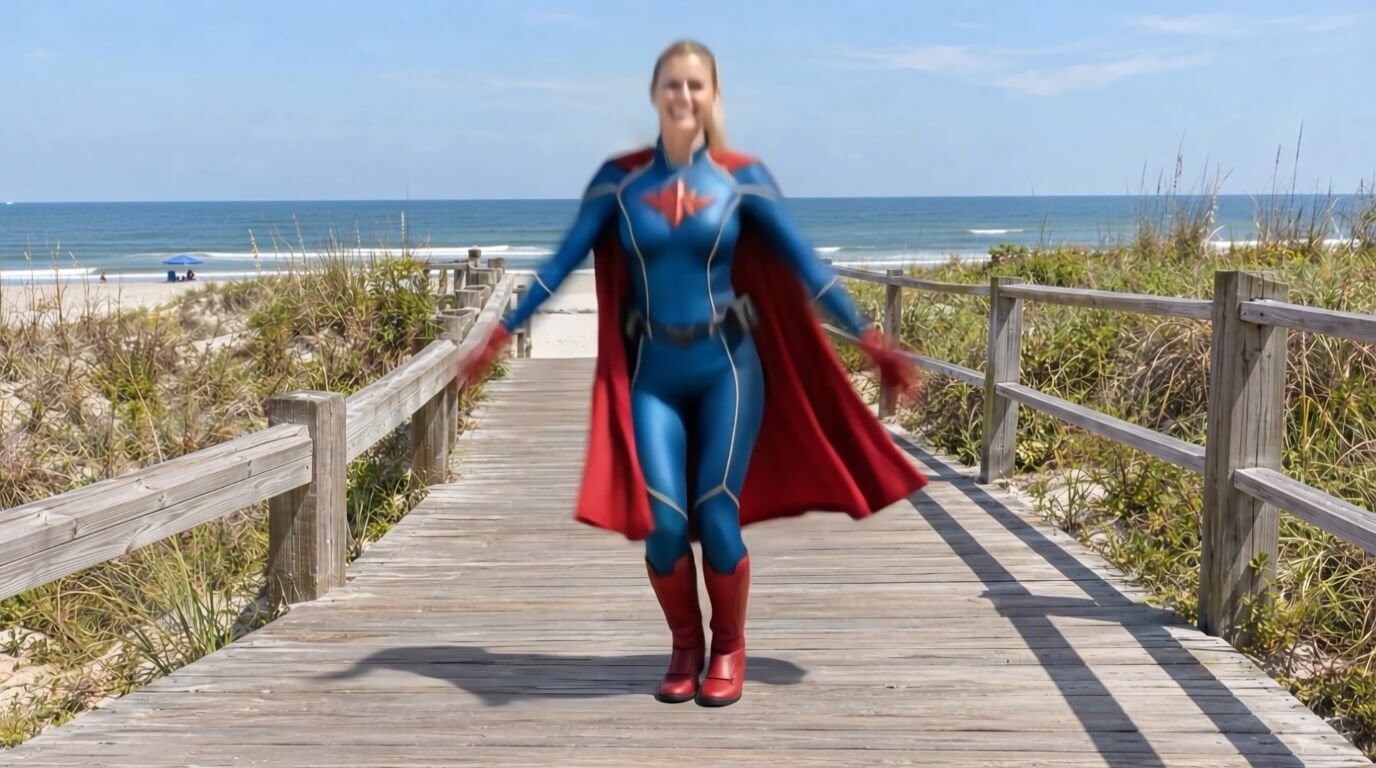
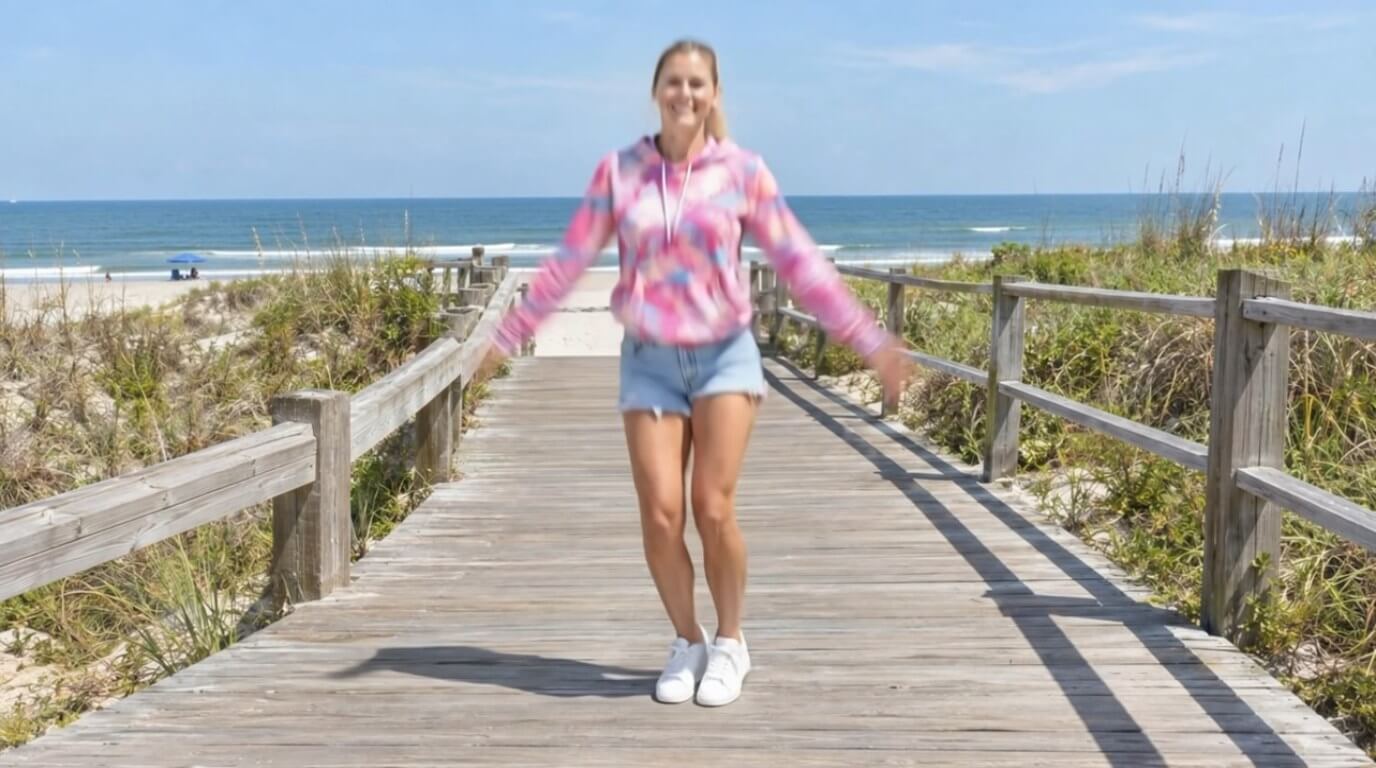
Use a sharp, well-lit photo where your character is easy to see. A clean full body shot gives the swap more to work with.
Simple moves like a dance, a walk or a wave work best. One person in the frame is easier to follow than a busy crowd.
Play the result back before you post, and say that it is AI-generated so viewers know how it was made.

It means taking the motion from a reference video and applying it to a character or person in a still image. In YouCam Video, the AI Character Swap feature does this with a video and a photo.
Open AI Character Swap in YouCam Video, choose a motion video, add your photo, tap Generate and preview the result.
A still photo and a reference video that shows the movement you want.
AI Character Swap keeps the background of your photo in place while it applies the motion to the person.
Use your own photos, or photos of people who have clearly agreed to it. Do not use someone else's image without permission or to pretend to be them.
Yes. It is good practice to tell viewers when a video was made with AI, and some platforms ask for it.
YouCam Video is free to download with a limited daily generation quota. A subscription removes the daily limits, and pricing varies by region.
Add your favorite track to a video and share a clip that sounds as good as it looks.


 English