

Describe a Person, Then Change the Look
Start with a simple description, then restyle the same generated person. Here a casual cafe portrait becomes a studio headshot in a blazer.


Describe a person and the AI draws them: age, hair, clothing, pose and setting. YouCam AI Pro creates images of fictional people for stories, mockups and design work. It is an image generator, not a text humanizer.

Start with a simple description, then restyle the same generated person. Here a casual cafe portrait becomes a studio headshot in a blazer.
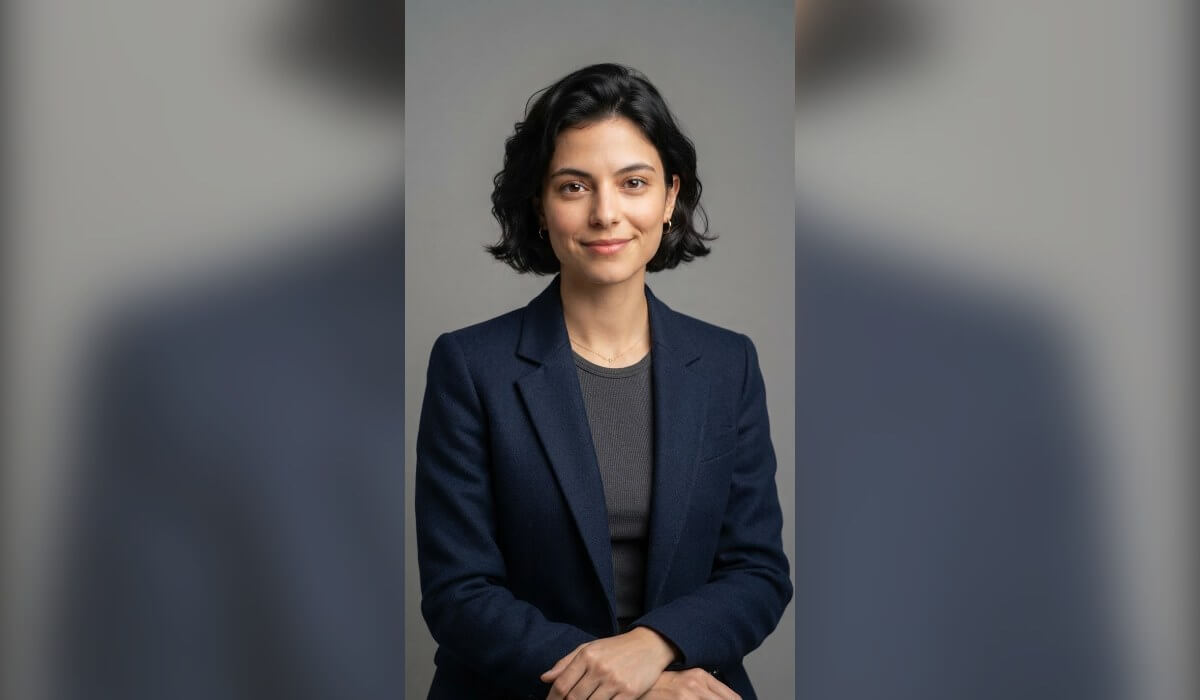
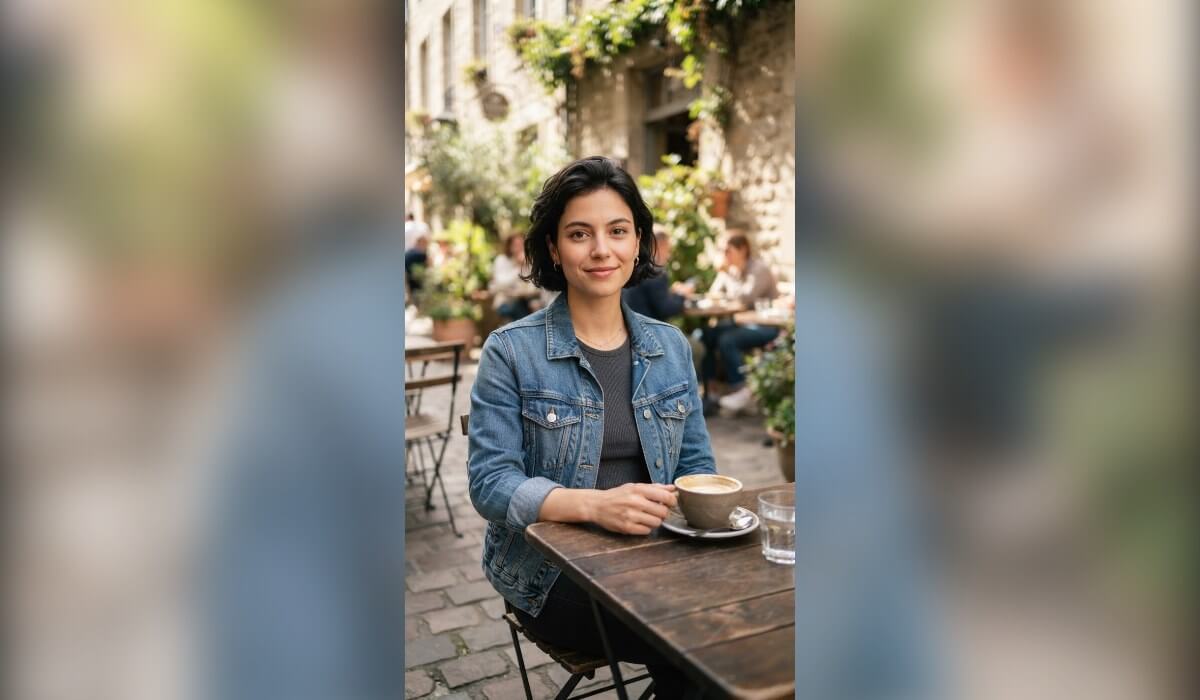

Keep the pose and place, and change what the person wears. This is useful for mockups, character sheets and quick style tests.
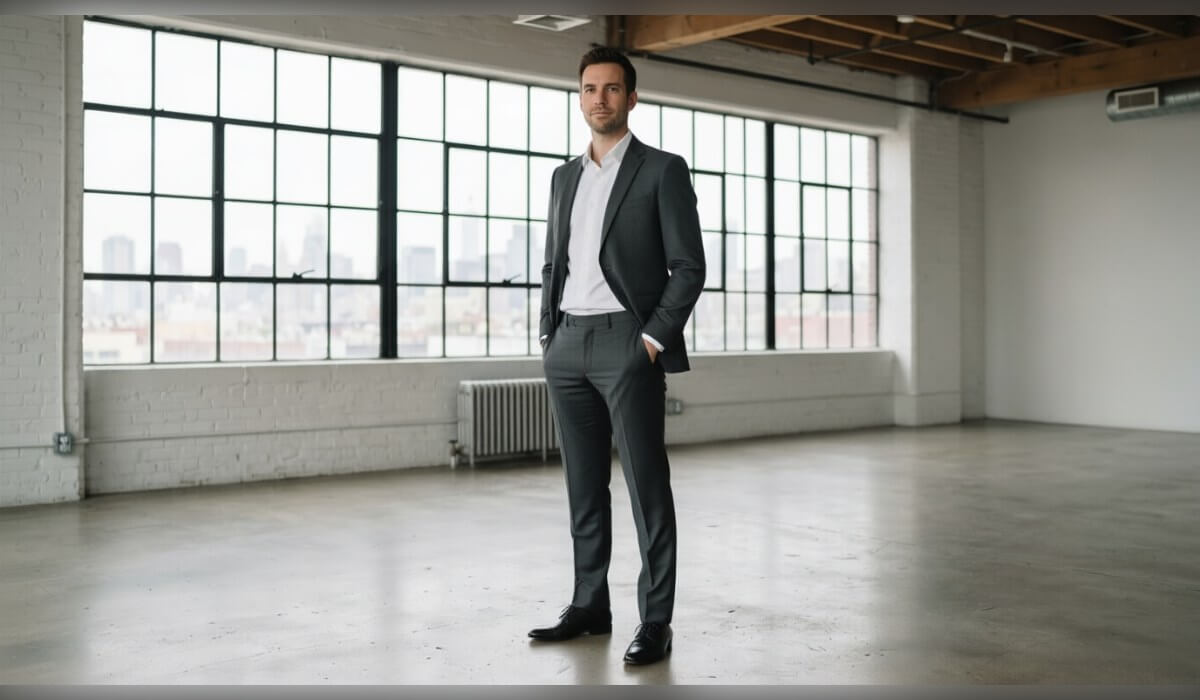
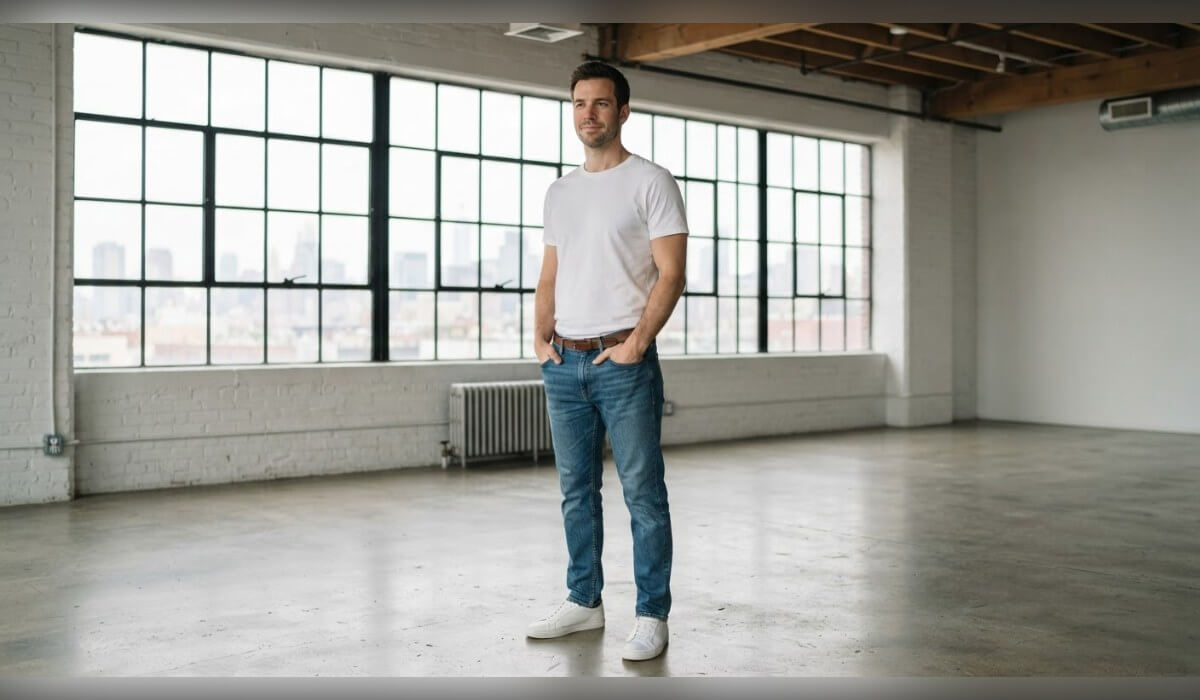
Describe a different place and light. The generated person stays the same while the scene around them changes.
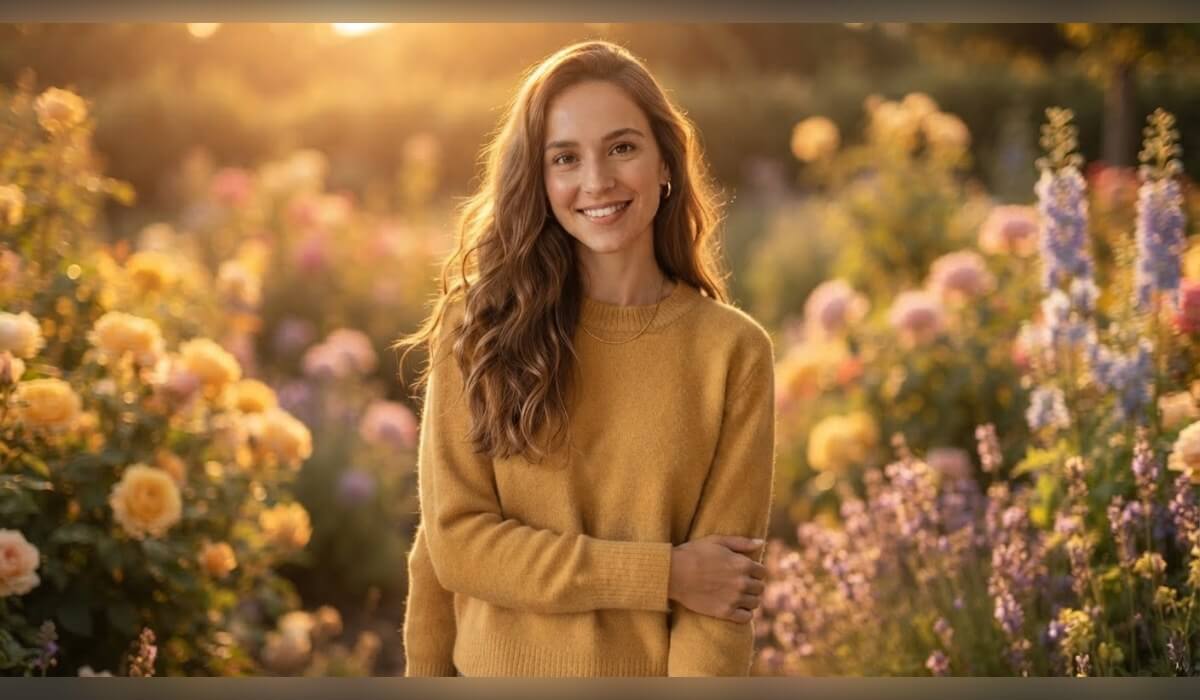
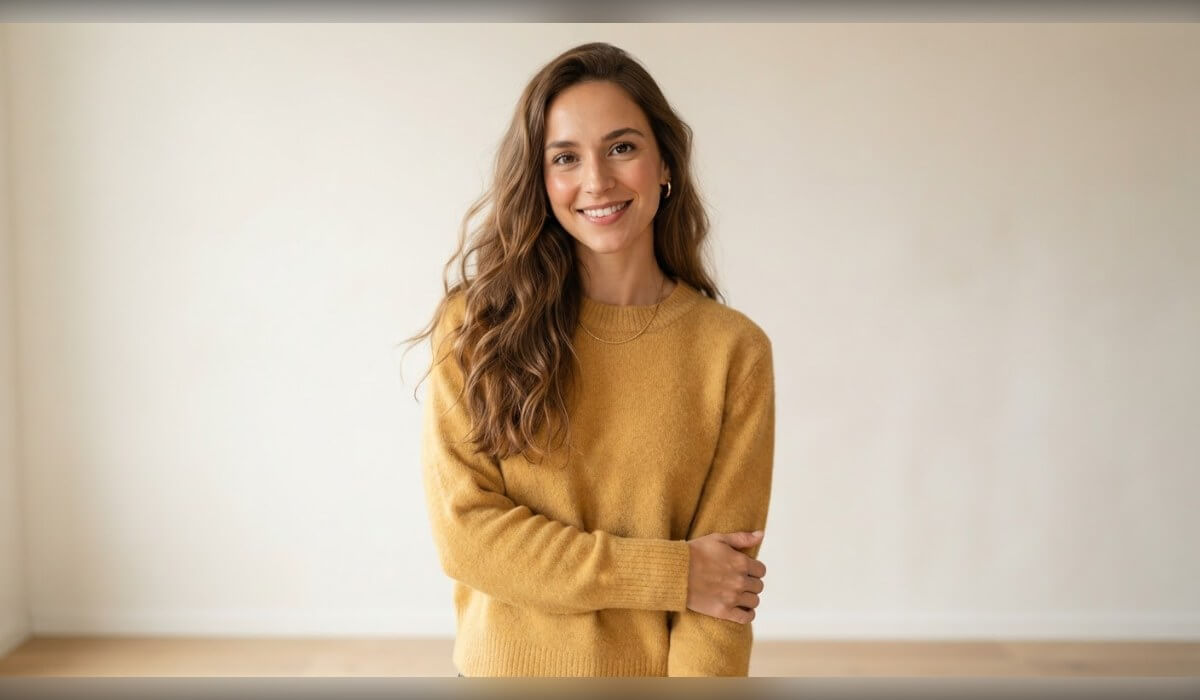
Generated people look best when the prompt is specific and the result is checked closely.
Name the age, hair, clothing, pose, setting and light. Detailed prompts give you a more consistent person than a short one like "a woman".
Look closely at hands, teeth, eyes and skin texture. If a detail is off, change the prompt slightly and generate again.
Generated people are not real, so use them for illustration, mockups and stories. Do not present them as real individuals, and do not copy a real person without permission.

An AI human generator creates images of people from a text description. You describe the age, hair, clothing, pose and setting, and the AI draws a new person who does not exist.
No. This page is about generating images of people. A text humanizer rewrites writing so it sounds more natural, which is a different kind of tool.
No. The images show made-up people created by AI. Any resemblance to a real person is a coincidence, so do not use them to represent a real individual.
Yes. Generate the person, then upload the image and describe the change, such as a new outfit or a different background. Results can vary, so try a few times and compare.
AI images can get fine details wrong, especially hands and small objects. Zoom in to check, then adjust your prompt or generate again until the detail looks right.
Generated people are useful for mockups, stories and placeholders. Check the app terms for how you can use the results, and tell viewers when an image is AI-generated if that matters for your project.
Only with that person’s permission. Do not create images that could mislead people about a real individual.


 English