

A Family Photo That Says Hello
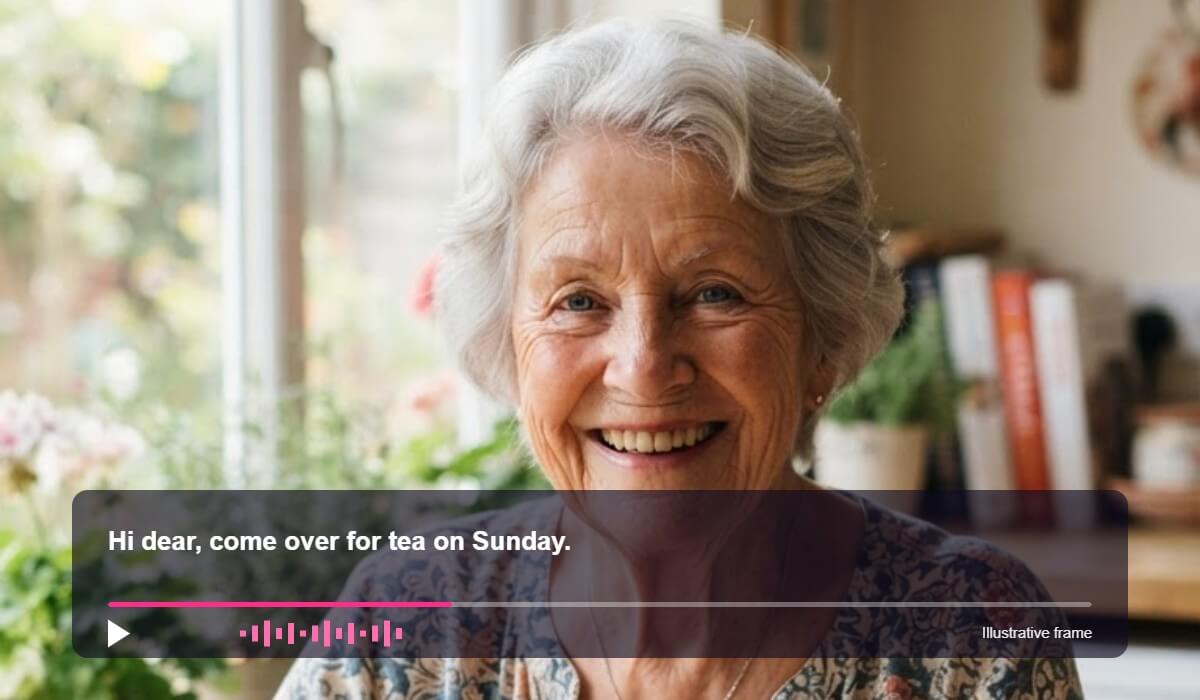
Start from a clear portrait and add a short greeting. The photo becomes a small clip you can share in a message or a card.


Add a script to a still photo, choose a voice and generate a short talking clip. AI Talking Photo in YouCam AI Pro animates the face so your picture appears to speak.

Start from a clear portrait and add a short greeting. The photo becomes a small clip you can share in a message or a card.


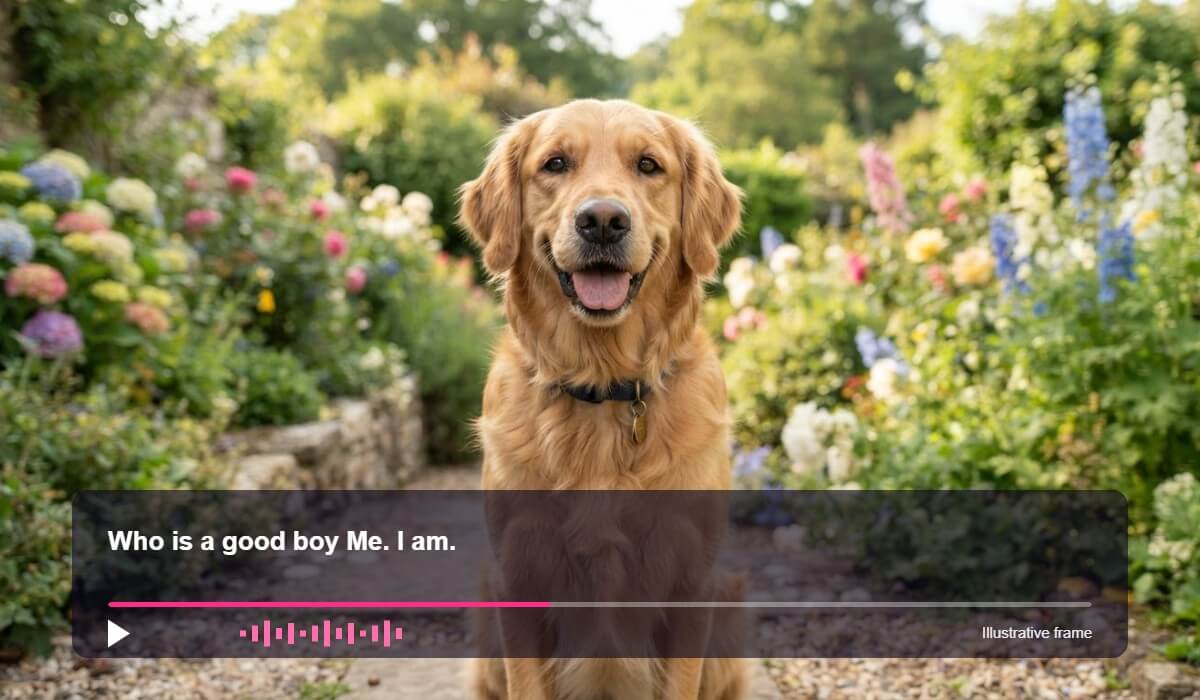
Pet photos work too when the face is clear and centered. Write a funny line, pick a voice and see the picture come to life.

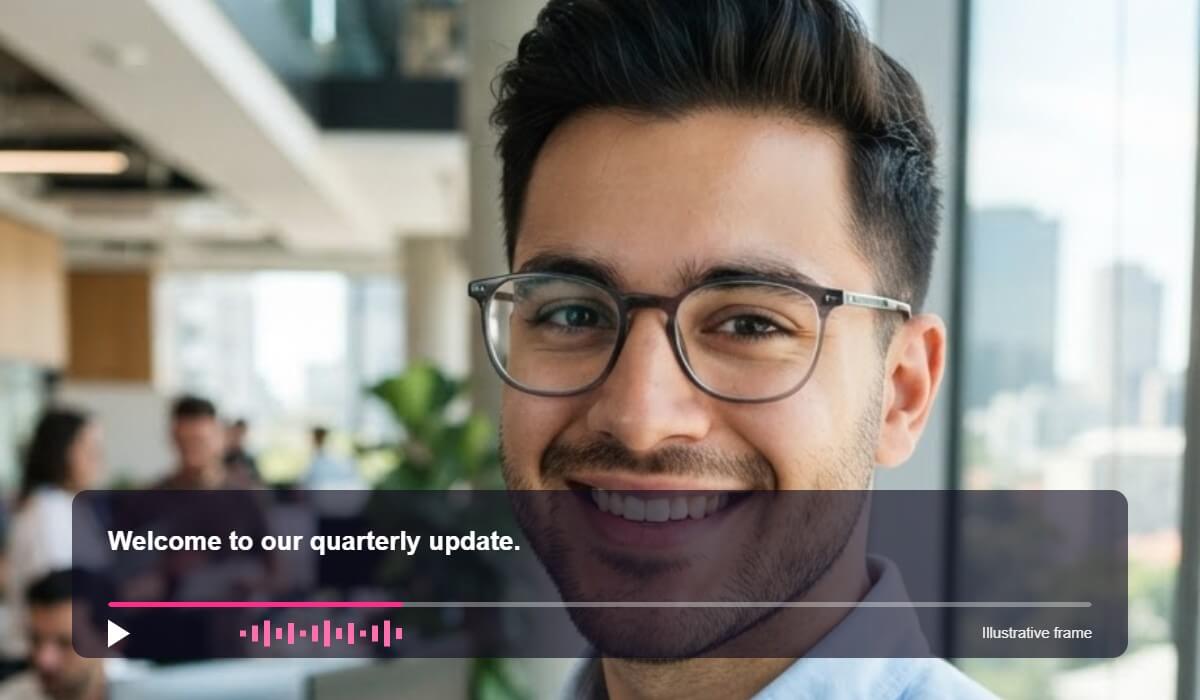
Use a clean headshot for a quick welcome or announcement. Keep the script short so the clip stays natural to watch.

A talking photo depends on the face in the picture. These habits help the motion look natural.
Use a front facing photo in soft light. Shadows across the mouth and eyes make the motion look uneven.
Pick a head and shoulders portrait with a plain background. Hands, masks, sunglasses and hats over the face lower the quality.
A calm expression suits a short, calm line. Keep scripts brief and read them aloud once to check the pacing.

An AI talking photo takes a still picture of a face and adds speech and mouth movement, so the photo appears to say your script. In YouCam AI Pro you add a photo, write or paste the words, pick a voice and generate a short clip.
A sharp, front facing photo with one clear face works best. Even light, a relaxed expression and nothing covering the mouth or eyes give smoother results.
Yes, a clear pet photo with a visible face can work. Results vary by photo, so try a few if the first clip does not look right.
Keep it to a sentence or two. Shorter scripts usually look more natural, and you can make several clips instead of one long one.
No. Mouth movement and voice can look slightly artificial, and results change with the photo. Treat it as a fun, creative tool and review each clip before you share it.
Only with their permission. Do not use a talking photo to mislead people or to put words in someone's mouth that they did not say.
Open YouCam AI Pro on your phone and choose Talking Photo to get started.


 English