


 Author: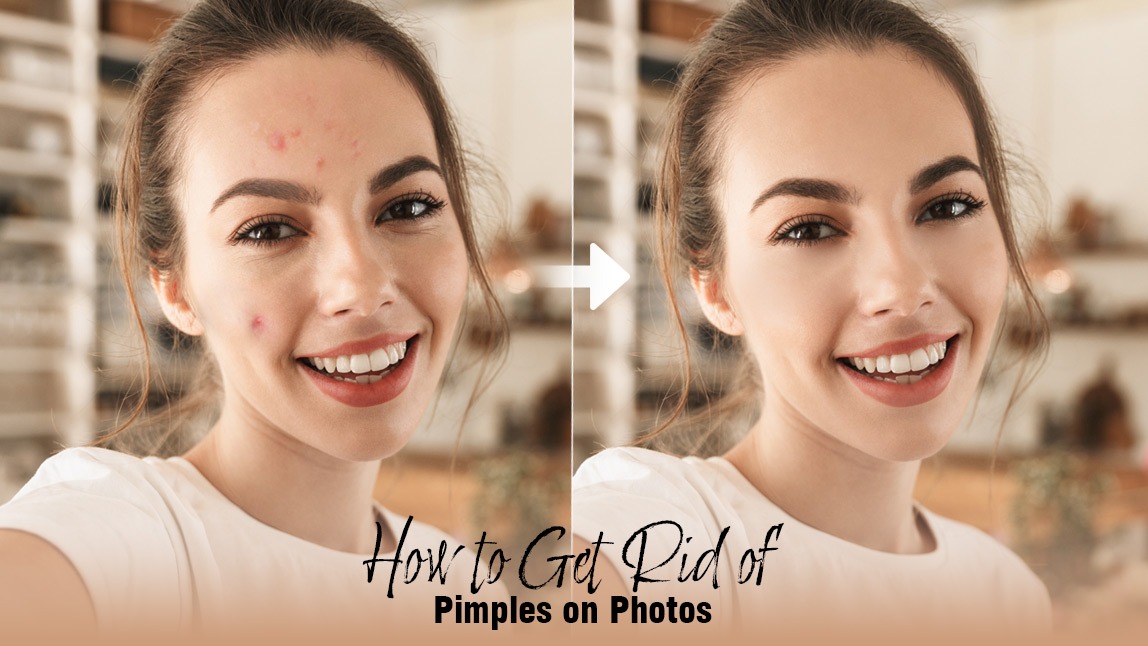
You know the feeling: you look in the mirror, and there it is—a bright red, unwelcome guest, often right before a big event or a crucial photo op. That sudden panic can be overwhelming. But what if we told you that achieving a visibly calmer complexion in just 5 minutes is absolutely possible?
Whether you need a quick skin fix or a flawless photo edit, we’ve got your back. This guide is your ultimate, simple, and fun roadmap to tackling those unexpected breakouts, giving you confidence both in real life and in your digital world. Forget the frustration. It's time to take control.
🔑 Key Takeaways
- Real-Life Fix: Quick, targeted treatments like ice and spot treatments are the key to visibly reducing size and redness in minutes.
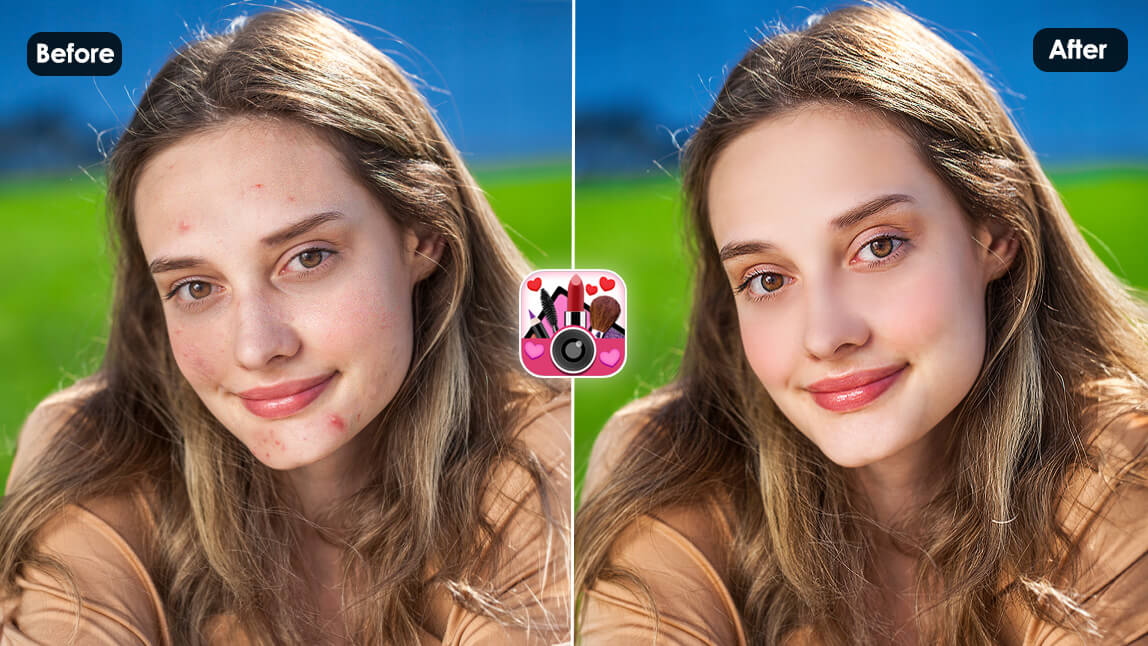
- Digital Fix: The YouCam Makeup App is the fastest and most effective way to effortlessly achieve flawless skin in any photo.
- Pro Tip: Look for active ingredients like Benzoyl Peroxide and Hydrocortisone for rapid results.
🧊 How to Get Rid of Pimples in 5 Minutes: 6 Useful Tips
When time is your enemy, you need strategies that deliver visible results almost instantly. While you can't permanently erase a deep cyst in five minutes, these tips focus on rapidly reducing inflammation, redness, and swelling—the three things that make a pimple most noticeable.
Discover the fastest way to remove pimples in photos>>>
1. Apply Ice to Reduce Swelling
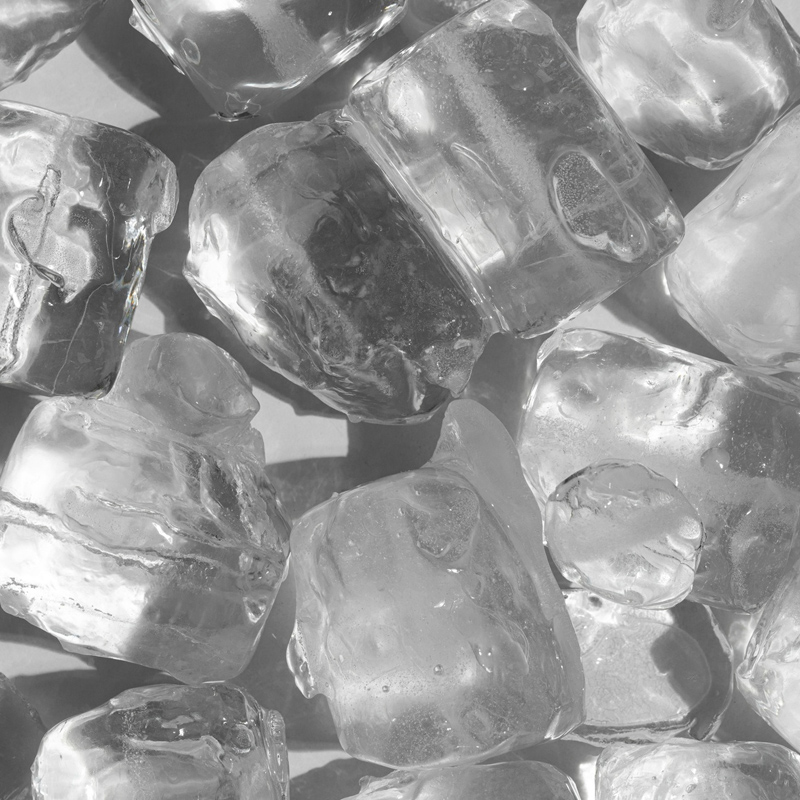
This is your #1 quick fix. Ice constricts the blood vessels beneath the skin, immediately reducing redness and size.
- How: Wrap a small ice cube in a thin cloth or paper towel. Gently hold it against the inflamed area for 1 minute intervals, taking a 30-second break in between.
- Goal: To calm the throbbing sensation and flatten the lesion visibly.
2. Use a Targeted Spot Treatment
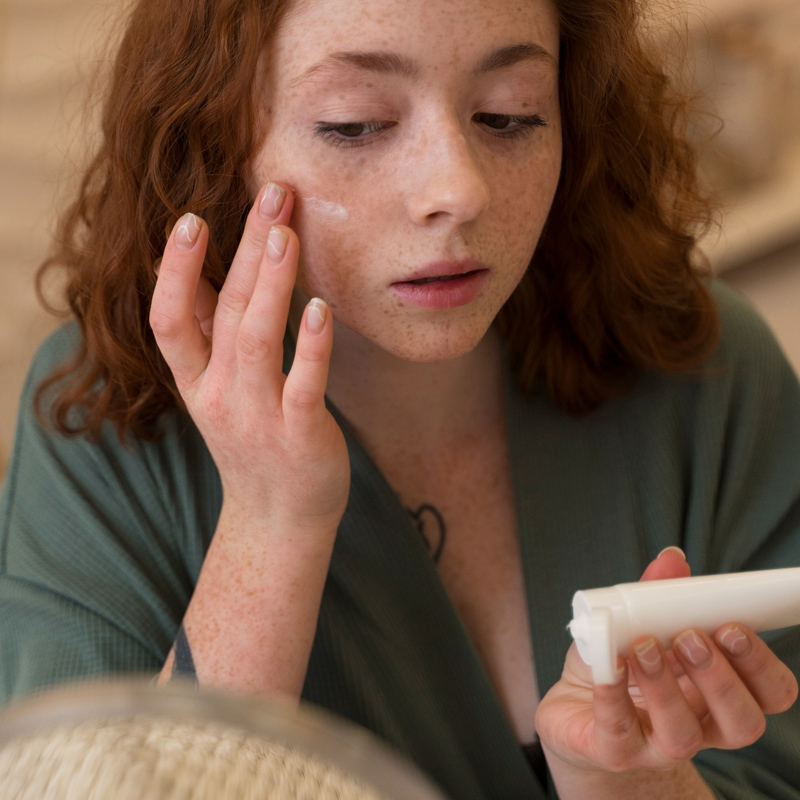
Many over-the-counter spot treatments are designed for rapid action. Apply the product, let it dry, and allow the ingredients to penetrate quickly.
Pro Tip: Look for treatments with a high concentration of Salicylic Acid (2% max) or Sulfur, which work quickly to exfoliate and dry out the blemish.
3. Dab on Some Benzoyl Peroxide
Benzoyl peroxide is a powerful anti-bacterial agent that quickly attacks the P. acnes bacteria contributing to the breakout.
Dose: Use a low-concentration product (2.5% or 5%) to avoid excessive irritation, which can often worsen the redness.
4. Try Hydrocortisone Cream
For immediate redness reduction, a small amount of a low-dose (0.5% or 1%) hydrocortisone cream—a mild topical steroid—can work wonders.
Caution: This is a temporary fix. It reduces inflammation rapidly but is not a long-term solution and should be used sparingly.
5. Apply Aloe Vera to Soothe
If the pimple is irritated or dry from other treatments, aloe vera gel offers instant, cooling relief.
Benefit: Its natural anti-inflammatory and soothing properties can quickly calm angry, red skin.
6. Use a Pimple Patch
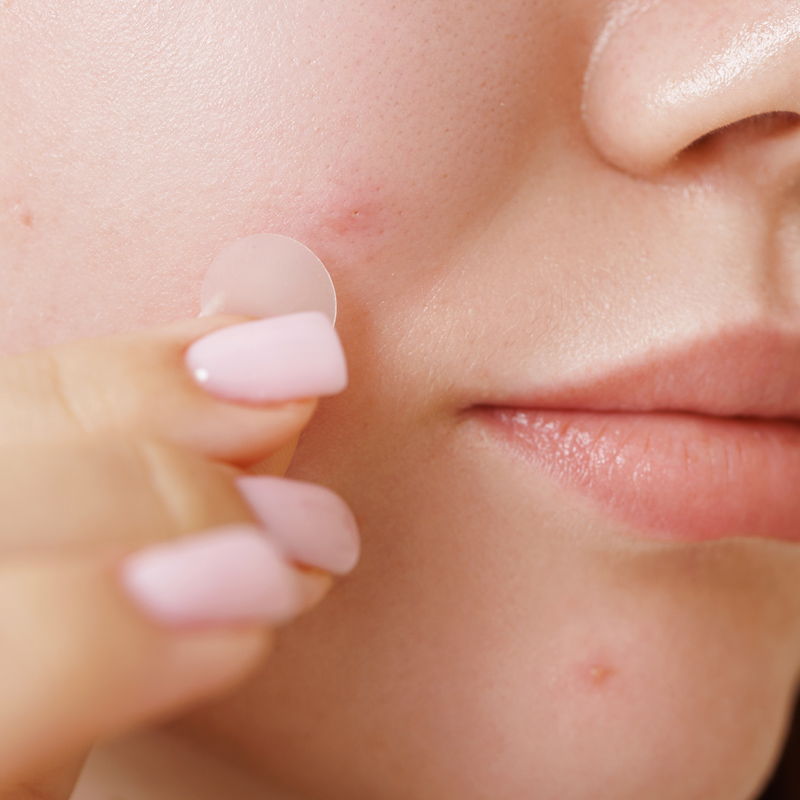
If you have a patch handy, apply it! While the true healing happens over hours, a hydrocolloid patch immediately:
- Visibly: Flattens the blemish by drawing out fluids.
- Conceals: Provides a physical barrier, making the pimple look less noticeable.
📸 Bonus: How to Reduce Pimple Redness in 5 Minutes In Photos
Even after the best real-life attempts, a pimple can still show up in a photo. Instead of deleting that perfect shot, use the power of AI to fix it in seconds. This is the fastest way to remove a pimple in 5 minutes for your social media, professional headshots, or important memories.
The secret? The Blemish feature in the YouCam Makeup app.
Step 1. Download YouCam Makeup
Shared Materials by Strapi
*Adjust the size of images ONLY. Please go to Strapi to edit the materials info.
Start by downloading the YouCam Makeup app, the #1 AI photo and video editor for flawless skin.
Step 2. Tap Face Retouch & Upload Photos

Open the app, select the"Photo Edit" then go to "Face Retouch" option, and choose the photo where you want to instantly remove the pimple.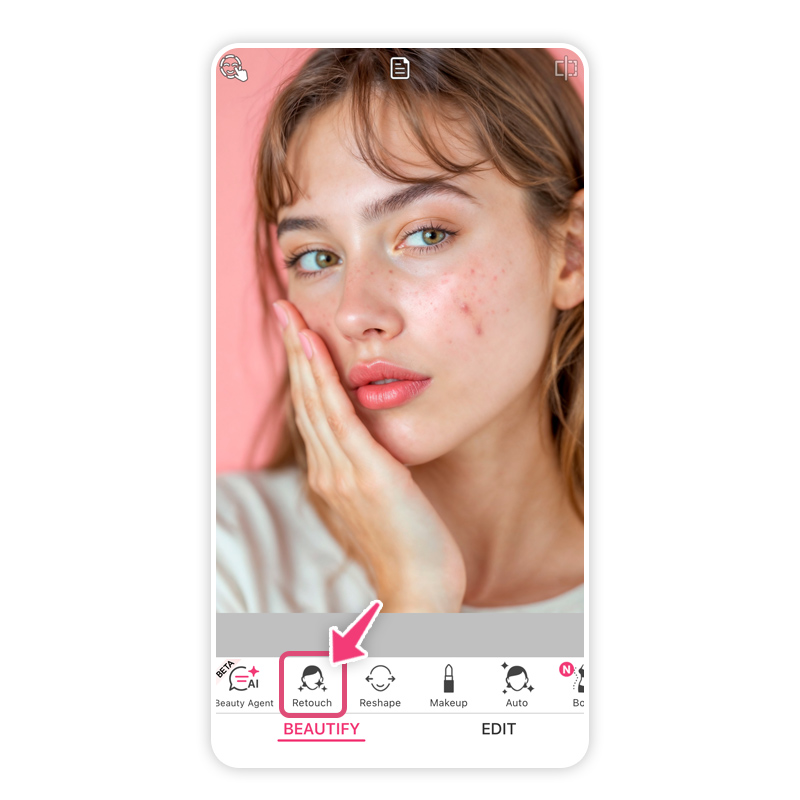
Step 3. Select Blemish Feature & Adjust Intensity
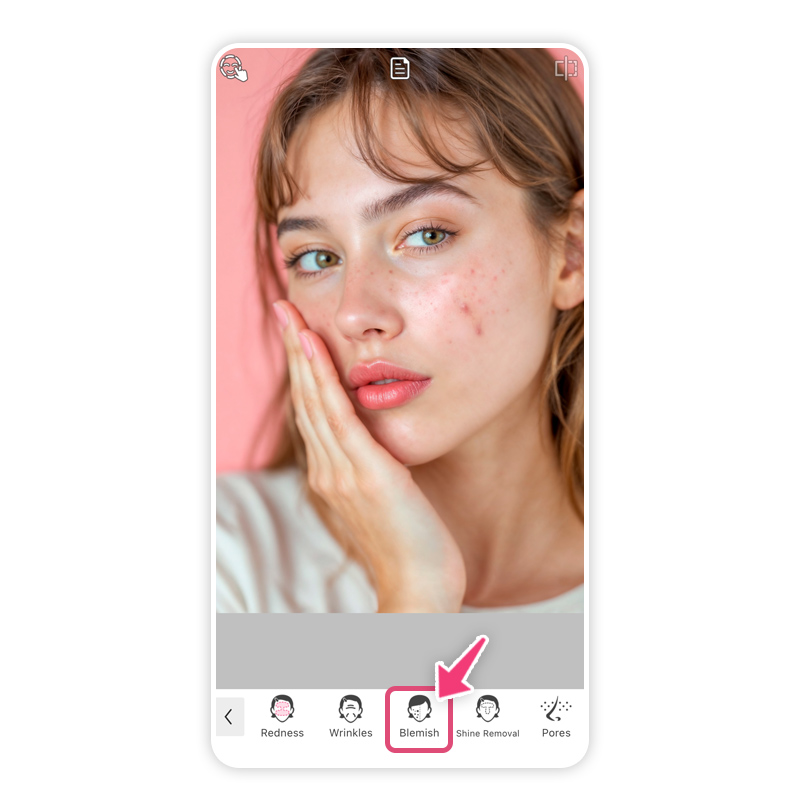
Navigate to the "Blemish" feature.
- The AI will automatically detect skin imperfections.
- Simply tap on the pimple you want to remove, or use the slider to adjust the intensity for a perfectly natural, airbrushed finish.
Step 4. Save & Download
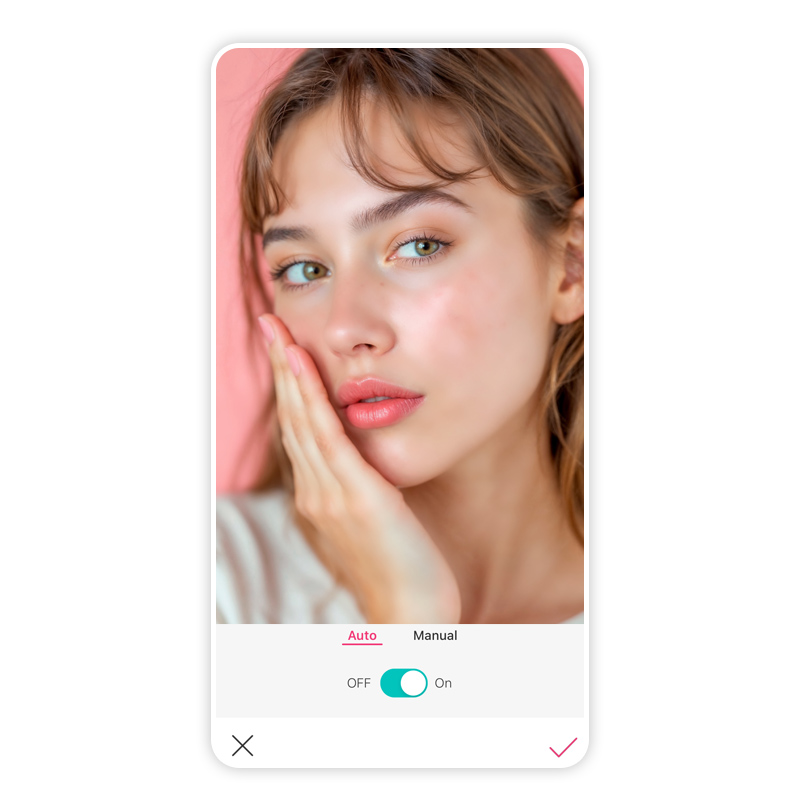
Once satisfied, tap the checkmark and then Save to instantly download your perfectly retouched, flawless photo. It’s that simple. Zero effort, maximum results.
Get Rid of Pimples in Photos with AI Now
Shared Materials by Strapi
*Adjust the size of images ONLY. Please go to Strapi to edit the materials info.
A sudden breakout doesn't have to ruin your day or your photos. We’ve shown you the six most effective real-life strategies for how to get rid of pimples in 5 minutes by tackling redness and swelling head-on.
And thanks to AI photo editing, you now have the ultimate digital tool to ensure your pictures are always flawless. You are empowered to look and feel your best, effortlessly. Success is simple when you have the right tools.
Start achieving flawless skin—in real life and in your photos—today.
👉 Download YouCam Makeup and eliminate blemishes instantly!About the Editors

The PERFECT Corp. Editorial Team
We are a team of experts on photo and video editing apps. Our goal is to deliver engaging content on everything from stunning selfie edits to eye-catching video effects. We cover the latest trends and share niche tips to help you master digital creation.



 English


