Author:


Have you ever scrolled through TikTok or Instagram and stopped dead in your tracks because a realistic-looking baby was doing a perfect breakdance or a flawless salsa? If so, you’ve witnessed the AI baby dance phenomenon. These videos are racking up millions of views, blending "cuteness overload" with the mind-bending power of artificial intelligence and in this guide will show you how to master the trend effortlessly.
What Is the AI Baby Dance Trend?
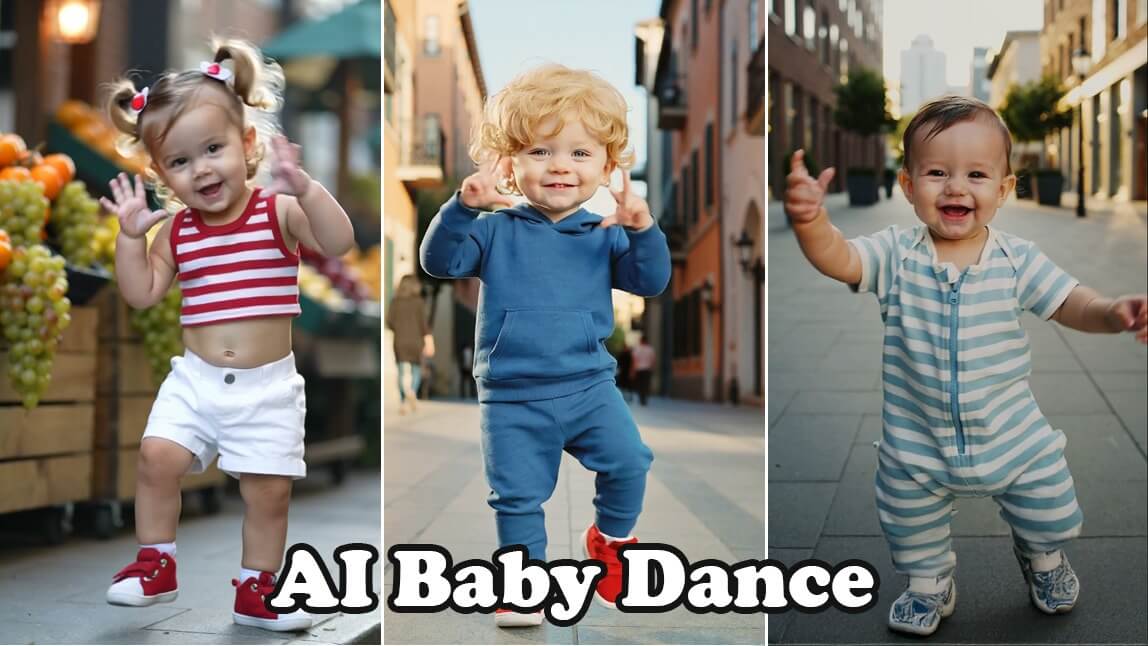
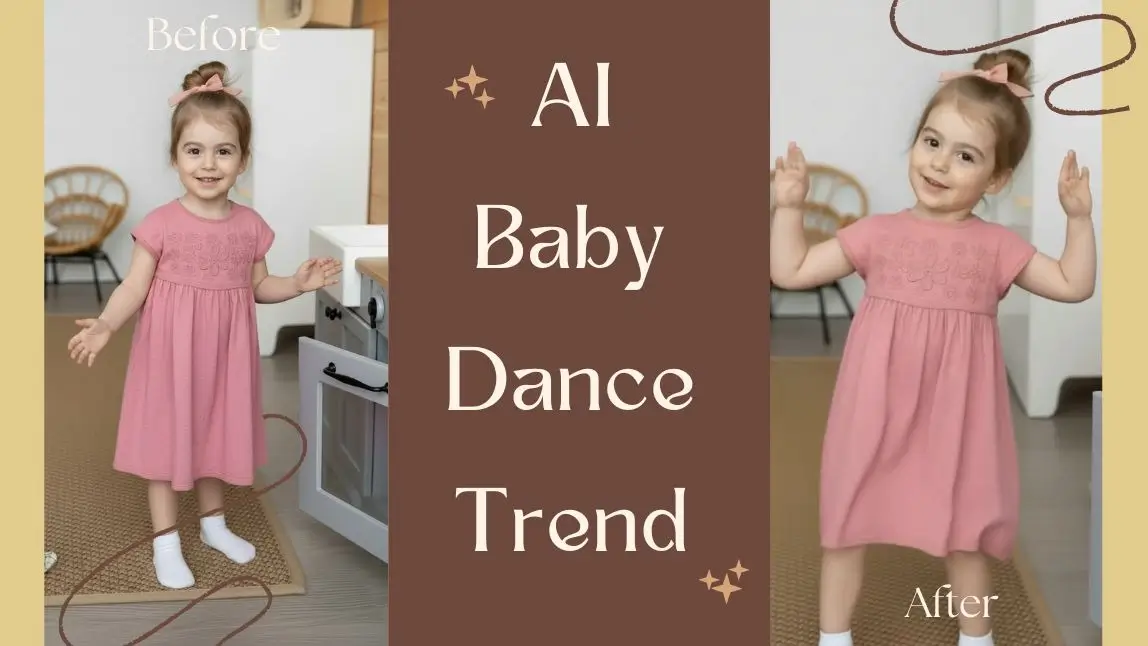
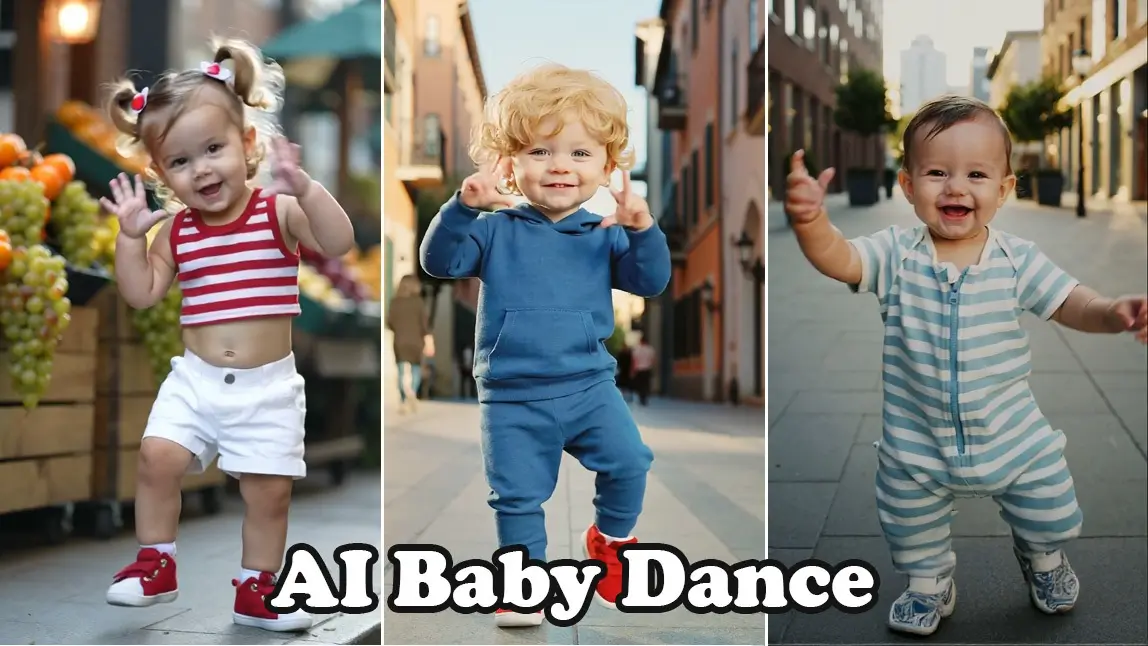
The AI baby dance trend involves using generative AI tools to animate still images of babies (or AI-generated babies) into highly fluid, energetic, and often hilarious dance routines. By leveraging "Image-to-Video" technology, creators can take a cute photo and apply a motion template—like hip-hop, disco, or even viral K-pop choreography—to the subject.
Why Are AI Baby Dancing Videos So Popular?
There is a specific psychological magic to these videos:
- The "Uncanny" Surprise: Seeing babies perform complex adult dances is a "thumb-stopping" contrast that demands immediate attention.
- Algorithm-Friendly Replay: The fluid realism often makes users watch 2–3 times, signaling to TikTok and Reels algorithms to push the content further.
- Universal Appeal: Babies and dancing are a global language, making these videos highly shareable across all ages, cultures, and regions.
- Instant Dopamine: These clips act as a "mental reset," providing the quick, mood-lifting humor that social media users crave.
- Emotional Connection: Babies evoke a positive emotional response, making the content universally appealing across all age groups and regions.
How to Make a Viral AI Baby Dancing Video with AI [3 Easy Ways]
Creating viral content shouldn't be stressful. YouCam AI Pro has simplified the process, turning complex AI rendering into a "tap-and-go" experience. Here is how you can create your own masterpiece in minutes:
1. Image to Video Templates - Fast & Easy
Step 1. Download YouCam AI Pro

AI Video & Image Generator
Turn text & Image into AI Video instantly.
Supports Text-to-Image & Image-to-Video.
First, grab the app from the App Store or Google Play. It’s the leading tool for creators who want professional-grade AI effects without the steep learning curve.
Step 2. Tap AI Video & Image to Video

Open the app and navigate to the "AI Video" section. Select the "Image to Video" feature. This is where the magic happens, transforming a static portrait into a moving performance.
Step 3. Upload Photo & Select Dance Template

Upload your baby photo first. Browse through the library of motion templates. YouCam AI Pro offers various styles, from trendy TikTok dances to classic boogies. Choose the one that fits the "vibe" of your AI baby dance.
Step 4. Generate & Save
Hit the generate button. The AI will analyze the anatomy of the image and apply the dance movements realistically. Once finished, save the video in high definition, and you’re ready to post!
2. Text-to-Video- Custom Prompt
If you want total creative control—like making a baby dance on the moon or in a superhero suit—the Text-to-Video method is your best choice. By using the advanced Kling O1 model within YouCam AI Pro, you can generate cinematic, high-fidelity movements that go far beyond standard templates.
Step 1. Open AI Video & Select "Text to Video"
Launch the YouCam AI Pro app and navigate to the AI Video section on the home screen. Switch the mode from "Image to Video" to "Text to Video." This allows the AI to build the entire scene from scratch based on your imagination rather than just animating an existing photo.
Step 2. Enter Your Detailed Custom Prompt for AI Baby Dance

In the prompt box, describe exactly what you want to see. For the best results with the baby dance trend, use the "Who + Doing What + Where + Style" formula.
- Example Prompt: "A realistic, chubby baby in a golden hip-hop tracksuit performing a professional breakdance, spinning on a bright studio floor, cinematic lighting, 4k resolution, joyful expression."
Step 3. Select Kling O1 as Model
Before hitting generate, tap on the Model Selection menu. Choose Kling O1.
- Why Kling O1? Kling O1 is a next-generation unified multimodal model. It is specifically designed to understand complex human physics and "micro-expressions," ensuring your dancing baby looks natural and fluid rather than glitchy.
Step 4. Generate & Save
Tap the Generate button. The AI will take a few moments to render the physics of the dance.
Best AI Baby Dance Prompts (Copy & Paste)
Use these specific text-to-video prompts in YouCam AI Pro to get the most realistic results:
- The Hip-Hop Pro: "A chubby baby wearing oversized streetwear and a tiny beanie, performing a smooth hip-hop dance, high energy, realistic textures, 4k, urban background."
- The Disco Fever: "A smiling infant in a sparkly 70s disco outfit, doing a classic disco finger point and groove, colorful neon lights, cinematic lighting."
- The Bouncy Pajama Dance: "A cute baby in colorful dinosaur pajamas happily dancing with exaggerated arm swings and bouncy steps, playful energy, bright nursery background."
- The K-Pop Star: "A stylish baby performing synchronized K-pop choreography, sharp movements, stage lighting, high definition, viral social media style."
Choosing Your Method: Image-to-Video vs. Motion Swap
| Feature | Image-to-Video Templates | Text-to-Video |
|---|---|---|
| Best Use Case | Quick creation using viral TikTok & Reels trends. | Mimicking specific dance moves from a reference prompt. |
| Effort Level | Low: One-tap application. | Medium: Requires a clear prompt. |
| Customization | Limited to the available preset library. | High: any dance video prompt can be your template. |
| Viral Potential | Very High (optimized for trending audio). | High (perfect for "dance challenges"). |
| Technical Accuracy | High consistency and smooth motion. | Dynamic; depends on reference prompt quality. |
3. How to Create AI Baby Dance Videos Online

If you want to join the viral trend without downloading an app, the YouCam Online Editor provides a powerful, browser-based solution. This "no-install" method is ideal for creators who need to generate high-quality AI baby videos quickly using a desktop or mobile browser.
- Upload Your Source Image: Visit the YouCam Online AI Video Generator and upload a clear, front-facing baby photo. For the best results, ensure the baby’s limbs are clearly visible.
- Select a Dance Style or Enter a Prompt: Choose from a library of preset dance templates or use the Text-to-Video box to describe a custom routine.
- Generate and Export in HD: Click "Generate" and let the AI analyze the photo’s anatomy. The system will automatically apply natural body movement and playful expressions while keeping the baby’s facial features 100% recognizable. Once finished, download your video in high definition.
| Feature | YouCam Online Editor | YouCam AI Pro (App) |
|---|---|---|
| Accessibility | Instant Browser Access | iOS & Android Install |
| AI Video Model | Kling 2.5 / YouCam 2.0 | Kling O1 (High Fidelity) |
| Best For | Quick Web Creation | Viral Pro-Level Clips |
| Custom Prompts | Supported | Advanced Physics Control |
More Fun AI Baby Ideas to Try
Once you’ve mastered the dance, don’t stop there! Here are a few more ways to use AI to create engaging "baby" content:
- AI Baby Cosplay: Use text-to-image prompts to dress your AI baby as a superhero, a tiny chef, or a space explorer.
- Baby Time Travel: Generate images of what your baby might look like in different historical eras (e.g., a 1920s jazz era baby).
- Holiday-Themed AI Videos: Create seasonal greeting videos with a dancing baby dressed as an elf or a tiny cupid.
Join the AI Baby Dance Trend Now
AI Video & Image Generator
Turn text & Image into AI Video instantly.
Supports Text-to-Image & Image-to-Video.
The AI baby dance trend isn't just a passing fad—it's a new way to tell stories and share joy through technology. With tools like YouCam AI Pro, the barrier to entry has vanished. You have the creativity; now you have the power to bring it to life.
Stop watching the trends and start making them. Your first viral video is just a few taps away!
Ready to see your ideas in motion?
Download YouCam AI Pro now and create your first AI baby dance video today!
About the Editors

The PERFECT Corp. Editorial Team
We are a team of experts on photo and video editing apps. Our goal is to deliver engaging content on everything from stunning selfie edits to eye-catching video effects. We cover the latest trends and share niche tips to help you master digital creation.