


 Author: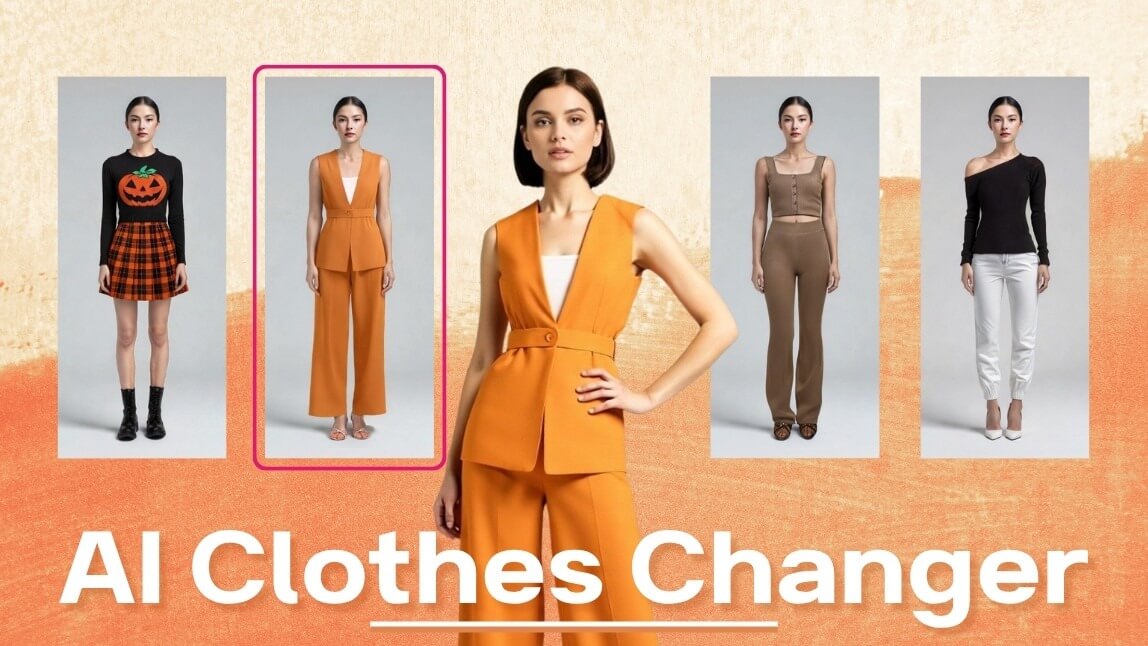
Buying clothes online can still feel uncertain. You add something to your cart, wait for delivery, and then the fit, color, or overall look may not match what you imagined. AI clothes changer tools are helping make that process more visual by letting users preview outfits, test styling ideas, and create fashion visuals from a photo.
These tools can be used in different ways. Some are made for quick outfit edits, some work more like virtual fitting rooms, some are useful for content creation, and others are designed for brands or developers that want to add AI-powered virtual try-on to an e-commerce experience.
This guide gives an overview of AI clothes changer tools to explore in 2026, including options for personal styling, creative visuals, online shopping previews, and business use.
Table of Contents ▼ Click to Expand
- Quick Answer: What Are the AI Clothes Changer Tools to Explore in 2026?
- AI Clothes Changer Tools to Explore in 2026
- AirBrush
- bitStudio
- Perfect Corp.
- YouCam Online
- Canva
- FitRoom
- Fotor
- Klodsy
- Krea
- MimicPC
- Pincel
- VisualGPT
- AI Clothes Changer Tools by Use Case
- How to Use an AI Clothes Changer
- Tips for More Realistic AI Clothes Changer Results
- What to Look For in an AI Clothes Changer Tool
- FAQs About AI Clothes Changer Tools
- Conclusion
Quick Answer: What Are the AI Clothes Changer Tools to Explore in 2026?
AI clothes changer tools use artificial intelligence to preview, replace, or generate clothing on a person’s photo. Depending on the tool, users may be able to upload a photo, choose an outfit, upload a garment reference image, or describe the look they want with a text prompt.
AI clothes changer tools to explore in 2026 include AirBrush, bitStudio, Perfect Corp., YouCam Online, Canva, FitRoom, Fotor, Klodsy, Krea, MimicPC, Pincel, and VisualGPT.
The right option depends on the use case. Some tools are suited for quick personal edits, while others focus on fashion visuals, wardrobe planning, virtual fitting-room experiences, or business-ready AI clothes try-on.
AI Clothes Changer Tools to Explore in 2026
The tools below are presented as an overview. Each one has a different focus, from casual outfit edits and prompt-based styling to virtual try-on, wardrobe planning, and business integration.
AirBrush
Overview
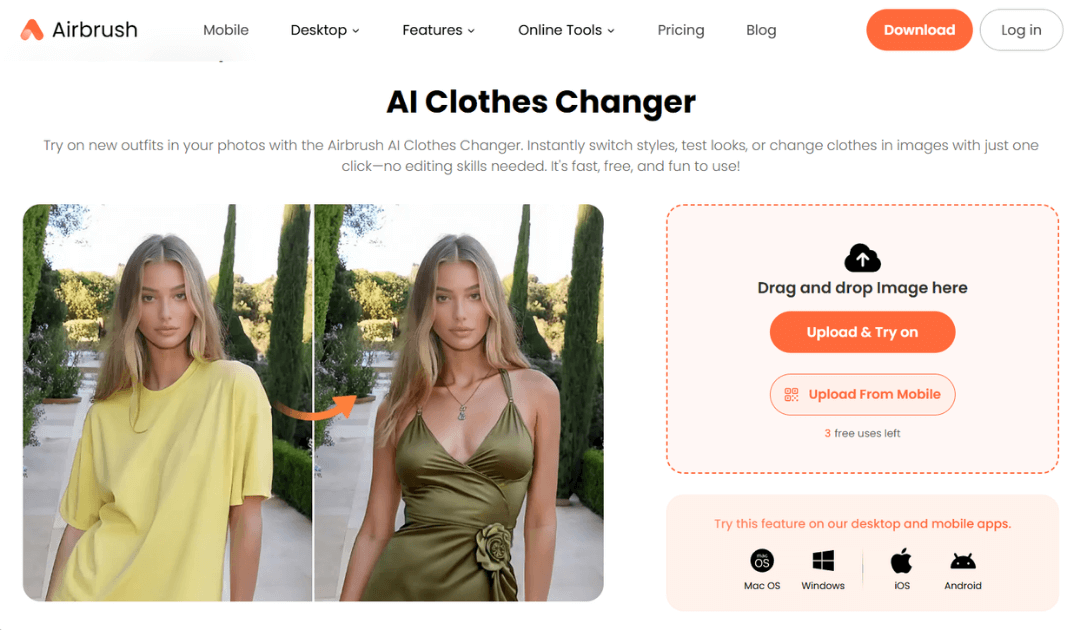
AirBrush offers a simple AI clothes changer experience for users who want to test outfit ideas quickly. It is especially useful for casual edits, social media content, and prompt-based clothing changes.
Key Features
- Prompt-based outfit edits
- Beginner-friendly workflow
- Useful for casual styling ideas
- Works for quick visual experiments
Use Cases
AirBrush can be useful for users who want to create simple outfit variations, test a new style, or make quick clothing changes for social content. Results may vary depending on photo quality, pose, and prompt clarity.
bitStudio
Overview
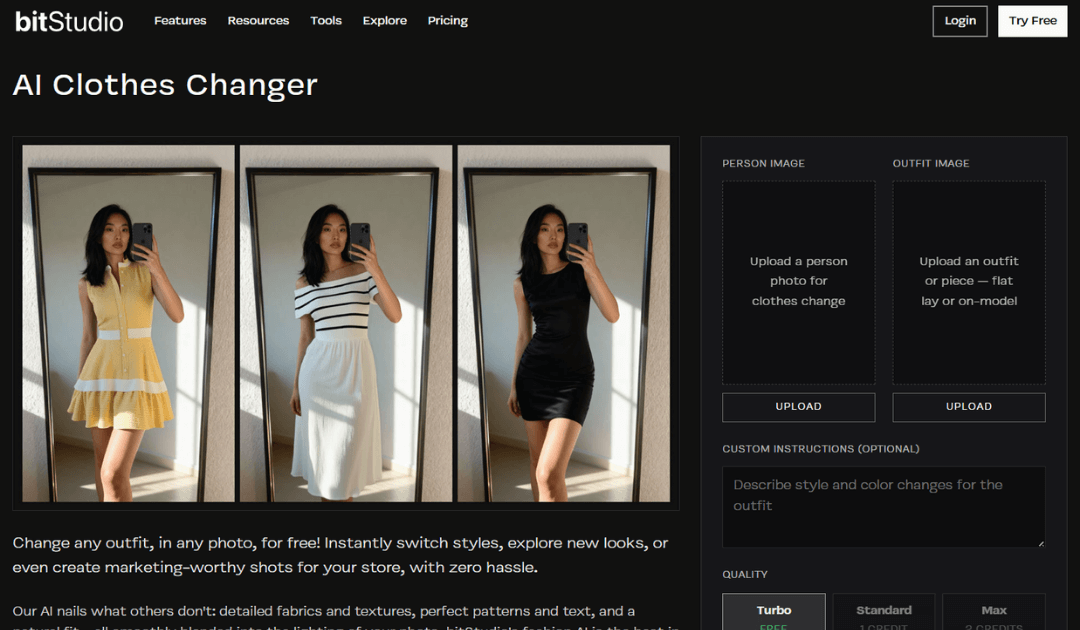
bitStudio focuses on fashion visuals and creative outfit generation. It sits between virtual try-on style outputs and creative customization, making it useful for users who want to explore different looks and style variations.
Key Features
- Customizable fashion outputs
- Style variation tools
- Useful for creative outfit concepts
- Flexible visual experimentation
Use Cases
bitStudio may be useful for fashion visuals, creative styling tests, and users who want to explore outfit ideas beyond a simple clothing swap.
Perfect Corp.
Overview
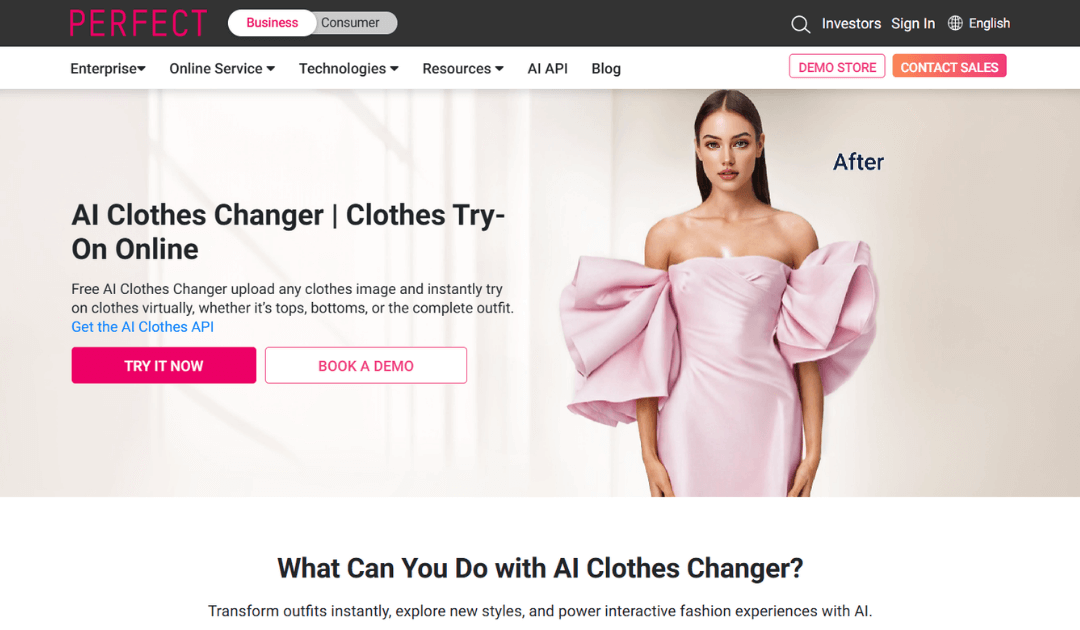
Perfect Corp. offers AI clothes changer technology for brands, retailers, and developers that want to build virtual try-on experiences into websites, apps, or e-commerce journeys.
Its AI Clothes Changer API is designed for business use cases where teams need scalable integration, garment visualization, and a controlled customer experience.
Key Features
- AI Clothes Changer API for business integration
- Garment mapping for virtual try-on experiences
- Support for e-commerce and retail use cases
- Scalable workflows for websites and apps
- Designed for customer-facing shopping experiences
Use Cases
Perfect Corp. may be relevant for businesses that want to add AI-powered clothes try-on to an e-commerce platform, shopping app, or branded digital experience.
Brands and developers can use the technology to help shoppers visualize clothing before purchase, support product discovery, and create more interactive shopping journeys.
Virtual Try-On for Fashion Platforms
Add AI clothes try-on to websites, mobile apps, in-store experiences, and custom digital fashion products.
YouCam Online
Overview
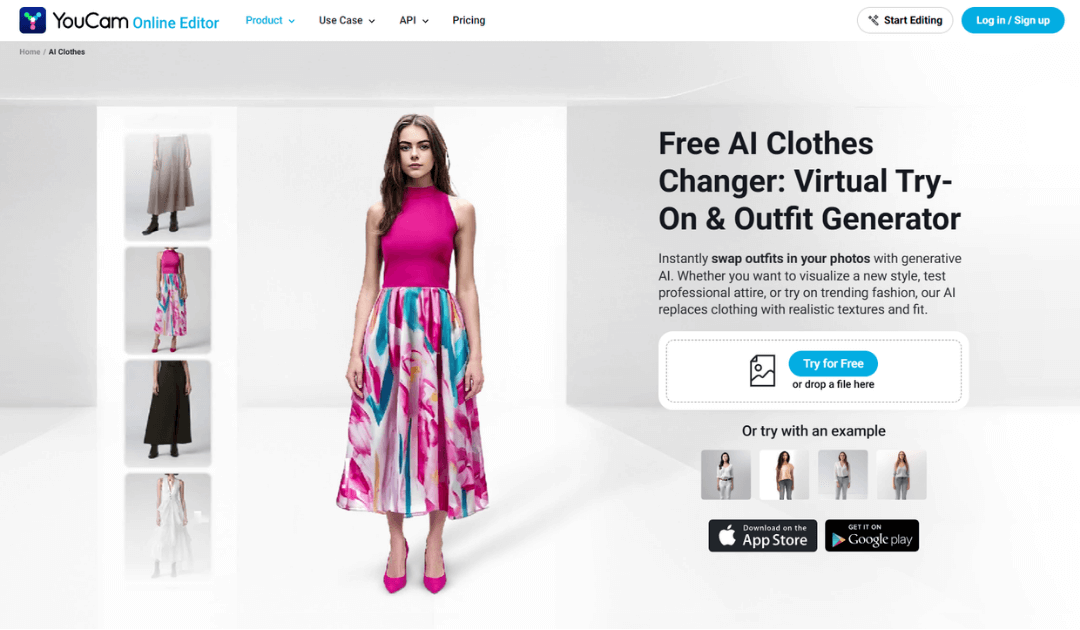
YouCam Online offers a consumer-facing AI clothes try-on experience powered by Perfect Corp. It gives users a way to test outfits directly online.
Key Features
- Web-based AI clothes try-on
- Simple photo upload workflow
- Outfit preview experience for users
- Useful for testing tops, dresses, jackets, and other looks
Use Cases
YouCam Online can be useful for shoppers, creators, and casual users who want to preview outfits from home, experiment with styling ideas, or compare different looks visually.
Canva
Overview
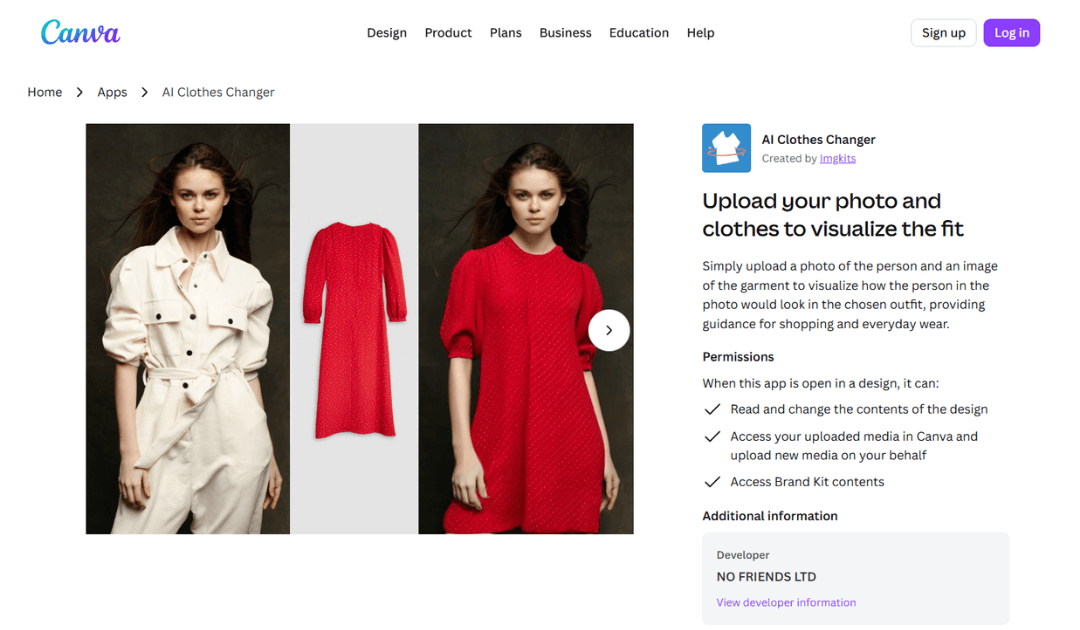
Canva includes AI clothing change options within its broader design ecosystem. It can be useful for people already creating visuals, mockups, presentations, ads, or social media content inside Canva.
Key Features
- Works inside Canva’s design workflow
- Useful for quick visual mockups
- Supports social content and campaign visuals
- Easy to use for existing Canva users
Use Cases
Canva may be useful for creators and marketing teams who want to create quick outfit visuals as part of a larger design workflow. It is more focused on content creation than detailed fit evaluation.
FitRoom
Overview
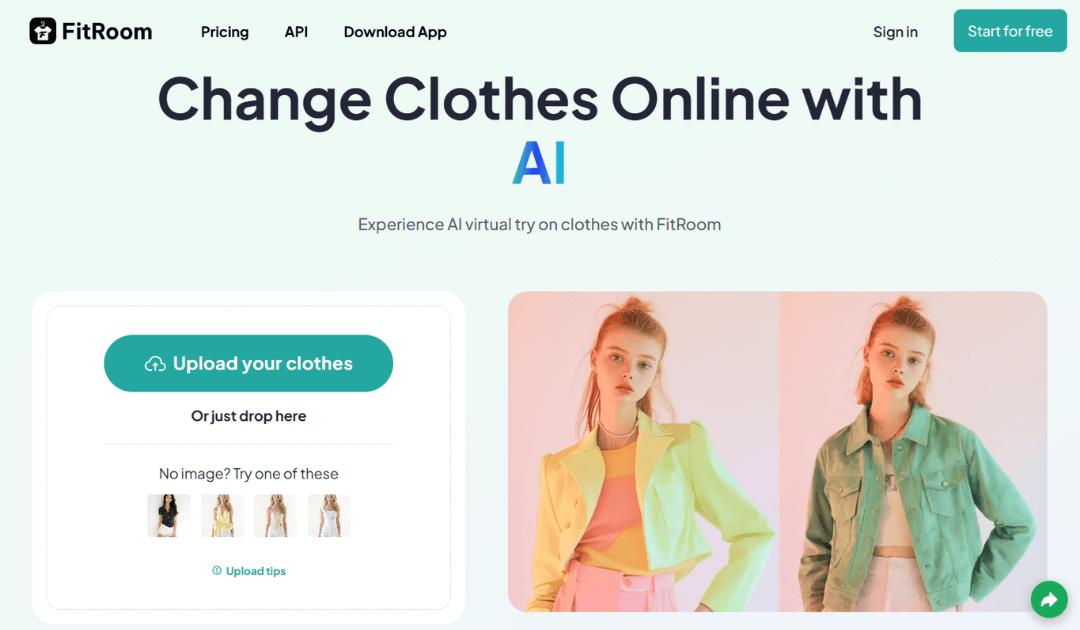
FitRoom offers a virtual fitting-room style experience. Its workflow is centered around helping users preview clothing on a full-body photo.
Key features
- Virtual fitting-room style flow
- Simple try-on experience
- Works well with clear full-body photos
- Useful for outfit previews
Use Cases
FitRoom may be useful for users who want a fitting-room style workflow and a simple way to preview how clothing could look on a person’s photo.
Fotor
Overview
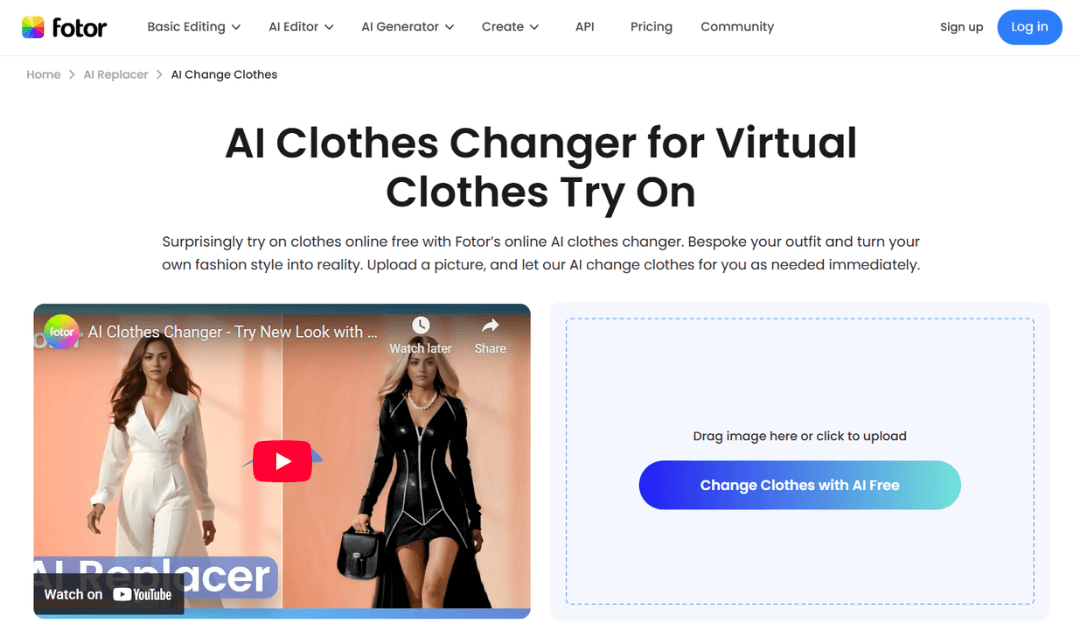
Fotor offers AI outfit editing with a more guided workflow. Depending on the tool flow, users may be able to target tops, bottoms, or full outfit changes.
Key Features
- Guided outfit editing
- Prompt-driven customization
- Options for different clothing areas
- Useful for outfit variations
Use Cases
Fotor may be useful for users who want to test different outfit ideas, create styling variations, or make more specific clothing edits.
Klodsy
Overview
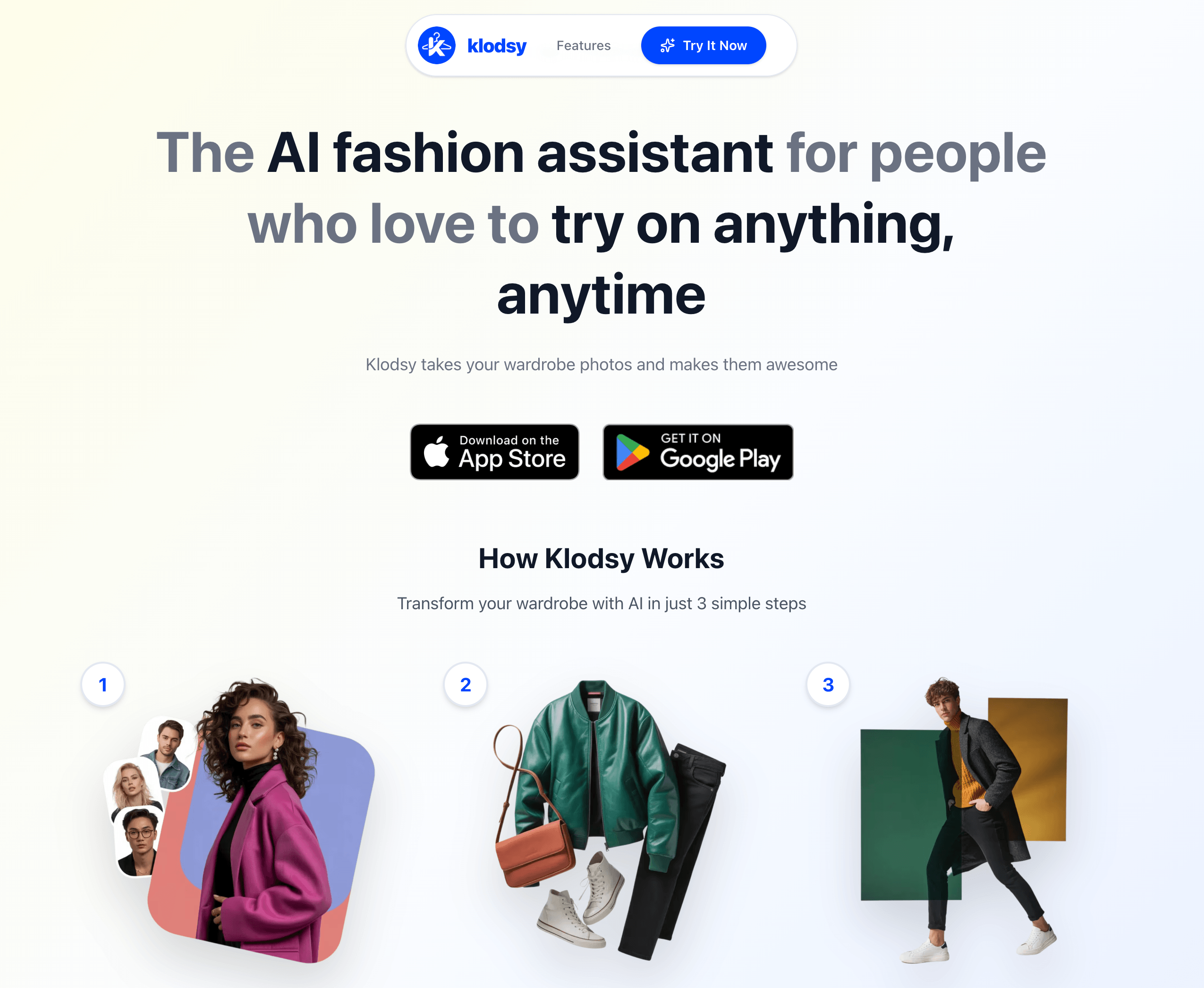
Klodsy is a mobile-first AI outfit planner that combines virtual try-on with wardrobe organization. Instead of focusing only on one-time clothing swaps, it is built around helping users create and manage looks from their own clothes.
Key Features
- Personal AI model creation
- Digital wardrobe tools
- Virtual try-on and outfit generation
- Outfit planning features
- Weather-aware outfit suggestions
Use Cases
Klodsy may be useful for users who want an outfit planning app, not just a one-time AI clothes changer. It can help people organize wardrobe items, build looks, and plan daily outfits.
Krea
Overview
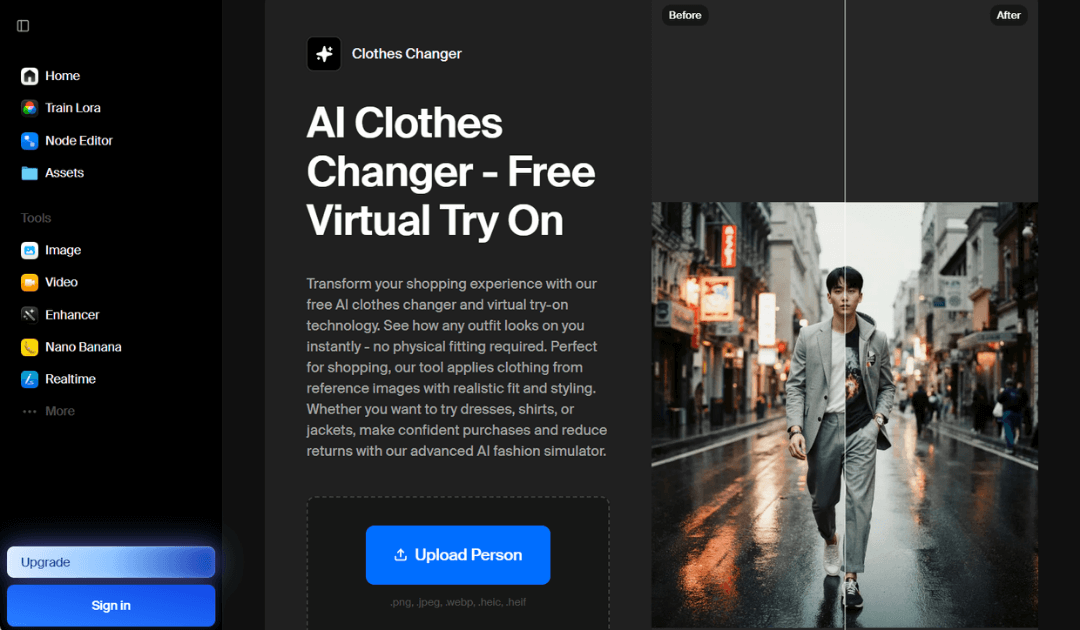
Krea is a creative AI tool that can be used for fast fashion concept testing and visual experimentation. It is useful for exploring different style directions and generating outfit ideas quickly.
Key Features
- Fast visual iteration
- Creative outfit generation
- Useful for concept testing
- Flexible styling exploration
Use Cases
Krea may be useful for designers, creators, or users who want to explore fashion concepts and visual directions rather than only preview a specific garment.
MimicPC
Overview
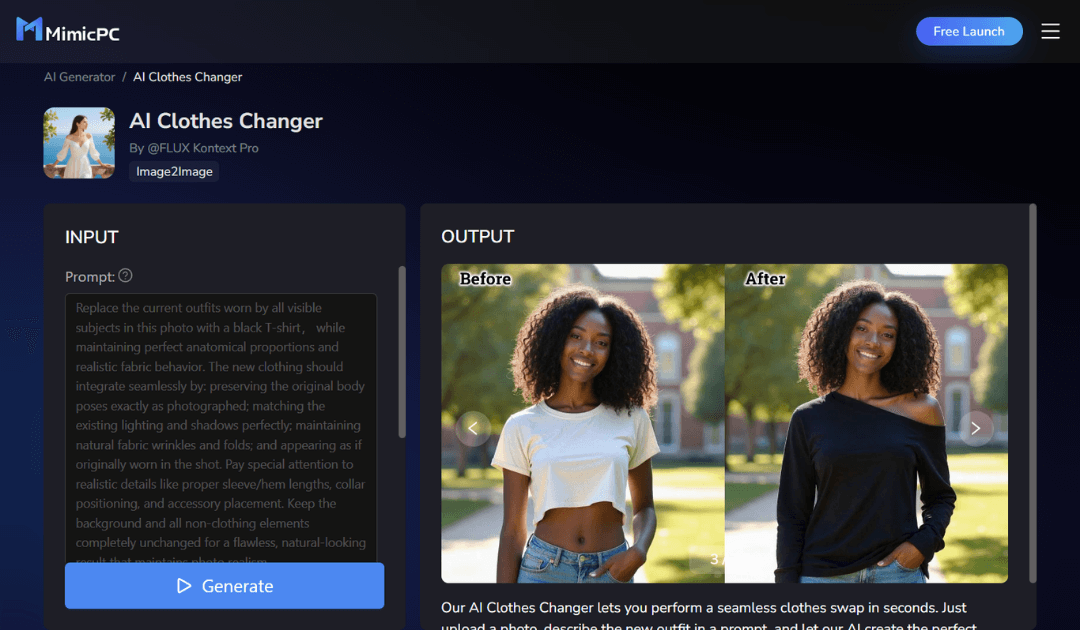
MimicPC offers a prompt-based AI clothes changer workflow. Users can upload a body photo, describe the outfit they want, and generate a new look.
Key Features
- Prompt-based outfit generation
- Fast visual experimentation
- Useful for trying different clothing ideas
- Flexible creative workflow
Use Cases
MimicPC may be useful for users who want to test experimental outfit ideas, generate quick concepts, or explore styling through prompts. Results can depend on the quality of the photo and the clarity of the prompt.
Pincel
Overview
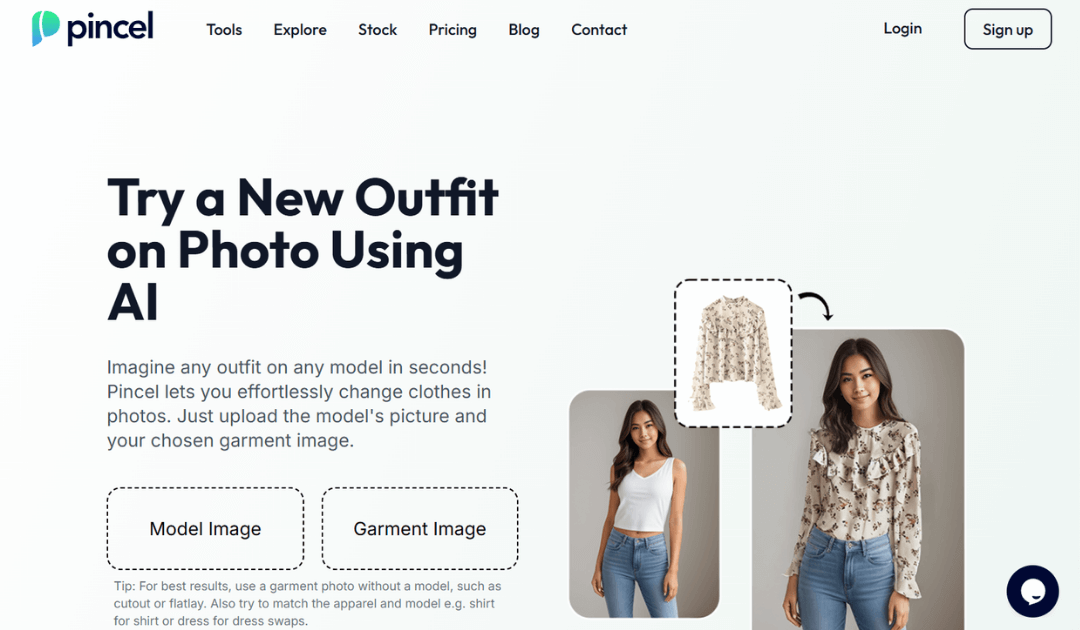
Pincel is useful for more targeted clothing edits. Instead of generating a completely new fashion image, it can help users focus on replacing specific clothing areas.
Key Features
- Targeted clothing swaps
- Controlled editing workflow
- Useful for specific garment replacements
- Focused clothing edits
Use Cases
Pincel may be useful when users want to change one garment area, such as a shirt or jacket, while keeping the rest of the image more controlled.
VisualGPT
Overview
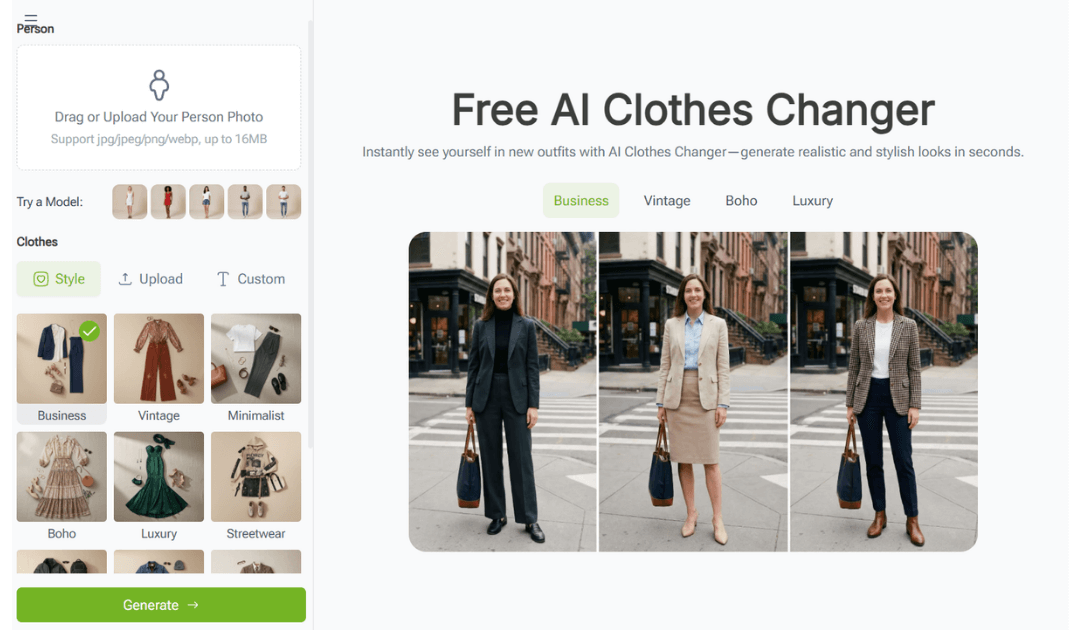
VisualGPT offers a web-based AI clothes changer workflow for quick outfit visualization. It is designed for users who want a simple way to generate outfit ideas without a complex editing process.
Key Features
- Simple web workflow
- Fast outfit generation
- Useful for quick styling tests
- Easy visual experimentation
Use Cases
VisualGPT may be useful for creators, casual users, or shoppers who want to preview outfit ideas quickly and test different visual directions.
AI Clothes Changer Tools by Use Case
Different AI clothes changer tools serve different needs. Some are designed for personal outfit ideas, while others are more relevant for e-commerce, product visualization, or developer integration.
AI Clothes Changer Tools for Personal Use
For personal use, AI clothes changer tools can help users:
- Preview outfits before buying
- Test new styles
- Create social media content
- Plan outfits
- Build wardrobe inspiration
- Try clothing ideas without changing clothes physically
Users who want a simple experience may prefer tools with quick uploads, prompt-based editing, mobile access, or ready-made outfit options.
AI Clothes Changer Tools for Business and E-Commerce
For business and e-commerce use, teams may need more than a simple editing tool. Features such as API access, brand customization, catalog support, privacy controls, and scalable performance can become important.
AI clothes changer technology can support:
- E-commerce virtual try-on
- Product visualization
- Shopper engagement
- Interactive shopping experiences
- Fashion product discovery
- Try-on workflows inside websites and apps
For brands, retailers, and developers, API-based solutions may be useful when the goal is to integrate AI clothes try-on directly into a customer journey.
Learn more about AI Clothes Changer API.
Shared Materials by Strapi
*Adjust the size of images ONLY. Please go to Strapi to edit the materials info. 
How to Use an AI Clothes Changer
Using an AI clothes changer is usually simple. The exact workflow depends on the tool, but most follow a similar process.
Upload a Clear Photo
Start with a clear image of the person. A front-facing or full-body photo usually works well, especially when the clothing area is visible and not blocked by objects.
Choose or Describe an Outfit
Some tools let users choose from preset outfits. Others support text prompts, garment reference images, or uploaded clothing photos.
Generate the Outfit Preview
The AI detects the body, pose, and clothing area, then creates a preview with the selected or described outfit.
Save or Compare the Result
After the result is generated, users can save the image, compare variations, or adjust the prompt or garment reference to test another look.
Tips for More Realistic AI Clothes Changer Results
Most unrealistic AI clothing results come from low-quality images, difficult poses, unclear clothing references, or overly complex prompts. A few simple changes can make the output look more natural.
Use a Clear, Well-Lit Photo
Good lighting helps the AI understand the body shape, clothing area, and shadows. Avoid dark or blurry images when possible.
Choose a Simple Pose
Front-facing or relaxed poses usually produce cleaner results than extreme angles, crossed arms, or heavily cropped photos.
Use a Clean Garment Reference Image
If the tool supports garment reference uploads, use a clear product image with minimal background distractions.
Keep Prompts Short and Specific
Simple prompts often work better than long descriptions. For example, “black leather jacket” is clearer than a long cinematic prompt with too many details.
Try Multiple Variations
AI results can vary. Generating a few variations can help users find the most natural-looking output.
Virtual Try-On for Fashion Platforms
Add AI clothes try-on to websites, mobile apps, in-store experiences, and custom digital fashion products.
What to Look For in an AI Clothes Changer Tool
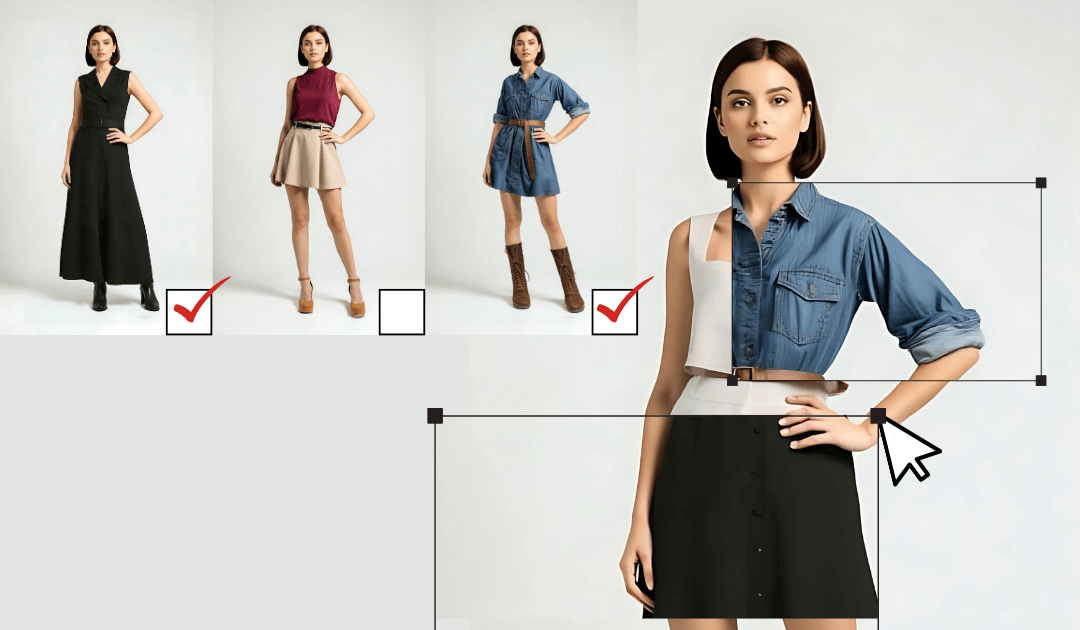
When comparing AI clothes changer tools, the right choice depends on the use case. Personal users, creators, retailers, and developers may need different features.
Garment and Fabric Realism
Look for clothing that appears natural, with believable texture, folds, and shape.
Pose Alignment
The clothing should follow the body pose instead of looking pasted onto the image.
Lighting consistency
The generated outfit should match the lighting and shadows of the original photo.
Multi Garment Support
Some tools may support full outfits, jackets, dresses, layered looks, or multiple garment types.
Privacy and Data Handling
Users should review how each tool processes, stores, or deletes uploaded photos.
API Availability
For business use, API availability can be important when brands want to integrate AI clothes try-on into their own website, app, or e-commerce platform.
FAQs About AI Clothes Changer Tools
What is an AI clothes changer?
An AI clothes changer is a tool that uses artificial intelligence to replace, preview, or generate clothing on a person’s photo. It can be used for outfit previews, styling ideas, social content, or virtual try-on experiences.
Are AI clothes changer tools accurate?
AI clothes changer tools can create realistic outfit previews, but accuracy depends on the photo, pose, lighting, garment type, and the tool being used. They should be treated as visual previews, not guaranteed fit results.
Can I upload my own clothes to an AI clothes changer?
Some AI clothes changer tools support garment reference uploads, while others rely on preset outfits or text prompts. If you want to preview a specific garment, look for tools that allow reference images.
Can brands use AI clothes changer technology?
Yes. Brands can use AI clothes changer technology through web tools, apps, or API integration, depending on the provider and business needs.
What should I look for in an AI clothes changer for e-commerce?
For e-commerce, look for garment realism, pose alignment, scalable performance, API access, privacy controls, brand customization, and a smooth shopper experience.
Do AI clothes changer tools work with all types of clothing?
Results vary by tool. Simple tops, dresses, jackets, and clear garment images usually work well. Complex layers, unusual poses, low-quality photos, or blocked clothing areas can make results less consistent.
Conclusion
AI clothes changer tools are becoming useful for many different needs, from casual outfit edits and social media visuals to wardrobe planning, online shopping previews, and e-commerce virtual try-on.
The right tool depends on what the user wants to do. Some tools are useful for quick outfit edits, others are useful for creative fashion visuals, and some are designed for brands or developers that need scalable AI clothes try-on technology.
For shoppers, these tools can make outfit exploration easier. For brands, they can help create more interactive and visual shopping experiences.
Virtual Try-On for Fashion Platforms
Add AI clothes try-on to websites, mobile apps, in-store experiences, and custom digital fashion products.
 This article was edited and reviewed by the Perfect Corp. editorial team.
Welcome to contact us or give us more suggestions.



 English


