


 Author:
Virtual lipstick try on uses face tracking and augmented reality (AR) to place a lipstick shade on a shopper's lips in a live camera view or a photo, so they can preview color and finish before they buy.
For makeup retailers, the bigger question is whether it can connect the online and in-store journey. It can, when one digitized shade catalog powers your website, app, social channels and store mirrors, so a shopper sees the same lipstick behave the same way wherever they meet your brand.
At a Glance
- Virtual lipstick try-on combines lip detection, real-time tracking and finish rendering (matte, gloss, shimmer and more).
- Modern tools support more than one color: two-tone, ombré, lip liner and lip art looks can all be previewed.
- A "phygital" experience depends on shared product data across web, app, social and in-store touchpoints, not on any single screen.
- Accuracy, device support, privacy and clear labeling matter as much as the effect itself.
What Is Virtual Lipstick Try-On?
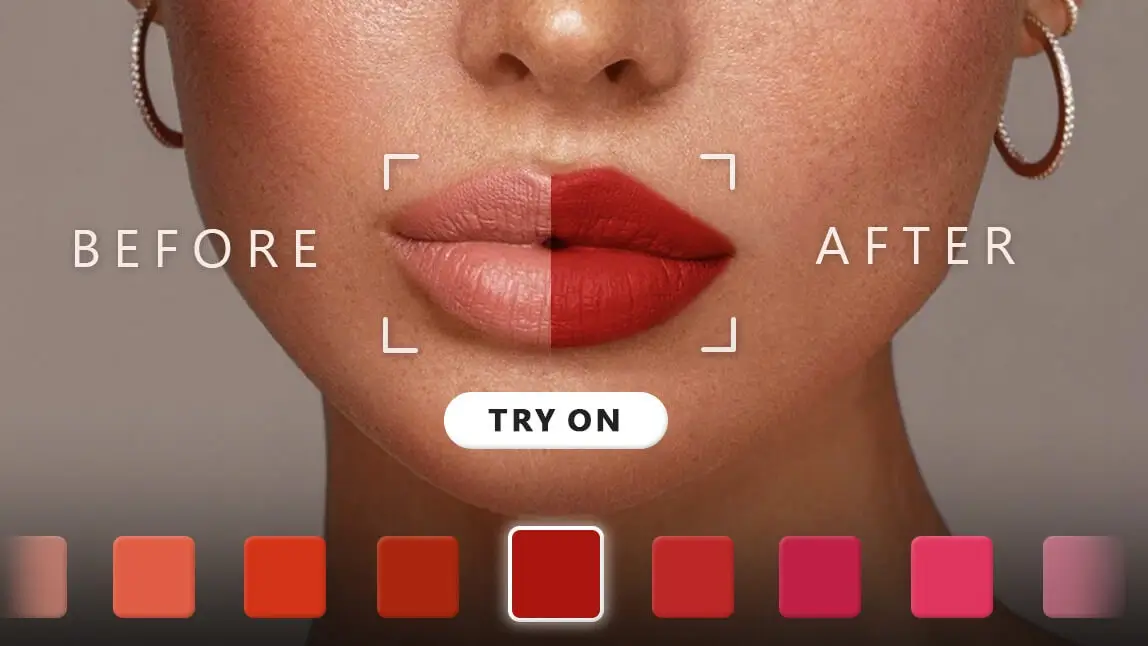
Virtual lipstick try-on is a digital preview of a real lip product. The shopper opens a camera (or uploads a selfie), picks a shade, and sees it applied to their own lips.
For a retailer, each virtual shade should map to a real SKU. That link turns a playful preview into a shopping tool: the shopper can compare shades, save a look and add the exact product to the cart.
How Virtual Lipstick Try-On Works
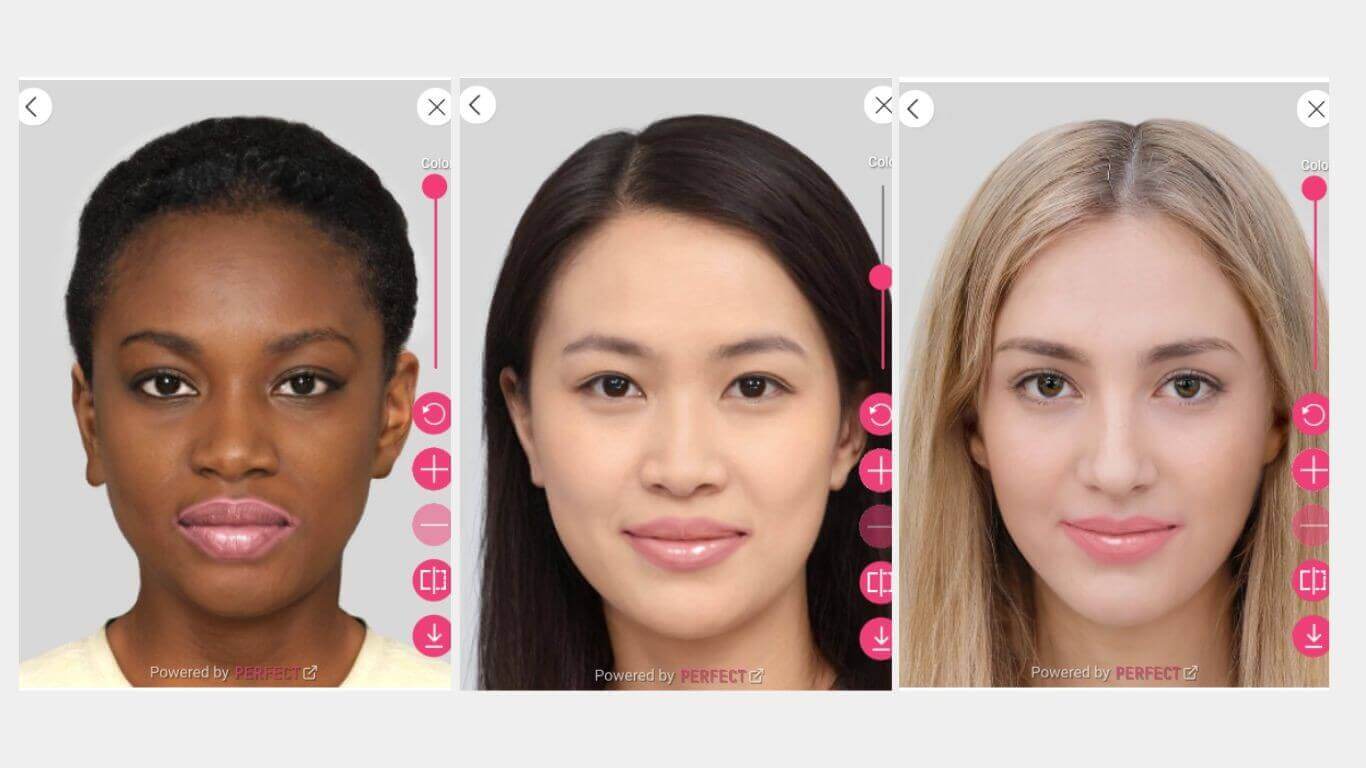
Most lip try-on engines handle three jobs in sequence. Perfect Corp's explainer on how virtual makeup try-on renders lipstick, blush and foundation covers the rendering layers in more depth.
1. Finding and tracking the lips
Computer vision locates the face, then maps landmark points around the lip line. The engine updates those points frame by frame, so the color stays in place when the shopper talks, smiles or turns their head.
2. Rendering color and finish
Color alone is not enough. A gloss needs moving highlights and some transparency, a matte needs a flat, even surface, and shimmer or metallic finishes need light-catching detail. A convincing preview simulates how each finish reacts to light as the head moves.
3. Matching shades to the shopper
A shade finder narrows a large catalog to a short list. Shoppers can compare colors and textures side by side on their own face instead of scrolling hundreds of swatches.
Beyond One Shade: Lip Effects Retailers Can Offer
Lip trends move quickly on social media, and many of them layer more than one product. A try-on that only shows a single flat color can't answer the questions shoppers ask about these looks.
| Lip effect | What the shopper sees | Shopper question it answers |
|---|---|---|
| Single color | One shade across both lips | "Does this shade suit me?" |
| Two-tone | Different shades on the upper and lower lip | "Do these two products work together?" |
| Ombré | A gradient from the outer edge to the center | "How does a blurred or gradient lip look on me?" |
| Lip liner | A defined outline in a chosen color and shape | "Which liner pairs with this lipstick?" |
| Lip art | Patterned or creative looks | "Can I try a trend look before a campaign or event?" |
| Texture | Matte, satin, sheer, gloss, shimmer, metallic or holographic | "Will I like this finish, not just this color?" |
Combination effects also support bundles. If a shopper likes a liner-and-lipstick pairing in the preview, you can present both SKUs together. For trend ideas, see our roundup of popular lip combos and the benefits of lipstick try-on.
Can Virtual Lipstick Try-On Deliver a Phygital Experience?
Yes, if you design for it. "Phygital" describes a journey where physical and digital touchpoints share the same products, data and experience. Shoppers already move between them: McKinsey projects e-commerce will reach about 31% of global beauty retail sales by 2030, while its 2025 industry conversation notes that physical retail remains the top source of beauty inspiration. Lip try-on can act as the thread between those moments.
Online: product pages and apps
Place the try-on button next to the shade selector, not on a separate page. Let shoppers save or share a look so they can pick it up later, on another device or in store.
In store: smart mirrors and tablets
A smart mirror lets shoppers try dozens of shades without touching a tester. The U.S. FDA advises consumers not to share makeup, and shared testers raise the same concern for many shoppers.
Social and search: discovery before the visit
Many shoppers meet a shade first on social media. Try-on experiences on social and search platforms let them test it right there, so the shade they ask for in store is the one they already liked.
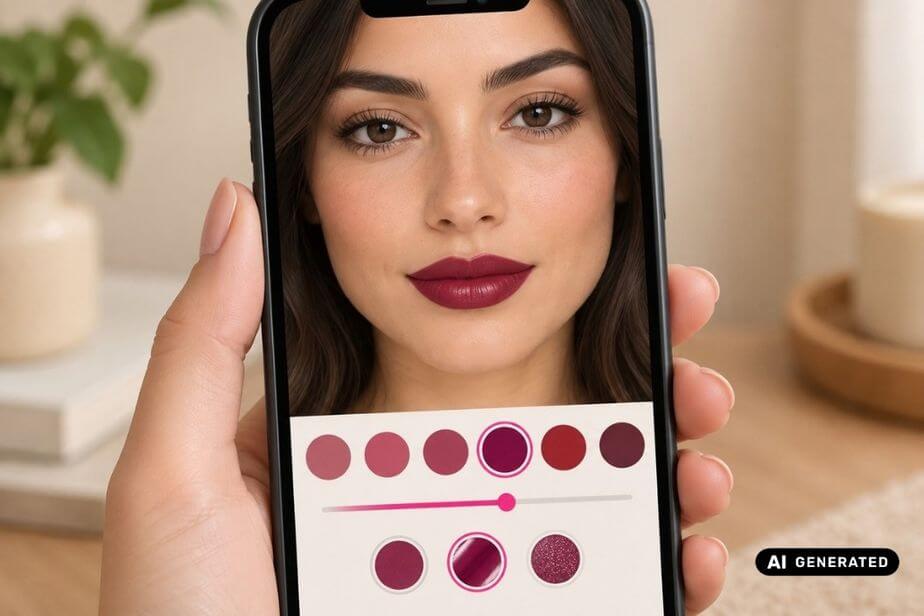
The common requirement is a single, accurate shade library. When the same digitized SKU drives every channel, the lipstick a shopper saved on their phone looks consistent on the store mirror. Our guide on how brands can market virtual try-on and AI tools covers how to promote the experience once it's live.
What to Check Before You Launch
- Shade accuracy: Compare each digitized shade with the physical product under several lighting conditions before going live, and recheck when formulas change.
- Inclusive testing: Test across a wide range of skin tones, lip shapes, ages and lighting setups.
- Device support: Browser try-ons have minimum device and OS requirements. Give unsupported devices a photo-upload or model option.
- Privacy and consent: Tell shoppers how camera images are used and stored, and confirm the setup meets the privacy laws in your markets.
- Useful, not just fun: A 2025 study of 634 consumers in Frontiers in Virtual Reality found informativeness shaped intention to use cosmetic try-on apps, and that too much playfulness can increase doubt. Pair the effect with clear shade names, finish details and a visible add-to-cart.
- Measurement: Track try-on usage, shades tried per session, add-to-cart from try-on, and in-store mirror sessions so you can compare channels.
How Perfect Corp Supports Lip Try-On Across Channels
Perfect Corp's AI makeup virtual try-on includes lip color with single-color, two-tone and ombré modes, lip art, lip liner with six special pattern types and textures such as matte, satin, sheer, gloss, shimmer, metallic and holographic. You can explore the lip color try-on demo, which includes a shade finder and lip shape options, and a separate lip liner try-on demo.
For deployment, the product page lists a Web SDK, a Mobile SDK, a Makeup Try-On API and a self-serve option for e-commerce platforms such as Shopify, along with try-on for in-store smart beauty mirrors and experiences on platforms like Google Search, YouTube and Snapchat. That range can help a retailer use one shade catalog across web, app, social and store, rather than building separate tools for each channel.
Bring Your Lip Shades Online and In Store
Perfect Corp can help makeup retailers connect lipstick discovery on mobile, web, social and in-store mirrors with one digitized shade library. Talk to our team about which lip effects and deployment options fit your catalog and stores.
Frequently Asked Questions
How accurate is virtual lipstick try-on?

Accuracy depends on how well each shade is digitized, how the engine renders finish and light, and the shopper's camera and lighting. Retailers should compare digital shades with physical products before launch and label the preview as a guide rather than an exact match.
Can shoppers try two-tone or ombré lips virtually?
Yes. Some lip try-on tools offer two-tone and ombré modes alongside single color, plus lip liner and lip art, so shoppers can preview layered looks before buying several products.
Does virtual lipstick try-on work in physical stores?
It can. Smart mirrors and tablets can run the same try-on used online, which lets shoppers test many shades without touching a shared tester.
What should retailers measure after launch?
Start with try-on engagement, shades tried per session, add-to-cart rate from try-on sessions and return reasons for lip products, then compare online and in-store mirror usage over the same period.



 English


