


Build Your Own AI Clothes App / Image & Video Studio with Claude Code + YouCam API | MiladiCode


In this step-by-step tutorial, we’ll build Velora, an AI image and video studio, from scratch with Claude Code and the YouCam API.
We’ll start with a cinematic Three.js landing page where an astronaut changes outfits as you scroll. Then we’ll build a virtual fitting room where you can try that idea with your own photos.
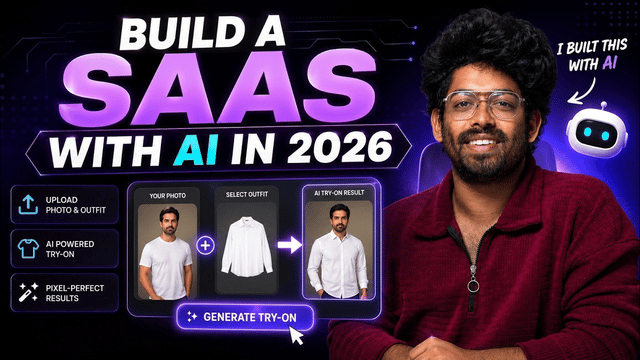
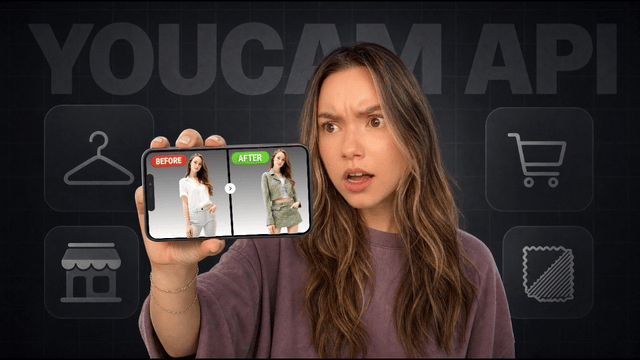
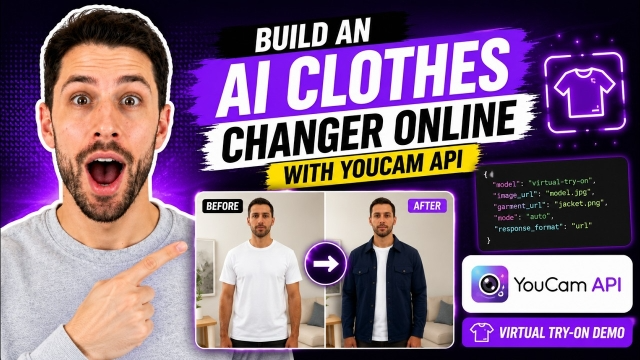
Virtual fitting room — Connect YouCam’s Fashion & Retail MCP server to Claude Code, test a real try-on, and connect the API to your website’s backend. Upload a photo, pick a garment, and drag the before-and-after slider to see how the outfit changes.
Background editor — Take your finished try-on into a new scene and choose an aspect ratio for the final image.
Video studio — Turn two product photos into a five-second commercial, test video face swapping, and save your images and videos to a history section where you can preview and download them later.
Related




 English


