


Snap a photo and AI finds your skin tone, undertone and foundation match in seconds. Free, no sign-up.
Find your foundation shade with a photo using a free AI skin tone finder. The camera-based scanner reads your skin tone, undertone (warm, cool or neutral) and depth, then recommends matching foundation shades you can virtually try on instantly. No download or registration required. For beauty brands, the same technology powers online shade matching that reduces wrong-shade returns and lifts conversion.
How to Find Your Foundation Shade Online in 3 Steps
Use this free foundation shade finder with your camera or a photo. No quiz needed.
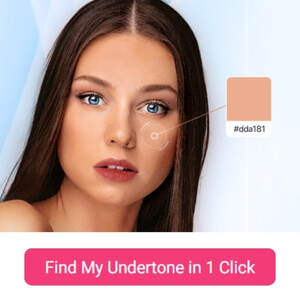
Open the Camera
Click the detect button above to start the AI skin tone scan on your phone or computer.

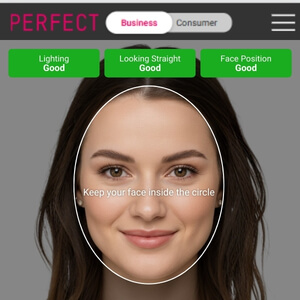
Take a Selfie in Natural Light
Face a window, remove heavy makeup and keep your face centered for the most accurate skin tone and undertone reading.
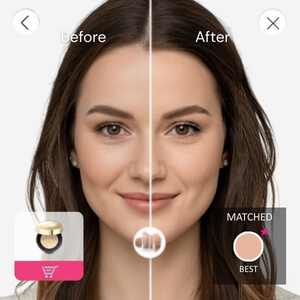
Get Your Shade Match
See your skin tone, undertone and recommended foundation shades, then virtually try each shade on your face.
Skin Undertone Test: Are You Warm, Cool or Neutral?
Your undertone is the color beneath the surface of your skin, and it decides whether a foundation looks natural or off. Skin tone (fair, light, medium, tan, deep) can change with the seasons, but your undertone stays the same.
Manual tests are easy to misread under indoor lighting. The AI undertone test with camera analyzes your selfie and returns warm, cool or neutral in seconds.
Does AI Shade Matching Work for Any Skin Tone?
Yes. Many shade finders struggle with deep and olive complexions because they rely on a short quiz or a small shade range. Perfect Corp.'s AI foundation shade finder is built on a database of 89,969 skin shades and analyzes depth, undertone and Fitzpatrick skin type together, so it can tell apart shades that look similar but lean red, gold or olive.
For the most accurate match on any skin tone:
AI Shade Finder vs. Shade-Matching Quizzes
Brand shade finder quizzes and shade comparison sites (such as Findation-style tools) ask you to pick your tone from swatches or enter a foundation you already own. That works if you already know one good match. An AI shade finder with photo works even if you are buying foundation for the first time.
Virtual Foundation Shade Finder | Trusted by MAC, KATE & Wardah
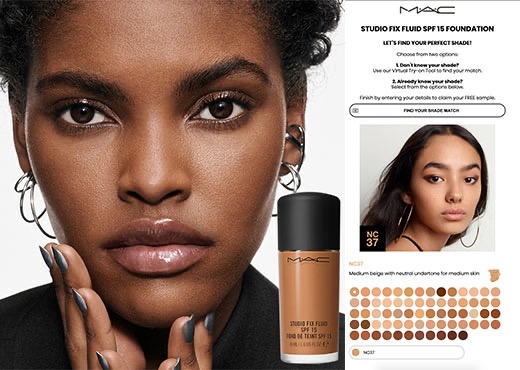
MAC
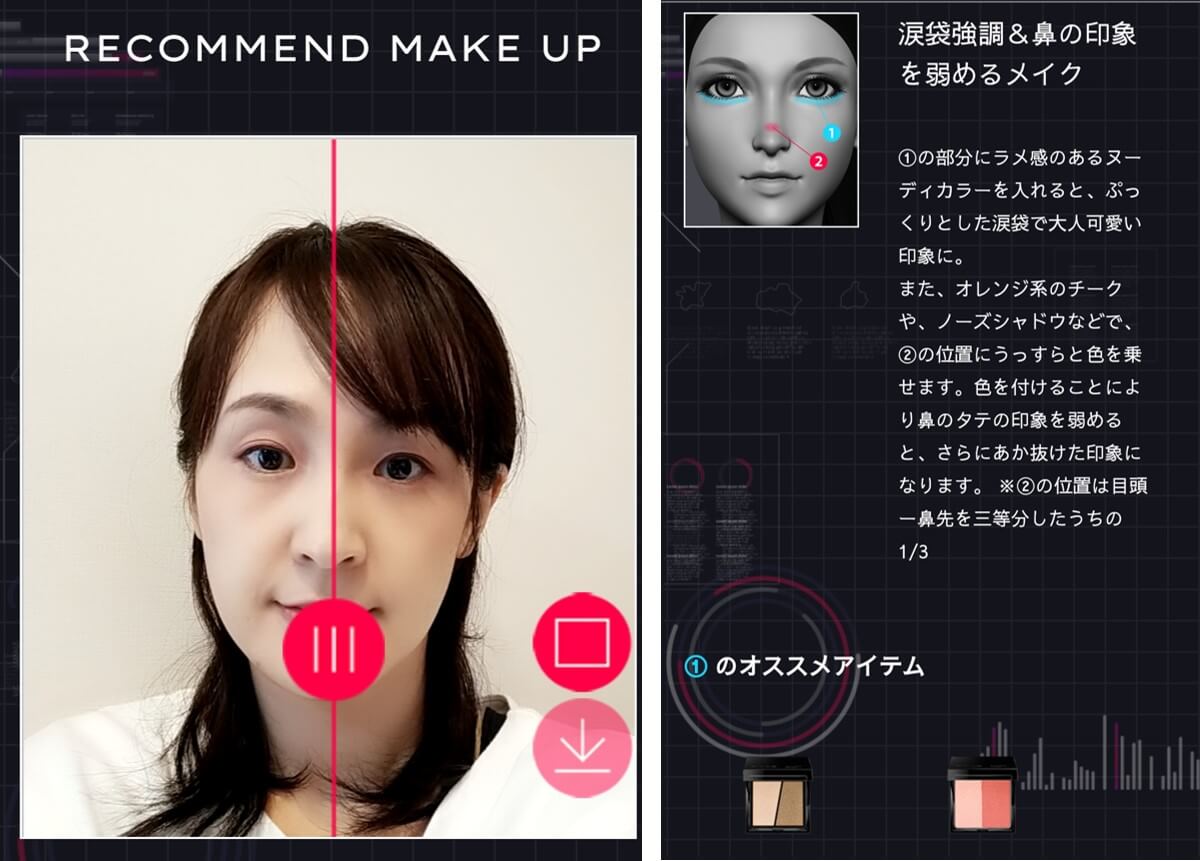
Perfect Corp.’s Shade Finder accuracy made it a natural fit for M·A·C, driving a 200% increase in customer engagement within the first month and delivering a seamless experience that exceeded our shoppers’ expectations.
KATE
Integrating Perfect Corp.’s foundation shade matching with undertone analysis made a real difference for our customers, driving over 2 million try-ons in the first week and a 30× increase in website traffic.

Wardah
Our collaboration with Perfect Corp.’s Foundation Shade Finder has been a powerful success, fueling a 134% surge in website traffic, and a nearly 29% engagement rate. More importantly, it really built confidence through for our diverse Halal beauty community.
Match Shades,
Maximize Sales with AI
Match Shades,
Maximize Sales with AI
💡 Up to 320% higher conversion rates
✨ Turn virtual shade try-ons into revenue with AI
Benefits of Adding a Skin Tone Scanner to Your Online Store
Shoppers enable the camera, take a photo, and the system matches their skin tone to the right foundation in your catalog. They can then try the shade on and see before-and-after results instantly.
This technology helps beauty brands:
Looking for an easy & affordable makeup ai try-on solution for eCommerce ?
Deliver a highly realistic online makeover experience with the most user-friendly virtual makeup try-on solution, tailored for small to mid-sized beauty e-commerce businesses.
Explore More AI Solutions:
Transform your shopping journey and discover the limitless potential of beauty tech.
AI Foundation Shade Finder FAQ
How do I know my right shade of foundation?

Your right foundation shade matches both your skin tone (depth) and your undertone (warm, cool or neutral). The fastest way is to take a selfie in natural light with a free AI foundation shade finder: it detects both and recommends matching shades you can virtually try on. If you test in store, swatch three shades on your jawline and pick the one that disappears into your skin.
Can I find my skin tone online using a photo?
Yes. Upload a clear, filter-free selfie or open your camera, and an AI skin tone finder analyzes your complexion in seconds. Perfect Corp.'s shade finder returns your skin tone, undertone and recommended foundation shades for free, with no download or sign-up.
Can AI find my undertone?
Yes. AI reads the subtle red, yellow and olive hues in your skin from a photo and classifies your undertone as warm, cool or neutral. It is more consistent than the vein or jewelry test, which is easy to misread under indoor lighting.
How do I tell if I'm warm or cool toned?
Check your undertone, not your overall skin color. Look at your wrist veins in natural light:
- Green veins: warm undertone
- Blue or purple veins: cool undertone
- A mix of both: neutral undertone
Gold jewelry usually flatters warm tones and silver flatters cool tones. Still unsure? An AI undertone test with camera gives you an instant answer.
How does the virtual foundation shade finder work?
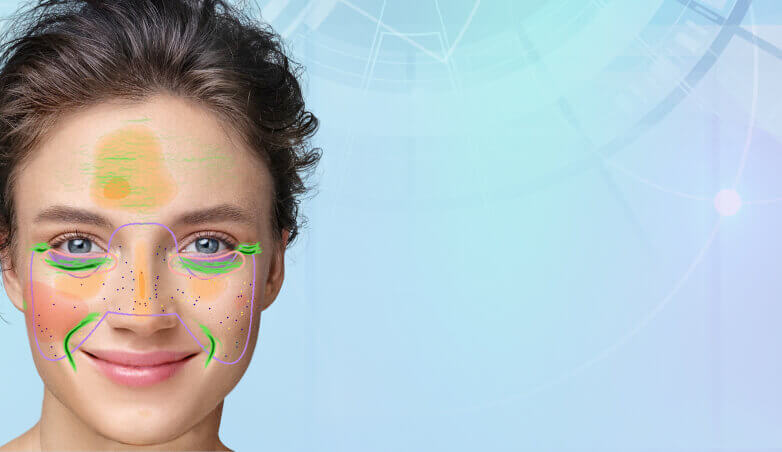
Perfect Corp.'s AI foundation shade finder uses deep learning trained on a database of 89,969 skin shades. It detects your skin tone, undertone and Fitzpatrick skin type from a photo or live camera, matches you to the closest foundation shades, and lets you virtually try them on in real time.
Is the AI foundation shade finder free?
Yes. The online shade finder demo is free to use with unlimited scans, and it works in your mobile or desktop browser without downloading an app or creating an account.
Is there an app to color match foundation?
Yes. You can use the browser-based shade finder on this page, or the AI foundation shade finder in the YouCam Makeup app. Beauty brands can also add the same foundation color match technology to their own website or app.
How do I choose a skin tint or cushion foundation shade online?
Skin tints and cushion foundations are sheerer, so undertone matters more than exact depth. Scan your face with the AI shade finder to get your undertone, then pick the tint or cushion shade in the same undertone family and virtually try it on before you buy.
Can I find my foundation shade using ChatGPT?
ChatGPT can suggest similar shades if you describe or upload a photo of a foundation you already use, but it does not measure your skin directly. To detect your actual skin tone and undertone and preview shades on your face, use a dedicated AI foundation shade finder like Perfect Corp.'s.
How can beauty brands add a foundation shade finder to their website?
Perfect Corp. provides the AI shade finder as a web module, SDK and API that maps results to your own foundation catalog. Brands such as MAC, KATE and Wardah use it to increase engagement and reduce wrong-shade returns. Contact sales for a free demo.
 English


